
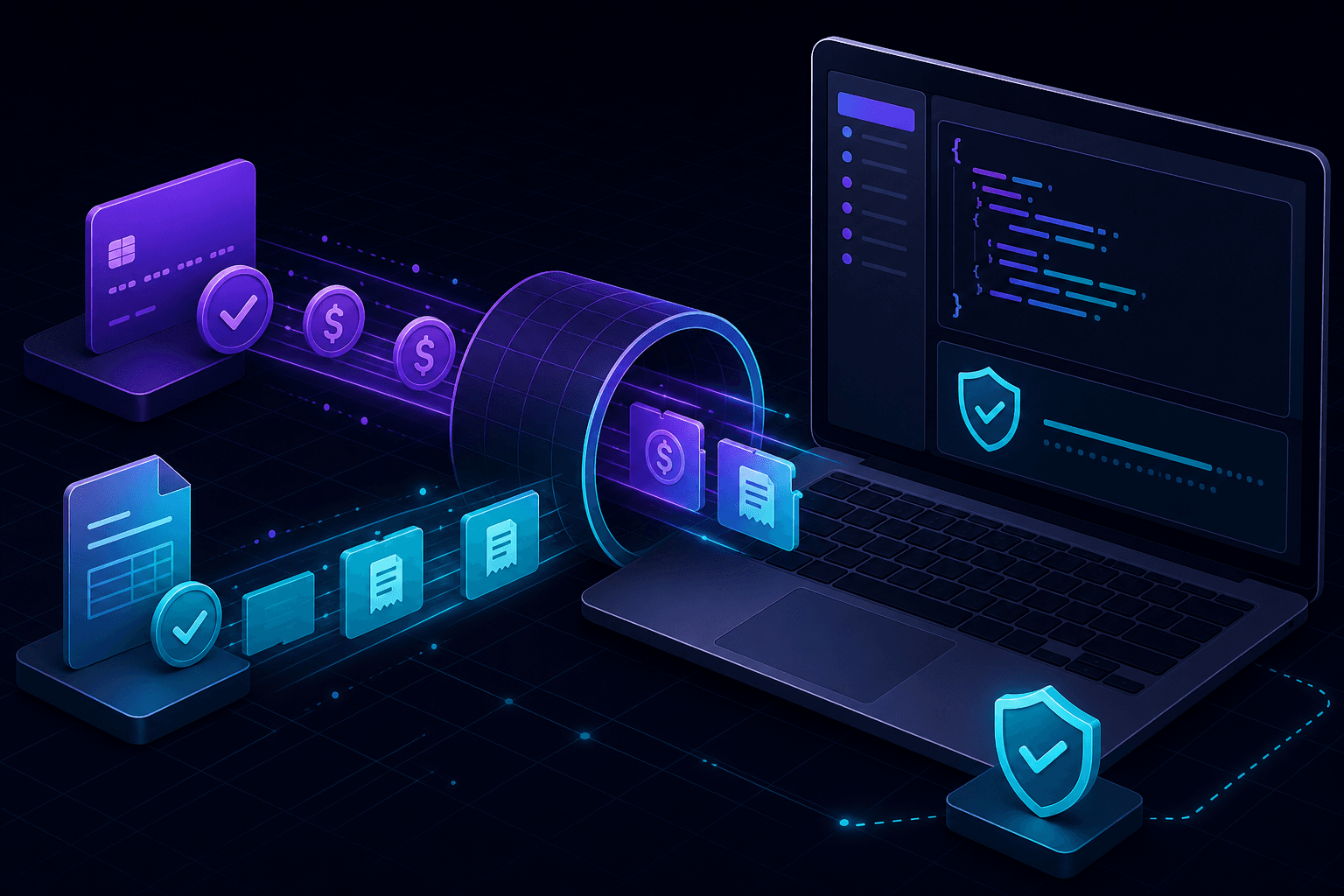
Stripe webhook local testing lets you validate payment event handlers on your machine before shipping to production. You run your app locally, expose it through a public HTTPS URL, and receive real Stripe test-mode events with full signature verification intact.
Why Stripe webhooks need a public URL
Stripe delivers webhook events over the public internet to a configured endpoint URL. Addresses like 127.0.0.1:3000 are unreachable from Stripe's servers, so local development requires a bridge. A localhost tunnel maps a public HTTPS URL to your local process without router or firewall changes.
What you need before testing
- A Stripe account in test mode.
- A local app with a webhook route (for example
/api/webhooks/stripe). - Your Stripe webhook signing secret configured in environment variables.
- A tunnel tool that preserves request headers for signature checks.
Step-by-step: Stripe webhook local testing with PortPreview
- Start your application locally on the target port.
- Run
npx portpreview 3000to generate a public HTTPS URL. - In the Stripe Dashboard, go to Developers → Webhooks and add the tunnel URL plus your webhook path.
- Select the events you want to test (for example
checkout.session.completed,invoice.paid). - Trigger test events from the Stripe Dashboard or CLI and inspect each delivery.
- Verify your handler returns a 2xx response and that signature validation passes.
PortPreview captures headers, body, and response status so you can debug failed deliveries without guessing from server logs alone.
Validate Stripe webhook signatures locally
Never disable signature verification during development. Stripe signs each payload with your webhook secret, and your handler should validate the Stripe-Signature header exactly as it does in production. Tunnel tools that preserve original headers let you test the real code path.
Common signature failures during local testing:
- Using the wrong webhook secret (Dashboard secret vs CLI secret).
- Reading a parsed JSON body before verification instead of the raw request body.
- Clock skew exceeding Stripe's tolerance window.
Events worth testing locally
Checkout and subscriptions
Test checkout.session.completed, customer.subscription.created, and invoice.payment_failed to confirm provisioning, access grants, and dunning logic.
Connect and marketplace flows
If you use Stripe Connect, validate account update events and transfer notifications with test connected accounts before going live.
Idempotency and retries
Stripe retries failed deliveries. Use webhook replay to confirm your handler processes duplicate events safely.
Stripe CLI vs localhost tunnel
The Stripe CLI can forward events with stripe listen --forward-to, which works well for quick checks. A localhost tunnel gives you a stable public URL you can paste into the Dashboard, share with teammates, and use across multiple providers—not just Stripe. Many teams use both: CLI for rapid iteration, tunnels for integration testing that mirrors production configuration.
When to move from local to staging
Local testing covers handler logic, payload parsing, and signature validation. Move to staging for environment-specific checks like managed secrets, database migrations, and end-to-end release pipelines. For day-to-day payment feature work, local Stripe webhook testing cuts iteration time from minutes to seconds.
Read our full guide on debugging webhooks locally, or start PortPreview free for webhook-first tunnel workflows.