
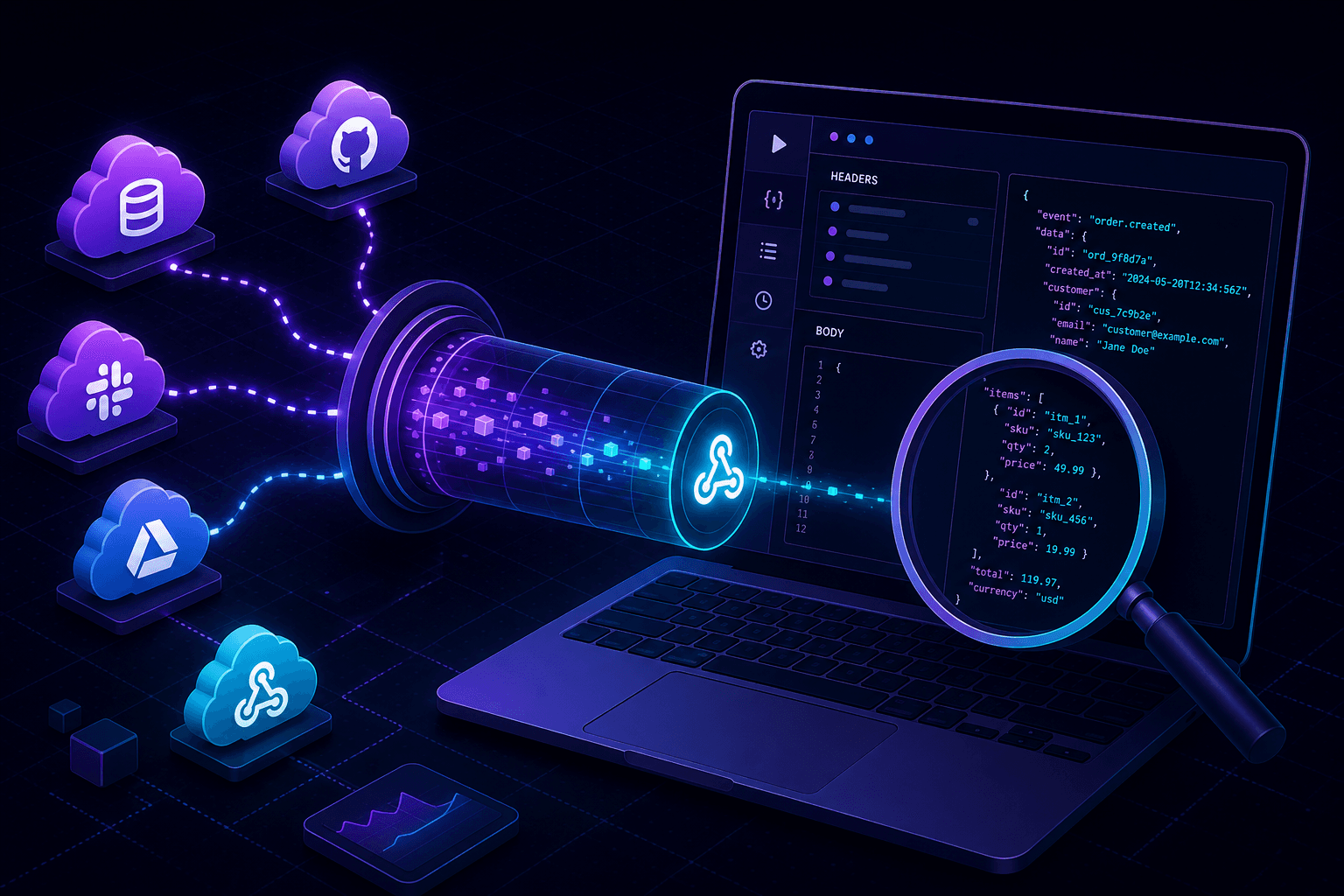
Local webhook debugging should be fast, repeatable, and close to production behavior. Yet most teams still deploy to staging just to answer basic questions: did the callback arrive, was the payload valid, and did signature verification pass?
The problem with staging-only webhook testing
The default workflow looks familiar: ship to staging, configure provider endpoints, trigger events, inspect logs, fix code, redeploy. Each cycle costs time and adds noise from shared environments.
When your goal is to validate handler logic, idempotency, or payload parsing, that overhead is unnecessary. You need a reliable way to debug webhooks locally while keeping full control of your dev stack.
What you need to test webhooks on localhost
To receive provider callbacks on your machine, three pieces must align:
- A running local app with webhook routes enabled.
- A public HTTPS endpoint mapped to that app.
- Request visibility for headers, body, status, and latency.
This is exactly what localhost tunneling provides: a secure bridge from external services to your local process.
Step-by-step: debug webhooks locally with PortPreview
- Start your application locally on the target port.
- Run
npx portpreview 3000to create a tunnel URL. - Paste the HTTPS URL into your provider dashboard (Stripe, GitHub, Twilio, Slack, etc.).
- Trigger test events and inspect each callback in real time.
- Replay captured requests with webhook replay to validate fixes without re-triggering upstream systems.
PortPreview preserves original headers, so provider signature checks remain meaningful during local testing.
Webhook debugging checklist by provider
Stripe webhook local testing
Verify event type routing, idempotency keys, and signature validation using Stripe test mode events. Capture raw payload bodies to confirm your handler parses nested objects correctly. See the dedicated guide on Stripe webhook local testing.
GitHub webhook debugging
Validate delivery headers, event filters, and repository-scoped authorization paths. Replay deliveries to test duplicate-event handling when GitHub retries failed endpoints. Full setup in GitHub webhook local testing.
Twilio and messaging callbacks
Inspect form-encoded payloads and response timing. Local debugging helps catch timeout and retry behavior before production traffic. See our dedicated guide on Twilio webhook local testing.
Best practices for reliable local webhook tests
Validate signatures in local mode. Do not bypass security checks during development; test the same code path you run in production.
Simulate retries and duplicates. Providers may deliver the same event more than once. Replay tooling helps confirm your handlers remain idempotent.
Capture request history. Keep a log of method, path, headers, and payload shape for every callback during feature work.
Reduce staging deploy churn. Use local webhook debugging for rapid iteration, then run final integration checks in staging before release.
When to move from local debugging to staging
Local tunnels are ideal for handler development and payload inspection. Move to staging for environment-specific checks such as managed secrets, network policies, and full release pipelines.
For day-to-day callback development, a localhost tunnel gives you faster feedback with less infrastructure overhead. If you are comparing tools, see our ngrok alternative guide and PortPreview vs localtunnel comparison focused on request inspection and open-source transparency.
Start PortPreview free for webhook-first tunnel workflows.