
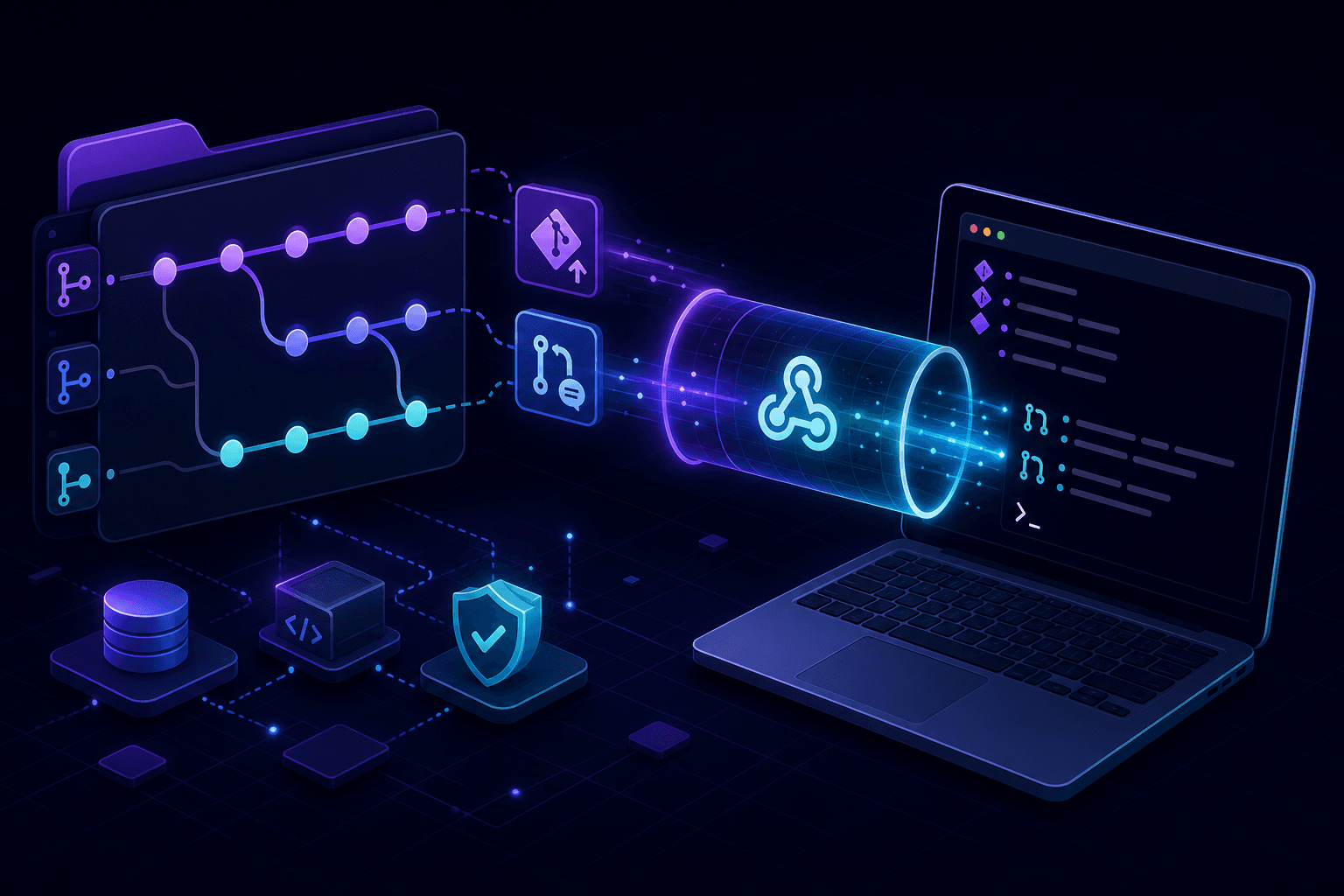
GitHub webhook local testing lets you receive push, pull request, issue, and workflow events on your machine without deploying to staging. Run a localhost tunnel, register the HTTPS URL in your GitHub App or repository settings, and debug handlers with full signature verification.
Why GitHub webhooks need a public endpoint
GitHub delivers webhook events as HTTP POST requests to a configured URL. Your local machine at 127.0.0.1 is not reachable from GitHub's servers. A localhost tunnel provides the public HTTPS endpoint GitHub requires.
GitHub Apps vs repository webhooks
Repository webhooks
Configured per repository under Settings → Webhooks. Good for testing a single repo's event handlers during feature development.
GitHub App webhooks
Configured at the app level in your GitHub App settings. Required when building integrations that serve multiple repositories or organizations.
Both delivery types use HMAC-SHA256 signature verification via the X-Hub-Signature-256 header.
Step-by-step: GitHub webhook local testing
- Start your local app with a webhook endpoint (for example
/api/webhooks/github). - Run
npx portpreview 3000to get a public HTTPS URL. - In GitHub, add the tunnel URL plus your webhook path as the payload URL.
- Set the content type to
application/jsonand select events to receive. - Generate a webhook secret and store it in your local environment variables.
- Trigger events (push a commit, open a PR, create an issue) and inspect deliveries.
- Verify your handler validates the signature and returns a 2xx response within 10 seconds.
Verify GitHub webhook signatures locally
GitHub signs every payload with your webhook secret. Your handler must:
- Read the raw request body before JSON parsing.
- Compute HMAC-SHA256 using your secret.
- Compare against the
X-Hub-Signature-256header using constant-time comparison.
Tunnel tools that preserve original headers let you test the real verification path. Never skip signature checks during local development.
Events to test locally
push— CI trigger logic, branch protection hooks, deployment pipelines.pull_request— review automation, label bots, merge checks.issues— issue tracker sync, assignment workflows.installation— GitHub App install/uninstall lifecycle.workflow_run— post-CI automation and artifact processing.
Debug failed GitHub webhook deliveries
GitHub retries failed deliveries with exponential backoff. Common local testing failures:
- Handler timeout (GitHub expects response within 10 seconds).
- Signature mismatch from parsing body before verification.
- Tunnel session expired while GitHub retries.
- Wrong event filter—handler receives events it does not process.
Use webhook replay to re-test failed deliveries without pushing new commits.
GitHub webhook testing vs smee.io
smee.io is a popular GitHub webhook proxy for local development. It works well for basic forwarding but lacks built-in request inspection and replay. PortPreview combines tunneling with capture and replay in one tool. For a broader webhook debugging guide, see how to debug webhooks locally.
Start PortPreview free for GitHub webhook testing with built-in request visibility.