
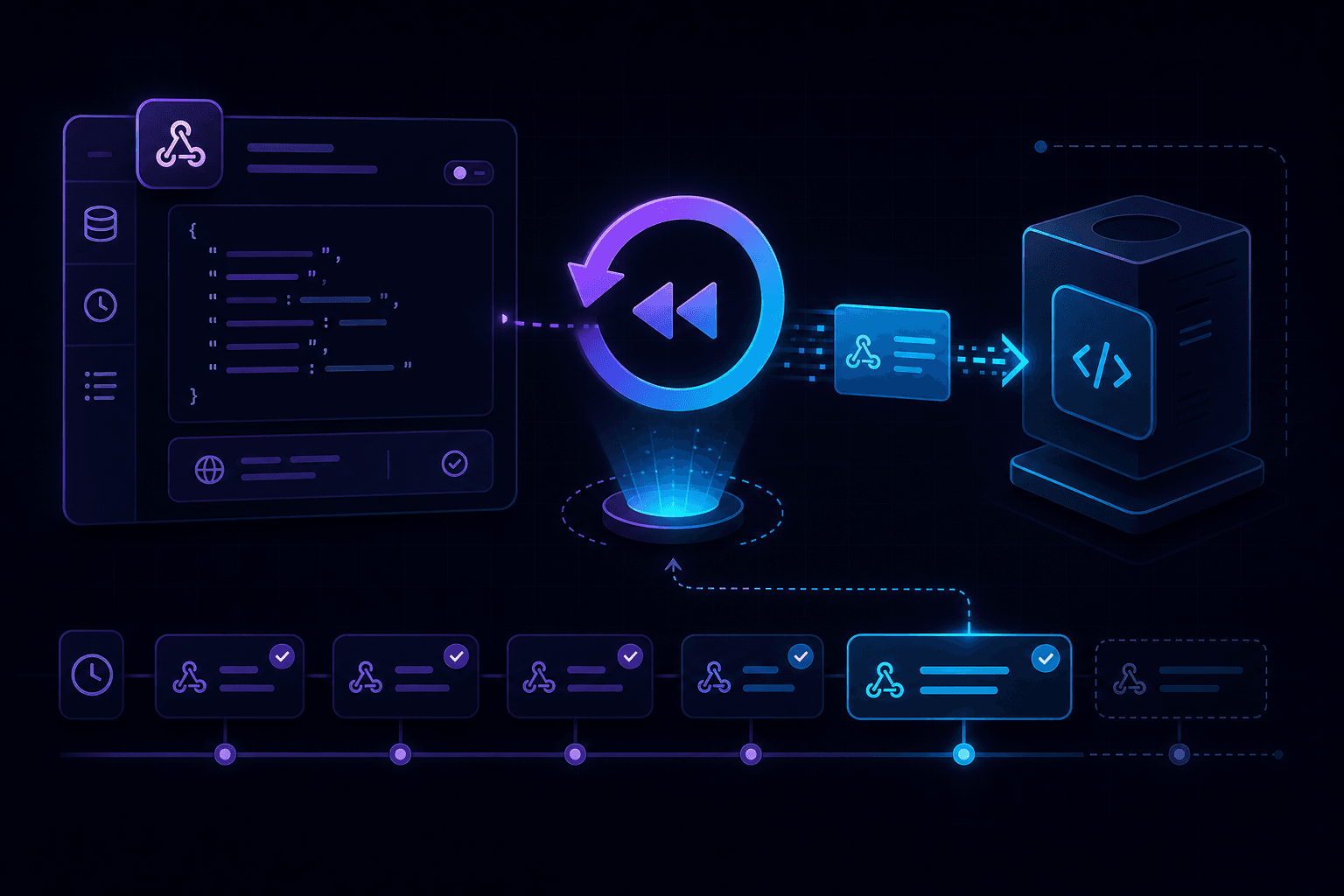
Webhook replay resends a previously captured HTTP callback to your local handler without asking the upstream provider to deliver the event again. Instead of re-triggering a Stripe charge, GitHub push, or Twilio message, you replay the exact request—headers, body, and all—from your request history.
Why webhook replay matters
Webhook debugging usually follows a painful loop: trigger an event, inspect the delivery, find a bug, fix code, trigger again. Re-triggering upstream events is slow, noisy, and sometimes impossible (one-time payment events, deleted resources, or rate-limited test APIs).
Replay collapses that loop. Capture once, fix your handler, replay the same payload until it passes—all without touching the external provider.
How webhook replay works
- A callback arrives at your tunnel URL and is forwarded to your local app.
- The tunnel tool captures the full request: method, path, headers, and body.
- You fix your handler code based on what you see in the captured request.
- You replay the captured request to your local endpoint with one action.
- Repeat until the handler returns the correct response.
This workflow requires a localhost tunnel with built-in request capture—not just traffic forwarding.
Webhook replay use cases
Handler development
Build and test webhook handlers iteratively. Replay the same Stripe checkout.session.completed event ten times while you refine parsing logic.
Idempotency testing
Providers deliver duplicate events during retries. Replay the same payload multiple times to confirm your handler processes duplicates safely without double-charging or duplicate records.
Signature verification debugging
When signature checks fail, replay the original request with intact headers to isolate whether the problem is in verification logic or payload parsing.
Regression testing
Save captured requests from production-like test events and replay them after refactors to catch breaking changes before deploy.
Webhook replay with PortPreview
- Start your app and run
npx portpreview 3000. - Configure your provider to send callbacks to the tunnel URL.
- Trigger a test event and inspect the captured request in PortPreview.
- Fix your handler, then replay the captured request.
- Verify the response status and body without re-triggering the provider.
PortPreview preserves original headers so provider signature verification remains meaningful during replay.
Replay vs re-trigger: when to use each
- Replay: handler logic bugs, payload parsing, idempotency checks, signature debugging.
- Re-trigger: testing provider-side event generation, verifying webhook registration, or end-to-end integration with live provider state.
For provider-specific setup, see guides on Stripe webhook local testing, GitHub webhook local testing, and Twilio webhook local testing.
Best practices for webhook replay
- Always validate signatures during replay, not just on first delivery.
- Test duplicate delivery by replaying the same event multiple times.
- Keep request history during feature branches for regression checks.
- Use test-mode credentials so replayed events never affect production data.
Start PortPreview free for webhook capture and replay built into your tunnel workflow.