
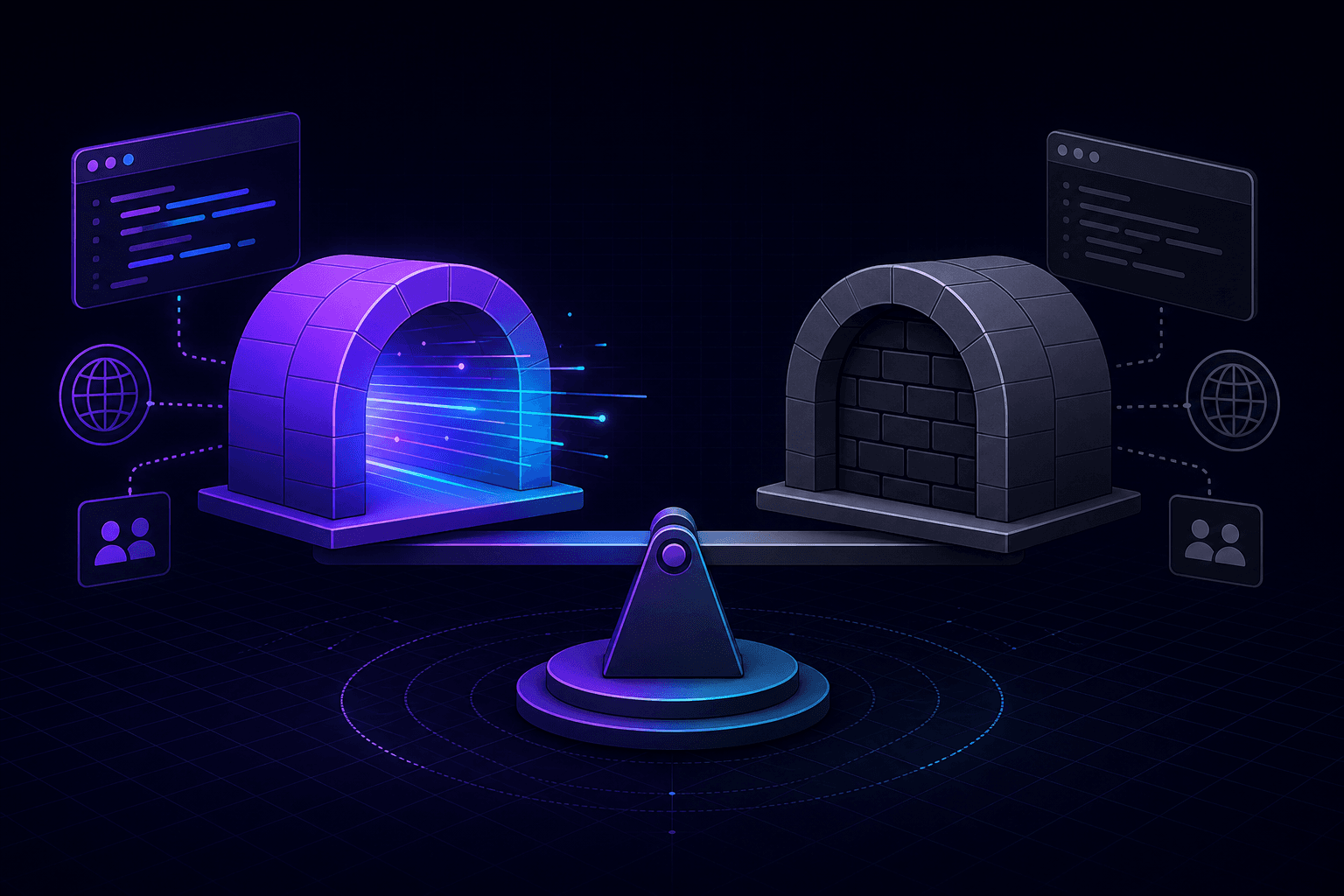
Developers searching for an ngrok alternative usually want the same core capability—a localhost tunneling tool that exposes local apps through a public HTTPS URL—plus better visibility into incoming traffic and more control over local forwarding behavior.
Why teams look beyond ngrok
ngrok popularized localhost tunneling, but modern development workflows have shifted toward webhook-heavy architectures, faster iteration cycles, and security-conscious tooling choices.
Teams evaluating alternatives often prioritize:
- Open-source client transparency
- Built-in request inspection and replay
- Simple onboarding for webhook debugging
- Predictable local port forwarding behavior
- Secure HTTPS tunnels without network reconfiguration
PortPreview was built around those requirements.
PortPreview vs ngrok: feature comparison
Both tools solve baseline localhost tunneling, but they optimize for different developer experiences:
- Public HTTPS URL: both provide internet-reachable endpoints for local apps.
- Webhook debugging: PortPreview emphasizes request history, payload inspection, and replay in the primary workflow.
- Client transparency: PortPreview CLI is open source and auditable.
- Setup friction: both support low-config startup; PortPreview uses outbound WebSocket tunneling by default.
- Team trust: open-source forwarding logic helps security reviews and local compliance checks.
If you are new to tunnel concepts, start with what localhost tunneling is and why it matters.
Open-source tunnel CLI and trust
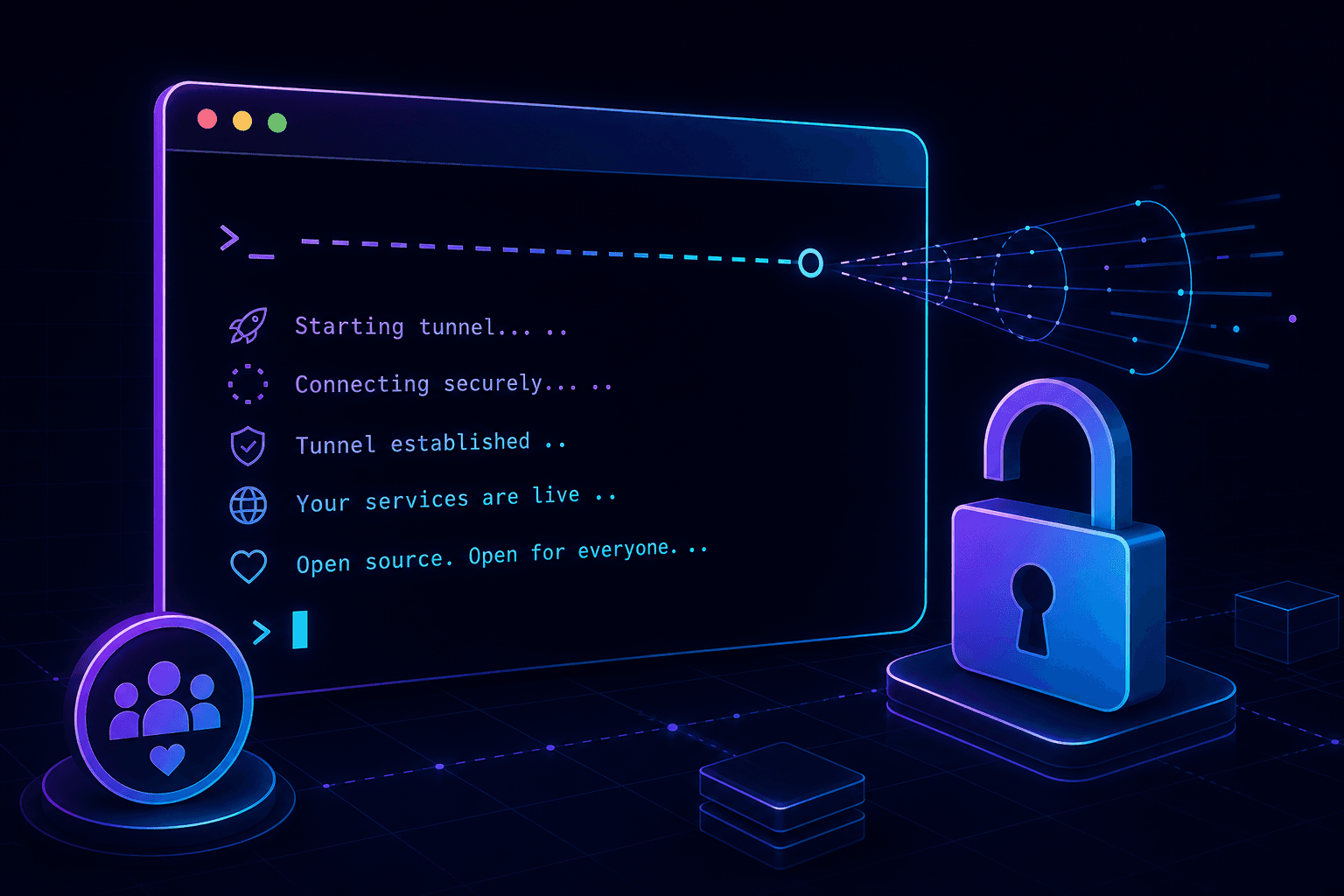
Security and platform teams increasingly ask what local tunnel clients actually do. PortPreview's open-source CLI makes that answer inspectable: it forwards only the selected local port and does not read unrelated files, environment variables, or secrets.
That transparency matters when tunnel software runs on developer laptops with production credentials and customer data nearby.
Built-in request inspector for callback workflows
Many ngrok users switch tools when webhook debugging becomes daily work. Inspecting headers, payload shape, response timing, and retry behavior should not require external proxies or manual log stitching.
PortPreview captures each request passing through your tunnel so you can debug callbacks where they fail: at the boundary between external providers and your handler code. For a practical workflow, read how to debug webhooks locally.
Developer experience: one command to expose localhost
Getting started should stay simple:
npx portpreview 3000You receive a secure public URL, live traffic logs, and replay utilities without changing application architecture. That keeps local development fast while preserving production-like callback behavior.
Which localhost tunneling tool should you choose?
Choose ngrok if your organization is already standardized on it and your needs are basic exposure-only tunneling.
Choose PortPreview if you want an ngrok alternative optimized for secure localhost exposure, webhook debugging, and open-source client transparency in a single workflow. Also see PortPreview vs localtunnel if you are comparing lightweight tunnel options.
Start PortPreview free or review the project on GitHub to evaluate the CLI yourself.