
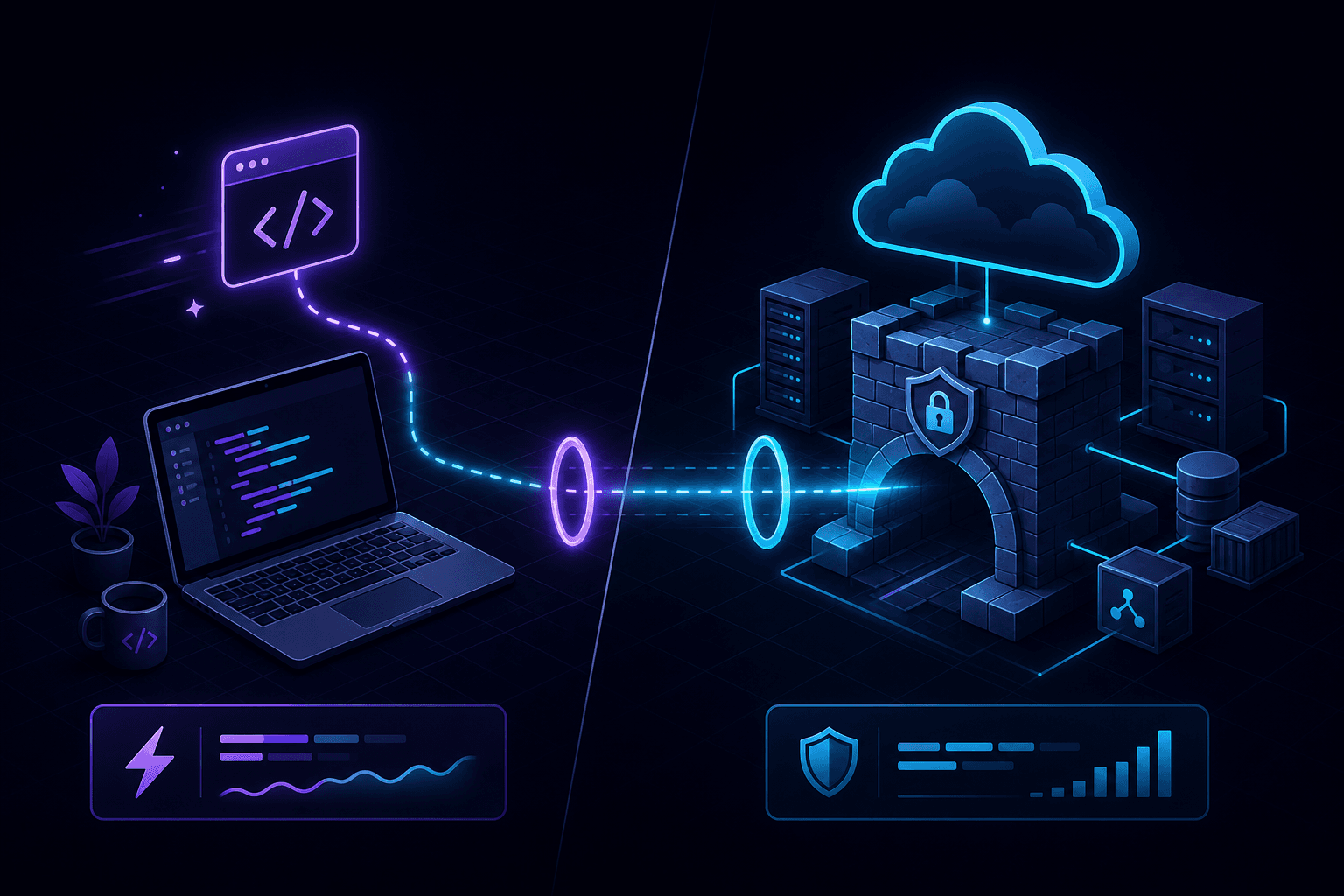
This isn't really a versus. Cloudflare Tunnel (cloudflared) and PortPreview live in different rooms. Cloudflare Tunnel is for keeping a service permanently online behind Cloudflare's edge — Zero Trust, named tunnels, custom domains. PortPreview is for the next twenty minutes of your dev session — webhook testing, mobile QA, sharing a branch with a designer. Picking between them is mostly about which problem you actually have.
What Cloudflare Tunnel is good at
cloudflared was built for one thing: putting a service on the internet without opening a single inbound port and without exposing your origin IP. Run it on a server, attach a named tunnel to a hostname on your Cloudflare domain, and traffic flows through Cloudflare's edge to your origin over an outbound connection your machine initiated.
Things it does well:
- Production routing. The named-tunnel feature is durable. You can run cloudflared as a service and the hostname keeps working across restarts.
- Zero Trust access policies. Gate the tunnel behind SSO, MFA, or IP allowlists for internal-tool exposure.
- Custom domains. Bring your own domain on Cloudflare. Tunnel terminates at
your-domain.com, not at a vendor subdomain. - WARP routing. Reach private services from any device on the Cloudflare network without VPN setup.
None of those things are about webhook debugging.
Where Cloudflare Tunnel gets awkward for dev
The quick tunnel mode (cloudflared tunnel --url localhost:3000) is the closest cloudflared comes to a dev tool, and it works. You get a *.trycloudflare.com URL pointing to your local port. But:
- The URL rotates each session, like most dev tunnels.
- There's no built-in request inspector. You see what your dev server logs and nothing more. Capturing a webhook payload to replay later requires bolting on a separate proxy or logger.
- Setup for named tunnels (the stable-URL version) involves a Cloudflare account, DNS records, and a config file. Worth it for a long-lived service; overkill for a webhook iteration session.
Where PortPreview fits
PortPreview is a localhost tunneling CLI for the dev loop. One command, public HTTPS URL, request capture and replay built in.
npx portpreview 3000The thing we optimize for is the moment between "I changed my Stripe webhook handler" and "I know whether it works". That moment should be seconds. Capture the payload, fix the handler, replay until it's green, all without re-triggering the upstream event.
Side-by-side
| Need | Cloudflare Tunnel | PortPreview |
|---|---|---|
| Quick session for webhook debugging | Possible (quick tunnel) | Built for this |
| Request capture and replay | No | Yes |
| Stable named hostname | Yes (with setup) | Not the default focus |
| Custom domain | Yes | Tunnel subdomain |
| Zero Trust access policy | Yes | No |
| Setup complexity | Low for quick, medium for named | One command |
| Run forever as a service | Yes | Designed for sessions |
| Open-source client | Yes (cloudflared) | Yes |

When to use each
Use Cloudflare Tunnel when
- You need a service online 24/7 without opening firewall ports.
- You want SSO-gated access to an internal dashboard or admin tool.
- You need a stable custom-domain URL backed by a real CA cert and your existing Cloudflare DNS.
- You're already on Cloudflare and the marginal setup cost is small.
Use PortPreview when
- You're iterating on a webhook handler and want one-click replay.
- You want to share a branch with a designer for ten minutes.
- You're testing OAuth callbacks or mobile flows without setting up DNS.
- You'd rather not manage a Cloudflare account just to test a Stripe event.
They cohabit fine
Several teams we've talked to use both. Cloudflare Tunnel for the always-on internal tool that needs a fixed URL and SSO. PortPreview for the daily webhook debugging that needs replay and a single command. They don't conflict — they just serve different parts of the dev-to-prod arc.
If you're also weighing ngrok or localtunnel, those comparisons might be more directly relevant. Start PortPreview free for the dev-loop side.