
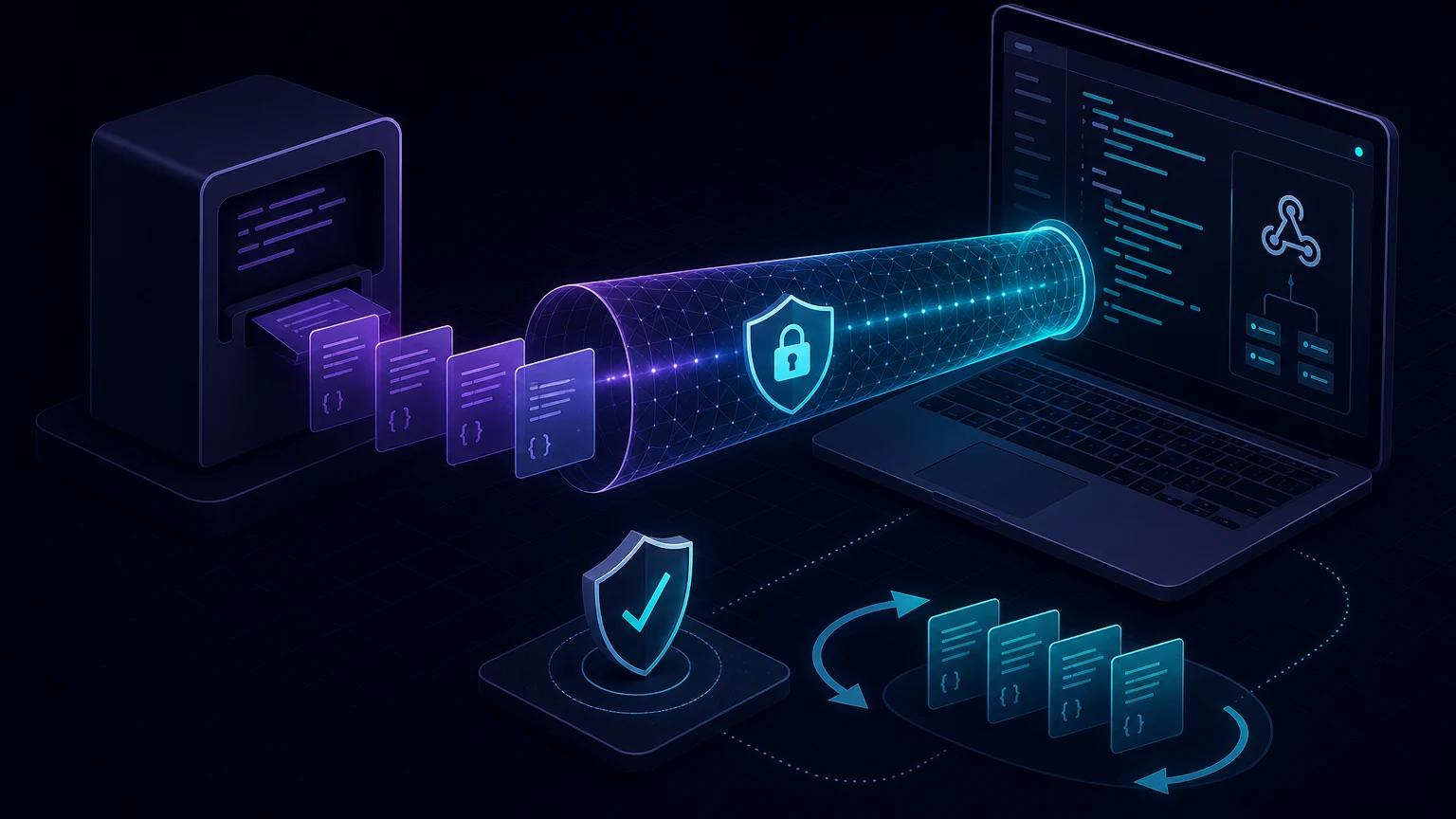
To test PayPal sandbox webhooks on localhost, run your listener locally, expose its route through a public HTTPS tunnel, register that URL on a sandbox app, and trigger either a real sandbox transaction or a mock event in PayPal's Webhooks Simulator. Keep signature verification enabled: simulator events and app-associated sandbox events have an important verification difference explained below.
Why PayPal cannot send directly to localhost
PayPal delivers webhook notifications from its own servers. An address such as http://localhost:3000/api/paypal points to PayPal's machine from PayPal's perspective, not yours. A localhost tunnel gives the local process a public HTTPS address while leaving the application on your computer.
The official PayPal Webhooks Simulator documentation says its listener must be reachable over HTTPS on port 443. A tunnel handles that public TLS endpoint and forwards the request to any local port, such as 3000 or 8080.
Choose the right PayPal test path
Mock simulator events for listener development
The simulator can send representative events, including payment captures, refunds, and billing events, without creating a transaction. This is the fastest way to confirm routing, JSON parsing, response codes, and event dispatch. Mock events are not tied to a REST app, do not appear in the app's webhook event viewer, cannot be resent, and do not represent real transactions.
Real sandbox events for end-to-end behavior
For a realistic integration, create a REST app in the PayPal Developer Dashboard, add the tunnel endpoint as a webhook, select the required event types, and complete a sandbox checkout or API operation. Those events belong to the sandbox app and exercise the same app credentials, webhook ID, event viewer, and resend workflow you will use before production.
Set up a PayPal webhook on localhost
- Start your application and confirm the route works locally:
curl -i -X POST http://localhost:3000/api/webhooks/paypal -H 'content-type: application/json' -d '{"event_type":"LOCAL.PING"}'. - Run
npx portpreview 3000and copy the generated HTTPS URL. - Build the full callback, for example
https://your-subdomain.portpreview.dev/api/webhooks/paypal. - For mock testing, paste it into the Webhooks Simulator and select an event. For app testing, add it under your sandbox REST app's webhook settings.
- Send an event and inspect the incoming method, PayPal headers, raw body, handler logs, and HTTP response.
Subscribe only to events your application handles. A broad subscription creates noise and makes it easier to accidentally run business logic for an event you never modeled.
A practical Express listener
import express from 'express';

const app = express();
app.use(express.json({ verify: (req, _res, buf) => {
  req.rawBody = Buffer.from(buf);
}}));

app.post('/api/webhooks/paypal', async (req, res) => {
  const event = req.body;

  // Verify first; do not fulfill an order from untrusted JSON.
  const verified = await verifyPayPal(req.headers, event);
  if (!verified) return res.status(401).send('invalid signature');

  // Claim the event ID atomically so retries cannot duplicate work.
  const firstDelivery = await claimEvent(event.id);
  if (!firstDelivery) return res.sendStatus(200);

  if (event.event_type === 'PAYMENT.CAPTURE.COMPLETED') {
    await markOrderPaid(event.resource.id);
  }

  return res.sendStatus(200);
});

app.listen(3000);
Keep acknowledgement work short. Store the event, return a 2xx response, and perform slow email or fulfillment work in a queue. The event ID is the natural idempotency key; enforce a unique database constraint rather than relying on an in-memory set.
Verify PayPal signatures correctly
PayPal sends transmission metadata in headers including PAYPAL-AUTH-ALGO, PAYPAL-CERT-URL, PAYPAL-TRANSMISSION-ID, PAYPAL-TRANSMISSION-SIG, and PAYPAL-TRANSMISSION-TIME. For app-associated events, you can submit those values, the webhook ID, and the event to the sandbox /v1/notifications/verify-webhook-signature API. A successful HTTP response is not enough; require verification_status to equal SUCCESS. PayPal also documents local cryptographic verification in its webhook integration guide.
Simulator caveat: PayPal's postback verification endpoint does not support mock simulator events. PayPal documents the literal webhook ID WEBHOOK_ID for self-verifying a simulator signature. Do not confuse that special value with the real webhook ID assigned to a sandbox app. If your immediate goal is testing the postback API itself, generate an actual sandbox transaction instead of a mock simulator event.
Validate that any certificate URL follows PayPal's documented rules before downloading it, retain the exact event representation required by the verification method, and never log access tokens, client secrets, signatures, or complete payment payloads.
Test the events that change money or access
PAYMENT.CAPTURE.COMPLETED: grant fulfillment only after checking expected order identifiers, amount, currency, and capture status.PAYMENT.CAPTURE.REFUNDED: reverse entitlements safely and support partial refunds.- Checkout order events: distinguish approval from a completed capture; approval alone is not proof that funds were captured.
- Subscription events: test activation, suspension, cancellation, failed payment, and out-of-order delivery against your billing state machine.
Provider events are notifications, not unquestionable database commands. For sensitive transitions, retrieve the referenced PayPal resource with authenticated API credentials and compare it with your own order record.
Troubleshoot failed local deliveries
The simulator cannot connect
Confirm the URL starts with https://, includes the exact webhook path, and still points to a running tunnel. Test the public URL yourself with curl. A 404 usually means the path or framework route is wrong; a 502 generally means the tunnel cannot reach the local process.
The handler returns 401
First determine whether the event came from the simulator or a registered sandbox app. Check the webhook ID and verification method accordingly. Then verify that proxies preserved all PAYPAL-* headers and that you are not mixing live credentials with api-m.sandbox.paypal.com.
PayPal retries or marks delivery failed
Return a 2xx only after the event has been durably accepted. Avoid redirects, HTML error pages, authentication middleware, and long synchronous jobs on the route. Use the event viewer for real app events and the simulator result for mock delivery diagnostics. See the retry and idempotency guide for durable processing patterns.
Security checklist before going live
- Use separate sandbox and live client credentials, webhook IDs, and endpoint secrets.
- Verify every signature before parsing business fields or changing state.
- Deduplicate by PayPal event ID and make fulfillment transactions atomic.
- Allow only
POST, cap request size, apply rate limits, and keep the tunnel URL private when possible. - Redact buyer data and credentials from logs; rotate anything exposed during debugging.
- Replace the temporary tunnel URL with a stable production endpoint and repeat signature and retry tests.
For the complete event and verification schemas, use PayPal's primary Webhooks API reference. For framework-independent details on raw bodies and safe comparisons, read the webhook signature verification guide.