
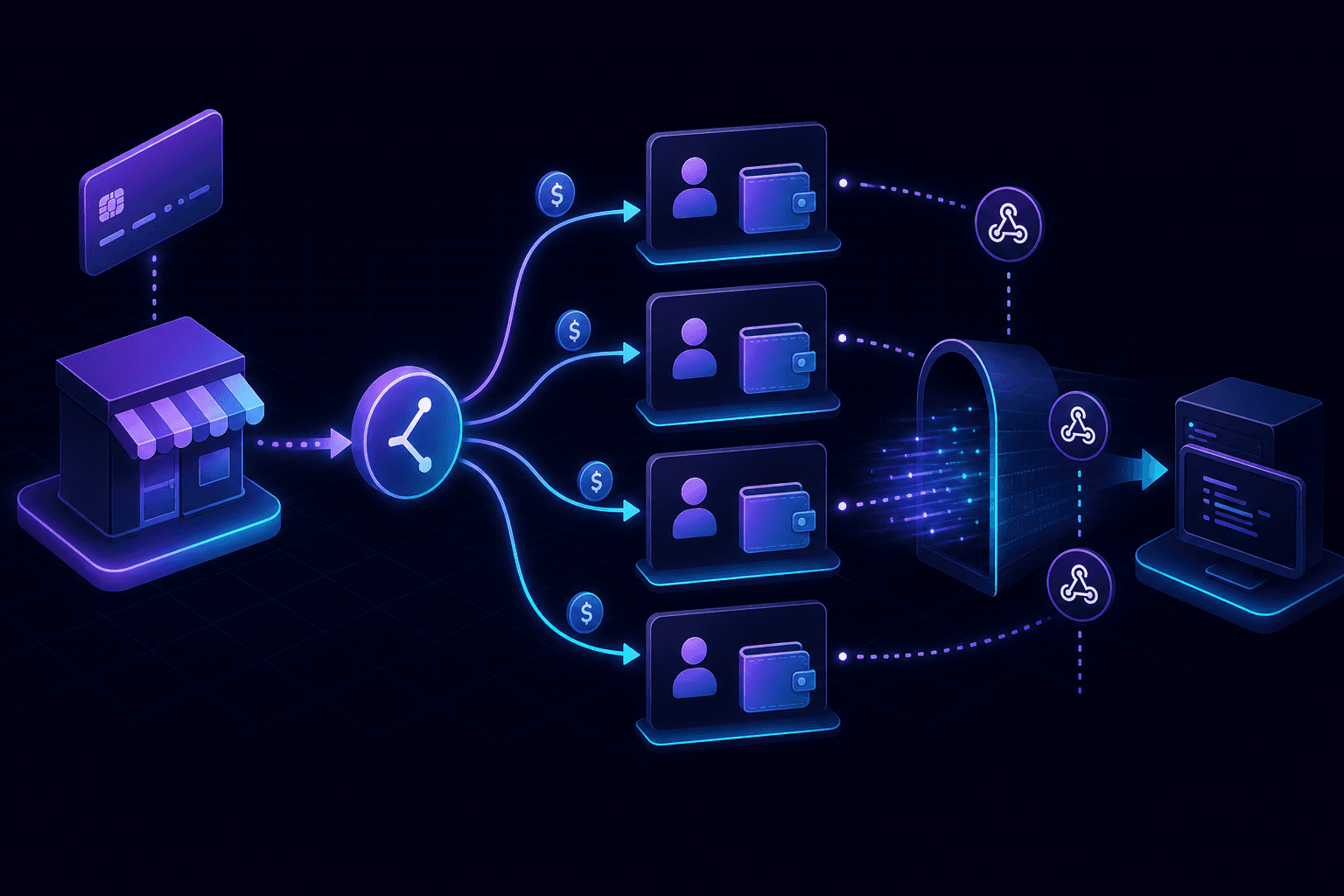
Stripe Connect is a different webhook ecosystem from regular Stripe. The signature math is the same. Everything else is different. If you've been hunting for why your Connect handler silently ignores account.application.deauthorized, this article is for you.
Connect changes which events you receive
Regular Stripe webhooks come from your platform account: charges, customers, subscriptions. Connect webhooks come from connected accounts and from Connect-specific lifecycle events on your platform. The list overlaps a lot but includes events you only see with Connect enabled:
account.updated— verification status, capabilities, requirementsaccount.application.deauthorized— connected account revoked your accesscapability.updated— payouts/transfers activation statesperson.created,person.updated— for Custom and Express accountspayout.failed,payout.paid— on the connected account, not your platform
Most teams discover this after deploying. Local testing surfaces the problem in minutes instead.
The Stripe-Account header changes everything
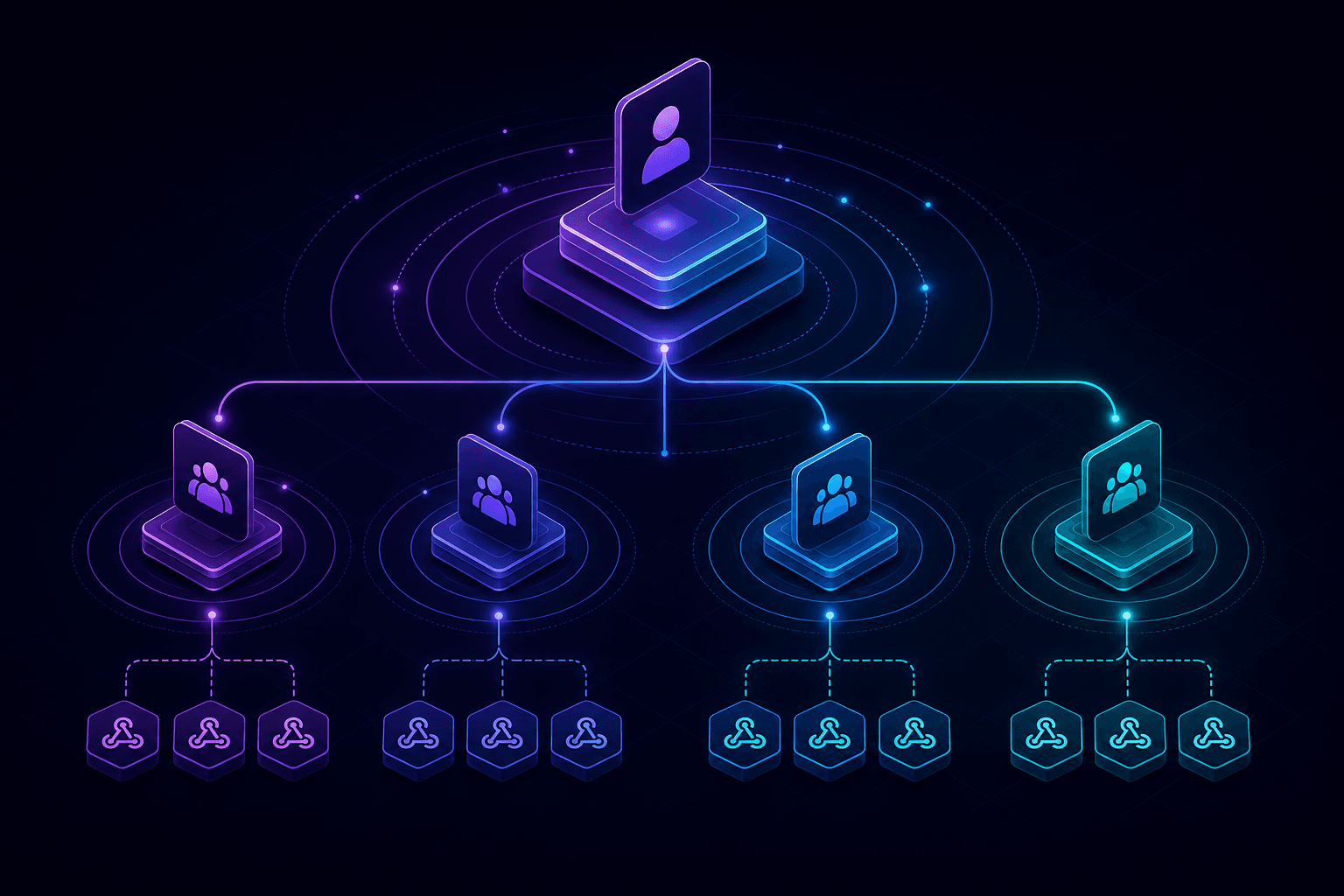
When an event happens on a connected account, Stripe attaches a Stripe-Account header with the connected account's ID (acct_xxx). Your handler needs to route on that header, not on whatever's inside the payload.
const connectedAccountId = req.headers['stripe-account'];
const event = stripe.webhooks.constructEvent(
  rawBody,
  req.headers['stripe-signature'],
  endpointSecret,
);

// Now process the event in the context of connectedAccountId
await handleConnectEvent(event, connectedAccountId);
If you forget to read the header, your handler treats every Connect event as if it happened on your platform. Bugs from this pattern usually show up as "the payout shows for the wrong merchant".
Testing Connect locally with PortPreview
Setup is the same as regular Stripe local testing, plus one extra step:
- Run your platform app locally.
- Start a tunnel:
npx portpreview 3000. - In the Stripe dashboard, add the tunnel URL as a webhook endpoint and check the Events on Connected accounts option. This is the toggle that changes the entire event stream.
- Use a test Express or Custom connected account. The Stripe test mode includes a fake "Jenny Rosen" account creator that fires realistic events.
- Trigger events from the Connect test interface: complete onboarding, request a payout, deauthorize an account.
The deauthorization flow is the hard one
When a connected account revokes your application's access, Stripe fires account.application.deauthorized exactly once. If your handler crashes, returns a 5xx, or doesn't acknowledge the event in time, Stripe retries — but the connected account is already gone. Your subsequent API calls for that account return 401.
Test the deauth flow carefully. Use the Connect test mode to deauthorize the test account, capture the webhook, and run your cleanup logic against the captured payload. Replay until the path is bulletproof.
Express vs Standard vs Custom
The account type changes which person/capability events you receive. Express and Custom accounts emit person.* events because your platform helps complete onboarding. Standard accounts handle their own onboarding through Stripe-hosted screens, so you see fewer events. If you're switching account types mid-project — and people do — your webhook handler needs adjustment.
What we'd actually do
For a real marketplace with platform-level analytics and per-merchant reporting, build two distinct handler paths from day one: one for platform events (no Stripe-Account header), one for connected-account events. Route at the top of the function. This avoids 90% of the "is this for us or for the merchant" bugs later.
Connect webhooks share Stripe's signature scheme, so the verification mechanics are identical to regular Stripe webhook testing. For background on signature math across providers, see the signature verification guide. Start PortPreview free to test Connect with capture and replay built in.