
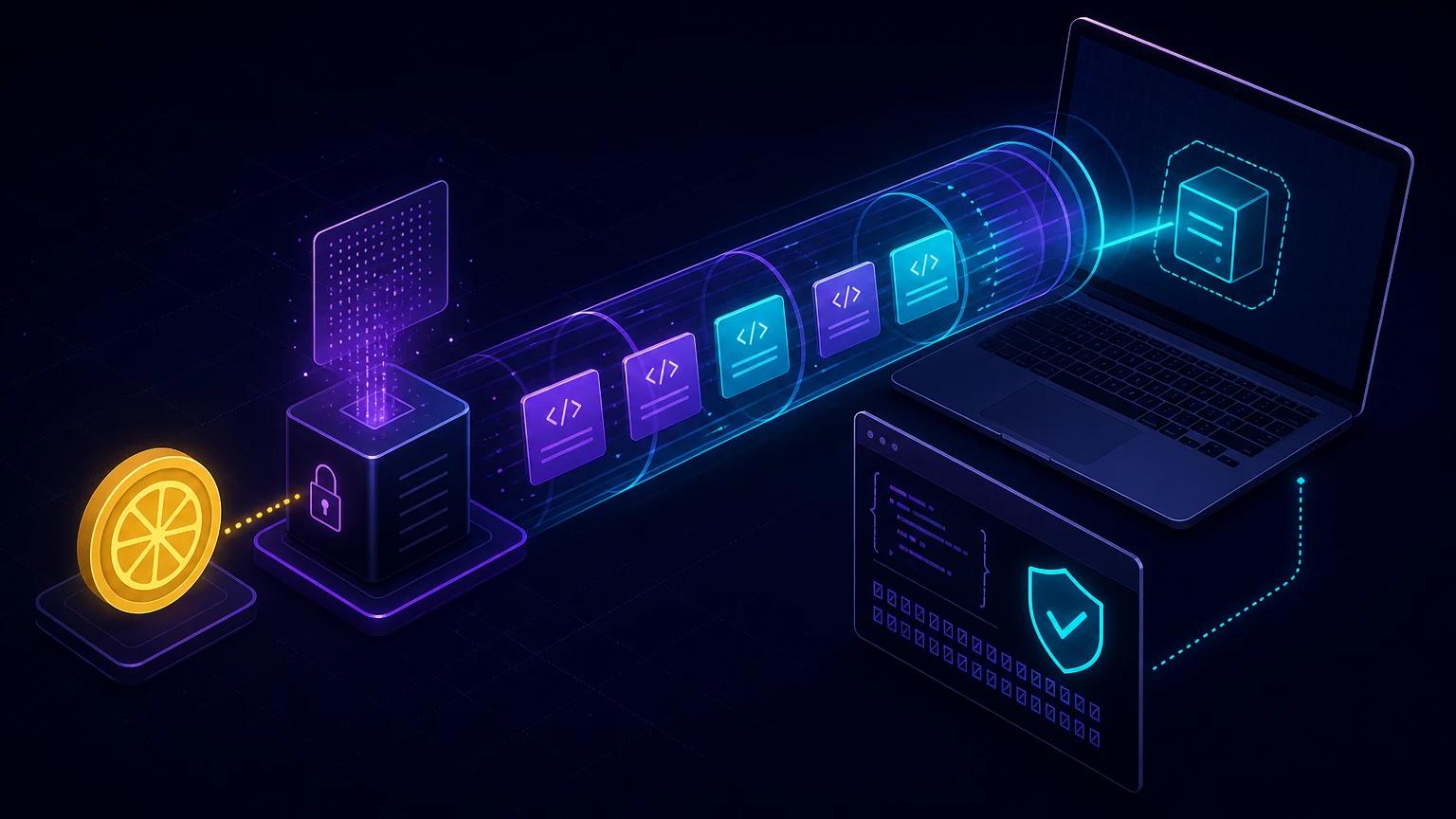
To test Lemon Squeezy webhooks on localhost, start your app, expose its webhook route with a public HTTPS tunnel, create a Test mode webhook in Settings → Webhooks, and verify the raw request body against the X-Signature header. Use a test checkout for real order data and Lemon Squeezy's subscription simulation controls for lifecycle events that are difficult to wait for.
What a correct local setup looks like
Lemon Squeezy sends an HTTP POST from its infrastructure, so it cannot reach localhost on your computer. The tunnel terminates public TLS and forwards the unchanged method, body, and headers to a local route such as http://localhost:3000/api/webhooks/lemonsqueezy.
A complete test has four parts: Lemon Squeezy Test mode, a public callback URL, the same signing secret in the dashboard and local environment, and a handler that verifies before it changes subscription or license state. This is more useful than posting copied JSON with curl, because a real delivery tests both routing and the provider-generated signature.
Create the webhook and send a test event
- Run your app on port 3000 and verify the route accepts
POST. - Start the tunnel with
npx portpreview 3000. - Switch the Lemon Squeezy dashboard to Test mode.
- Open Settings → Webhooks and add
https://your-subdomain.portpreview.dev/api/webhooks/lemonsqueezy. - Generate a strong random signing secret, save it as
LEMONSQUEEZY_WEBHOOK_SECRET, and select only the events your application consumes. - Create a test purchase or use the available Test mode subscription simulation action, then inspect the delivery log and your local response.
The official Lemon Squeezy webhook documentation lets you inspect recent payloads and resend recorded webhooks from the settings page. A resend is valuable for regression testing, but your application must treat it as a duplicate rather than a second business event.
Verify X-Signature before parsing JSON
Lemon Squeezy computes an HMAC-SHA256 digest over the request payload using the signing secret and sends the hexadecimal digest in X-Signature. Compute the digest over the exact raw body bytes and compare equal-length buffers with a constant-time function. The primary signing requests documentation includes examples for Node, PHP, Python, and Ruby.
// app/api/webhooks/lemonsqueezy/route.ts
import crypto from 'node:crypto';
import { NextRequest, NextResponse } from 'next/server';

export async function POST(request: NextRequest) {
  const secret = process.env.LEMONSQUEEZY_WEBHOOK_SECRET;
  if (!secret) return new NextResponse('server misconfigured', { status: 500 });

  const rawBody = await request.text();
  const suppliedHex = request.headers.get('x-signature') ?? '';

  if (!/^[0-9a-f]{64}$/i.test(suppliedHex)) {
    return new NextResponse('invalid signature', { status: 401 });
  }

  const expected = crypto
    .createHmac('sha256', secret)
    .update(rawBody)
    .digest();
  const supplied = Buffer.from(suppliedHex, 'hex');

  if (supplied.length !== expected.length ||
      !crypto.timingSafeEqual(supplied, expected)) {
    return new NextResponse('invalid signature', { status: 401 });
  }

  const event = JSON.parse(rawBody);
  await acceptEvent(event);
  return NextResponse.json({ received: true });
}
Do not call request.json() first. Re-serializing the resulting object may change insignificant-looking bytes and break the HMAC. The length check is also essential because Node's timingSafeEqual throws when buffer lengths differ. Lemon Squeezy's official Next.js webhook tutorial follows the same raw-body sequence.
Understand the payload before updating your database
The body is a JSON:API resource object. meta.event_name identifies the event, meta.custom_data carries data passed through checkout, and data contains the order, subscription, or license-key resource. Lemon Squeezy also sends X-Event-Name; treat the signed body as the authoritative input and use the header for routing diagnostics.
Orders and customer identity
For order_created, map the purchase to an internal user using a server-generated identifier in checkout custom data. Do not trust a client-provided user ID without checking ownership. Persist Lemon Squeezy's resource ID and variant ID so later subscription or refund events can be reconciled.
Subscriptions are a state machine
Handle subscription_created, subscription_updated, subscription_cancelled, subscription_resumed, and subscription_expired as distinct transitions. Cancellation may mean access remains valid until a billing-period end; expiration is the stronger signal that the subscription has ended. Model dates and status rather than toggling one boolean.
Payment failures and recovery
Test failed and recovered renewal flows where Test mode supports them. A failed payment should not necessarily revoke access immediately; apply the grace period defined by your product policy and let later payment or subscription events converge the account to the latest provider state.
Retries require idempotent processing
According to Lemon Squeezy's webhook request reference, a 200 response marks capture as successful. Other statuses are retried up to three more times with exponential delays shown as approximately 5, 25, and 125 seconds. Dashboard resends create another reason the same logical event can arrive more than once.
Build an idempotency key from stable signed payload fields. A practical approach is a unique database row for the webhook's resource ID, event name, and event timestamp, or a hash of the raw signed body when no dedicated event ID is present. Insert that receipt and update application state in one transaction. Return 200 for a previously completed duplicate.
BEGIN;
INSERT INTO webhook_receipts (fingerprint, received_at)
VALUES ($1, now())
ON CONFLICT DO NOTHING;
-- Continue only if one row was inserted.
UPDATE subscriptions SET provider_status = $2 WHERE provider_id = $3;
COMMIT;
Do not make email delivery or a slow third-party API call part of the acknowledgement path. Store a job in the same transaction, respond, and let a worker handle side effects. The broader webhook retry and idempotency guide covers this pattern.
Troubleshooting Lemon Squeezy webhook localhost tests
No request reaches the app
Check that the tunnel is still running, the callback contains the route suffix, and your framework has a POST handler at that exact path. Call the public endpoint yourself. A tunnel 502 points toward the local port; a framework 404 points toward route placement.
Every signature is invalid
Confirm Test mode and live mode are not using different webhook records or secrets. Read the body once as text or bytes, trim neither the body nor the secret, and ensure global JSON middleware does not run first. Inspect whether X-Signature arrived, but never print the signing secret.
The delivery keeps retrying
Lemon Squeezy expects 200, not a redirect to a login page. Exclude the webhook path from CSRF and user-session middleware while retaining signature verification. Catch database errors, keep work short, and make sure a success response is actually returned on every handled event branch.
Subscription simulation is unavailable
Simulation controls require suitable Test mode subscription data. Some payment simulations need renewal history. Create the required test subscription or test purchase first, then use the subscription action menu described in Lemon Squeezy's webhook developer guide.
Security and go-live checklist
- Generate a random signing secret, store it in environment configuration, and rotate it if exposed.
- Verify HMAC over the raw body before JSON parsing, database writes, license generation, or access changes.
- Use a timing-safe comparison and reject missing or malformed signatures.
- Keep Test mode and live webhook secrets and records separate.
- Allow only POST, enforce a reasonable body-size limit, rate-limit invalid requests, and redact customer data from logs.
- Test duplicates, out-of-order lifecycle events, database downtime, and timeout recovery before replacing the tunnel with your production URL.
A passing happy-path checkout proves only that one event arrived. A production-ready integration proves signature rejection, duplicate safety, lifecycle convergence, and recovery from a non-200 response. For the underlying cryptographic pitfalls, see the signature verification guide.