
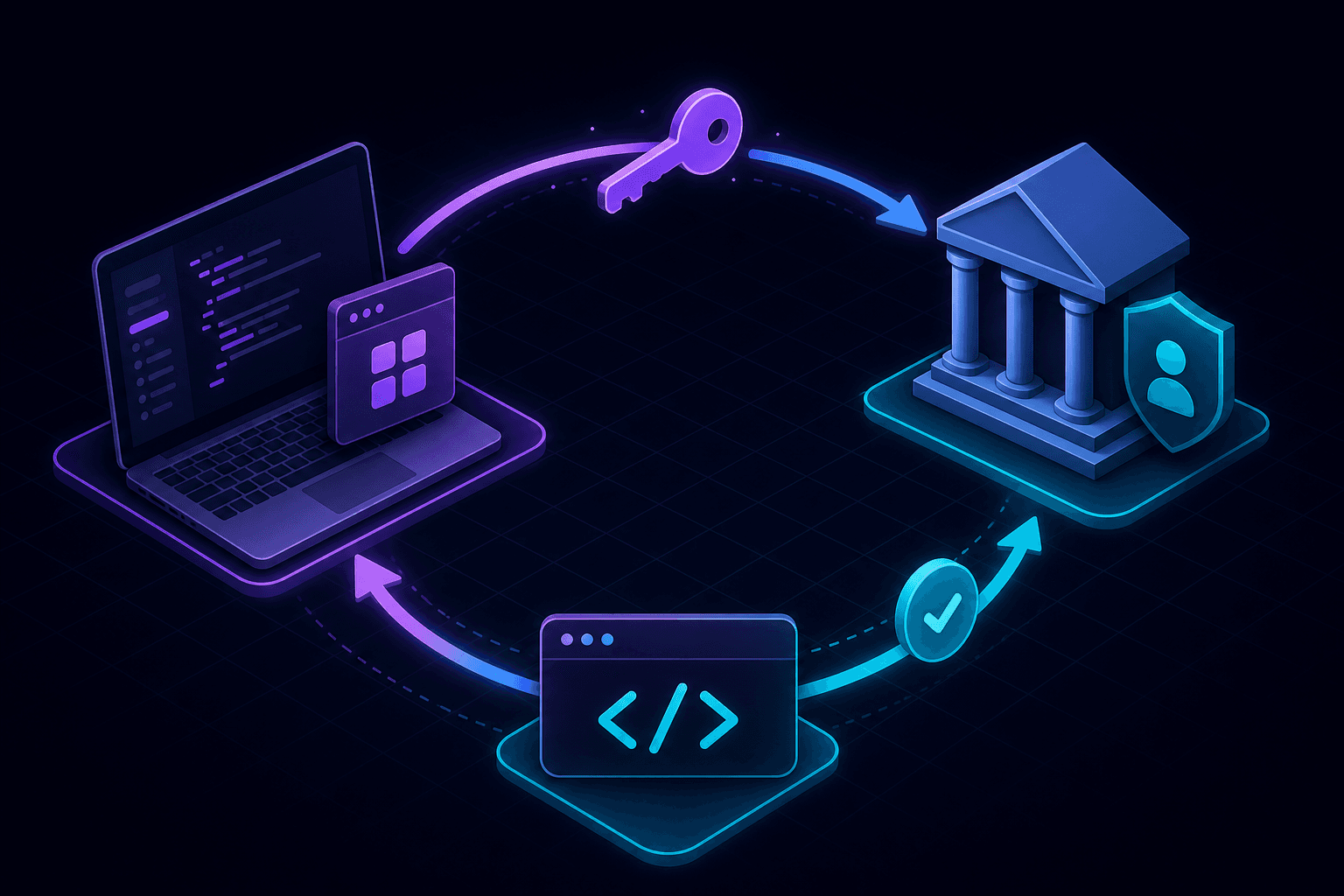
To test OAuth callbacks locally, you need a public HTTPS URL that maps to your local app. OAuth providers redirect users back to a registered callback URL after authentication—and most providers require HTTPS, which plain localhost cannot provide without extra setup.
Why OAuth redirect URIs block localhost
OAuth 2.0 providers validate the redirect_uri parameter against a whitelist of registered URLs. During development, your callback might look like:
https://your-app.portpreview.dev/auth/callbackWithout a tunnel, you either register http://localhost:3000/auth/callback (allowed by some providers but not all) or deploy to staging for every auth change. A localhost tunnel gives you a real HTTPS endpoint on your machine.
What you need to test OAuth locally
- OAuth app credentials (client ID and secret) from your provider.
- A local app with auth routes for login initiation and callback handling.
- A tunnel URL registered as an allowed redirect URI in the provider dashboard.
- Environment variables pointing to the tunnel URL during development.
Step-by-step: OAuth local testing with PortPreview
- Start your app locally with OAuth routes enabled.
- Run
npx portpreview 3000to get a public HTTPS URL. - Add the callback URL (for example
https://your-app.portpreview.dev/auth/callback) to your OAuth provider's allowed redirect URIs. - Update your local environment to use the tunnel URL as the base URL.
- Initiate the OAuth flow in a browser and complete the redirect cycle.
- Verify token exchange, session creation, and error handling.
Provider-specific tips
Google OAuth
Google allows http://localhost for development, but testing with HTTPS tunnels validates production-like behavior including secure cookie flags and mixed-content policies.
GitHub OAuth
GitHub requires exact redirect URI matches. Register your tunnel URL in the OAuth app settings and update it when the tunnel session changes, or use a stable subdomain if your tunnel provider supports it.
Auth0 and enterprise IdPs
Enterprise identity providers often require HTTPS callbacks and may restrict localhost entirely. Tunnels are the standard workaround for local SAML and OIDC integration testing.
Common OAuth local testing mistakes
- Redirect URI mismatch: the callback URL must match exactly, including trailing slashes and path casing.
- Stale tunnel URL: if your tunnel URL changes between sessions, update the provider whitelist.
- State parameter not validated: always verify the
stateparameter to prevent CSRF attacks, even in development. - Cookie domain issues: session cookies may not persist if domain settings conflict with the tunnel hostname.
Security considerations
OAuth callbacks carry authorization codes that must be exchanged server-side. Never expose client secrets in frontend code, and treat tunnel URLs as temporary development endpoints—not production domains. Read our localhost tunnel security guide for best practices.
Share OAuth flows with teammates
When product or QA needs to test social login, share the tunnel URL instead of deploying to staging. See how to share your local dev server for collaboration workflows.
Start PortPreview free to streamline OAuth and webhook testing from one tunnel.