
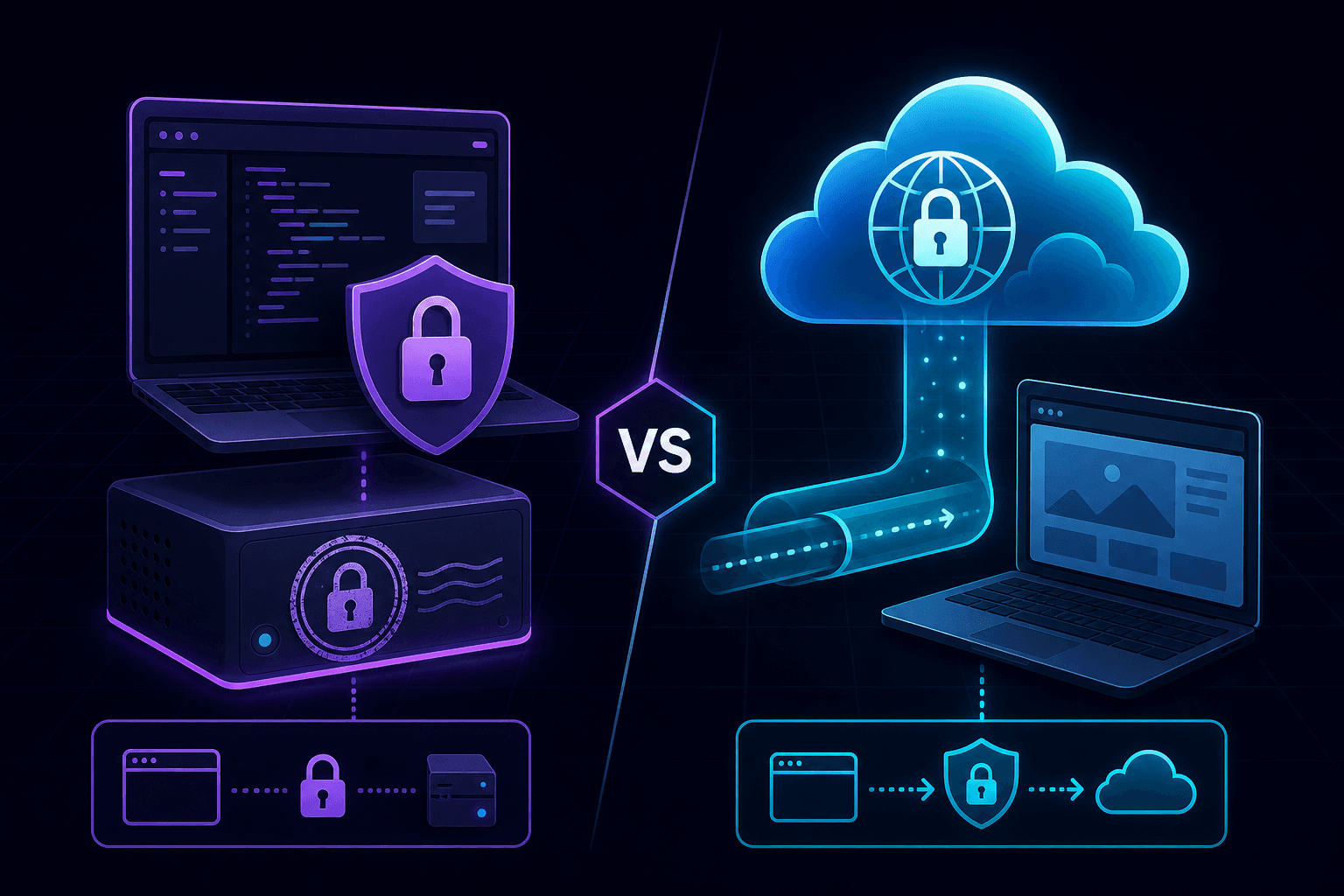
Two tools, one problem: your dev server needs to be reachable over HTTPS. mkcert gives you a locally-trusted TLS certificate so https://localhost:3000 just works. A tunnel gives you a public HTTPS URL backed by a real certificate from a real CA. They're not competitors — they solve different problems — but people keep treating them as if they are.
The short answer
- You need HTTPS only on your own machine, for your own browser? Use mkcert.
- You need an external service (Stripe, GitHub, Auth0, a phone) to reach your dev server? Use a tunnel.
- Both? Run both. They don't conflict.
That's the whole article in three bullets. The rest is just the why.
mkcert: locally-trusted certificates in 30 seconds
mkcert installs a local certificate authority into your operating system's trust store and issues certificates from it. Your browser sees the cert as trusted because the CA is trusted. No your connection is not private warnings, no --ignore-certificate-errors flags, no rolling your own self-signed certs.
# once per machine
mkcert -install

# once per project
mkcert localhost 127.0.0.1

# you now have localhost.pem and localhost-key.pem
Wire them into your dev server (Vite, Next.js, Express, Django runserver_plus, all support TLS args) and you've got https://localhost:3000 with a real certificate.
The catch: only your machine trusts that CA. Your teammate's browser will warn. Your phone won't trust it without manually installing the CA root.
Tunnel: real HTTPS, real public URL
A localhost tunnel forwards traffic from a public HTTPS URL to your local port. The certificate is issued by a real CA (Let's Encrypt or similar) and trusted by every browser on every device.
npx portpreview 3000The tunnel handles TLS termination at the cloud gateway. Your local server can stay on plain HTTP — the public URL is HTTPS, and that's the surface every external service touches.
Side by side
| Need | mkcert | Tunnel |
|---|---|---|
| HTTPS in your local browser | Yes | Yes (via the public URL) |
| Service worker / secure cookie testing in your browser | Yes | Yes |
| External provider can reach you | No | Yes |
| Phone in your hand can reach you | No (without installing CA) | Yes |
| OAuth provider accepts the URL | Sometimes (Google: yes; many: no) | Yes |
| Stripe / GitHub / Twilio can webhook to it | No | Yes |
| Setup time | 30 seconds per machine | One command per session |
| Works offline | Yes | No |
| Survives airplane mode | Yes | No |
Where people get this wrong
Trying to use mkcert for webhook testing
Stripe can't trust your machine's local CA. It doesn't matter how trusted the cert looks in your browser — Stripe is in a different network. You need a tunnel for any inbound traffic from the public internet.
Using a tunnel for solo browser-only HTTPS
If you just want service workers to work or a secure cookie to set in your own browser, mkcert is faster and works offline. Don't burn a tunnel session for what a certificate file solves.
Picking one tool and forcing the other use case through it
Running both is fine. Most of our setup uses mkcert for daily browser-side work and a tunnel when we're testing webhooks or OAuth callbacks. They cohabit in package.json without conflict.
What about Caddy or nginx?
Yes, you can run Caddy with automatic HTTPS in front of your dev server, and that works too — it's essentially "mkcert with extra steps and a reverse proxy". For most local dev, mkcert is simpler. For more elaborate routing with multiple local services, Caddy earns its keep.
Our actual setup
One repo we work in has mkcert in the dev script for localhost-side HTTPS, and a separate tunnel npm script that runs portpreview when somebody needs webhooks or mobile testing. The tunnel URL gets passed via env var so OAuth redirect URIs are easy to swap. It took 20 minutes to wire up and we've never thought about local TLS again.
For OAuth-specific tunnel setup, see how to test OAuth callbacks locally. For sharing previews with teammates or designers, sharing your local dev server. Start PortPreview free for the tunnel side of this setup.