
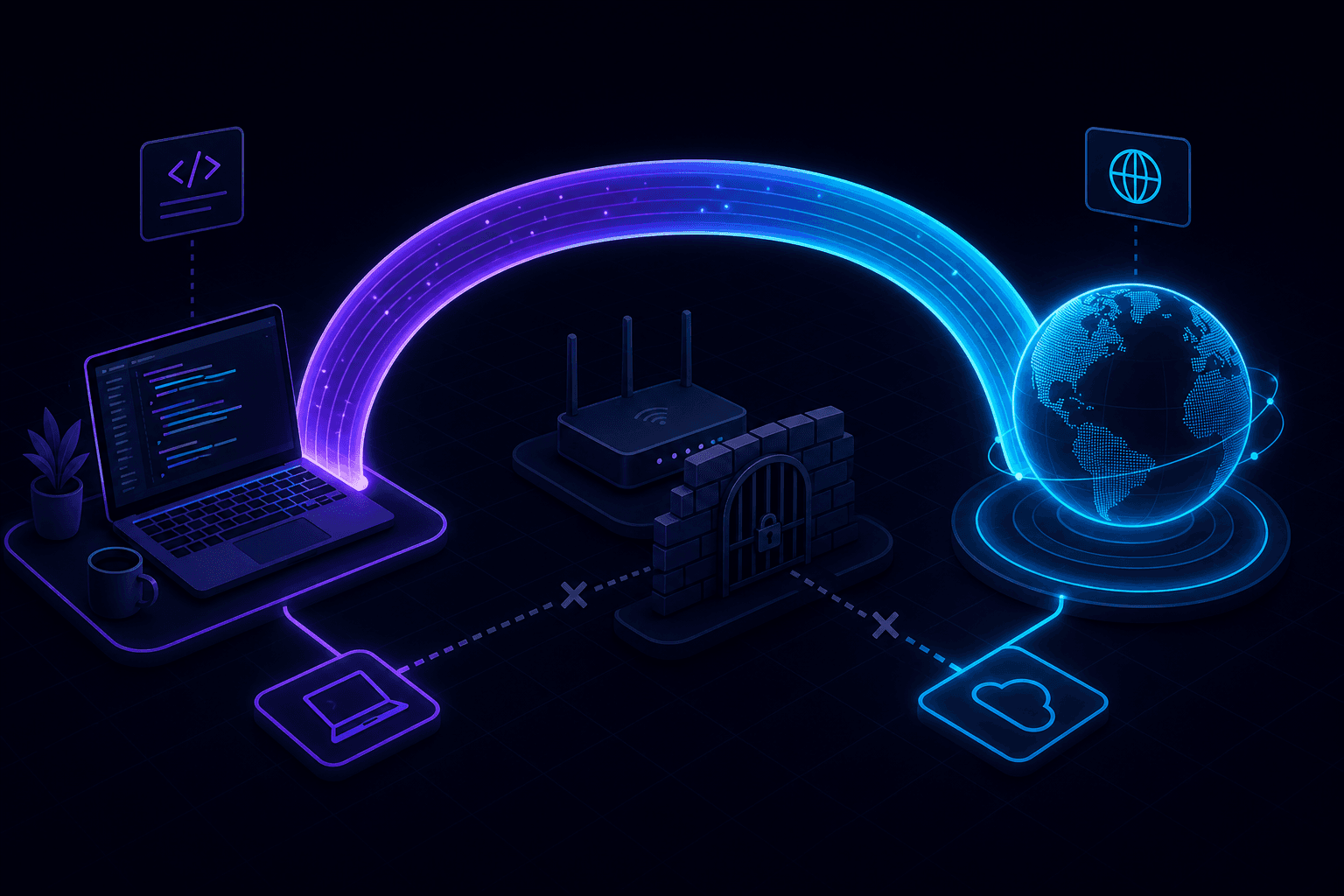
You can expose localhost without port forwarding by using an outbound WebSocket tunnel. Instead of opening inbound ports on your router, a tunnel CLI connects from your machine to a cloud gateway that assigns a public HTTPS URL—no router config, no public IP, and no firewall exceptions needed.
Why port forwarding is painful for developers
Traditional port forwarding requires:
- Access to your router admin panel.
- A static or dynamic public IP address.
- Inbound firewall rules on your machine and router.
- Manual TLS certificate setup for HTTPS.
- ISP cooperation (many block inbound ports on residential connections).
Corporate networks and coffee shop Wi-Fi make this even harder. Most developers need a simpler path.
How outbound tunneling replaces port forwarding
Modern localhost tunneling tools flip the connection direction:
- Your tunnel CLI initiates an outbound connection to a cloud gateway.
- The gateway assigns a public HTTPS URL mapped to your session.
- External traffic hits the gateway; requests flow through the existing outbound channel to your local port.
- When you stop the CLI, the URL deactivates.
Because the connection starts from inside your network, corporate firewalls, NAT, and ISP restrictions rarely block it.
Expose localhost in one command
npx portpreview 3000PortPreview connects outbound, assigns an HTTPS URL, and forwards traffic to port 3000 on your machine. No router login, no DNS records, no certificate management.
Port forwarding vs localhost tunneling
| Aspect | Port forwarding | Localhost tunnel |
|---|---|---|
| Router config | Required | Not needed |
| Public IP | Required | Not needed |
| HTTPS | Manual setup | Included |
| Firewall changes | Inbound rules | None (outbound only) |
| Request inspection | Separate tooling | Built into PortPreview |
| Corporate networks | Often blocked | Usually works |
When you still need port forwarding
- Self-hosted services that must run on your own infrastructure long-term.
- Protocols that tunnel tools do not support (custom TCP services beyond HTTP).
- Environments where outbound connections to third-party gateways are blocked by policy.
For HTTP webhook testing, OAuth callbacks, and dev previews, localhost tunneling is the faster and safer default.
Security advantages of avoiding port forwarding
Opening inbound ports exposes your entire network segment to the internet. Outbound tunneling limits exposure to a single local port for the duration of an active session. Read our localhost tunnel security guide for detailed best practices.
Common use cases without port forwarding
- Webhook testing from Stripe, GitHub, or Twilio (debug webhooks locally).
- Sharing work-in-progress with teammates (share your local dev server).
- Mobile device testing (mobile testing with a tunnel).
- OAuth callback testing on localhost.
Start PortPreview free to expose localhost without touching your router.