
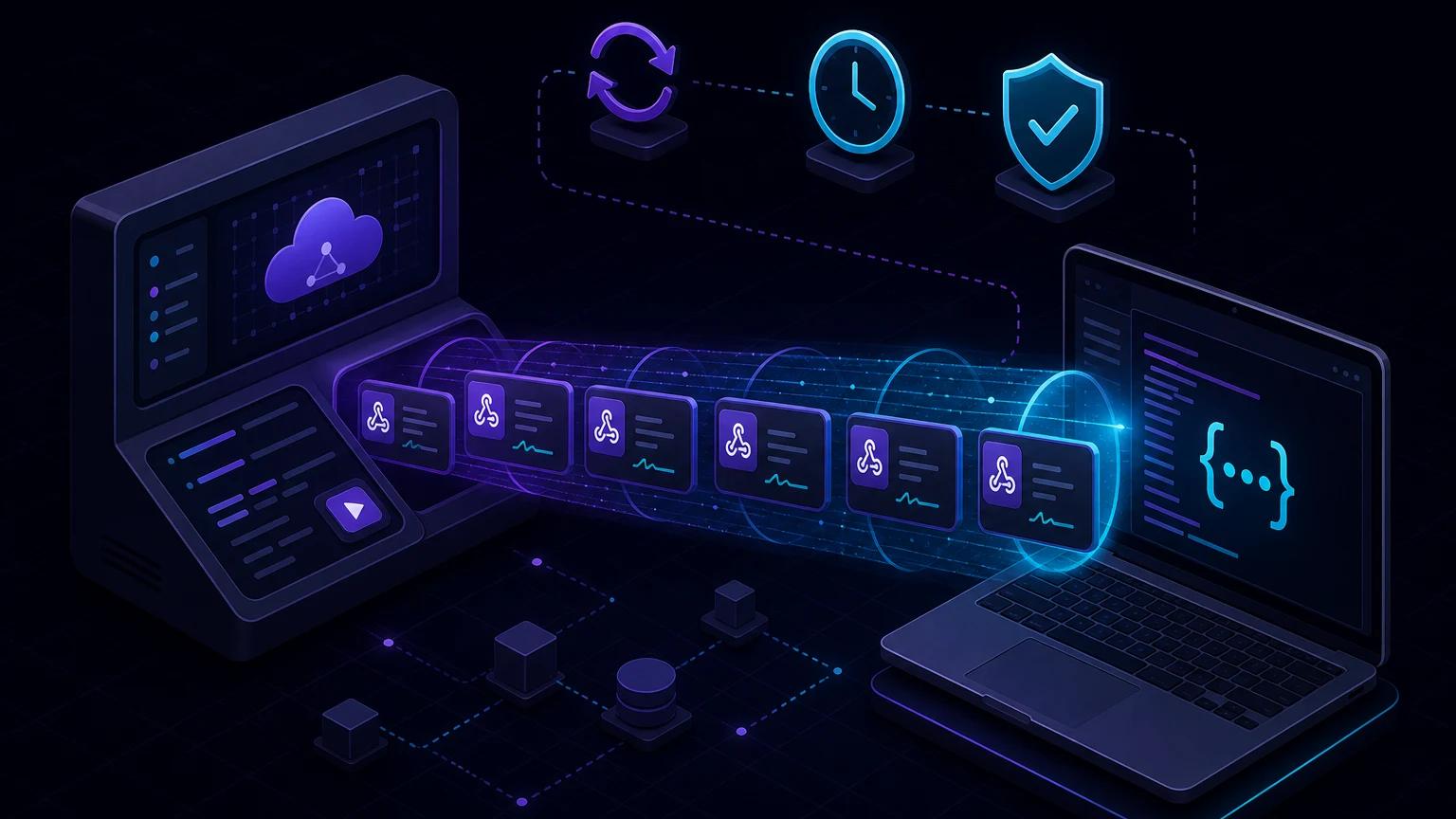
To use the Paddle webhook simulator with localhost, expose your local handler through an HTTPS tunnel, create a sandbox notification destination that points to the public URL, then run a single-event or lifecycle simulation against that destination. Paddle sends a realistic request with a Paddle-Signature header, so the same raw-body verification path can run locally and in production.
Why Paddle's simulator is more than a sample payload
A copied JSON fixture tests your switch statement. Paddle's simulator tests the network destination, provider headers, signing secret, response status, and event schema together. The official webhook simulator overview supports reusable single events and scenarios. Single events target one event type and can be customized after a run. Scenarios send a predefined sequence for a lifecycle such as subscription creation or renewal.
Scenario configuration can populate payloads with existing Paddle entities and vary the flow. Each run produces simulation-run event records where you can inspect the payload, outbound request, and endpoint response. That makes the simulator useful for debugging state transitions, not merely proving that a route is online.
Connect a local endpoint to Paddle sandbox
- Start your application, for example on
http://localhost:3000. - Add a POST route such as
/api/webhooks/paddle. - Run
npx portpreview 3000and copy the HTTPS address. - In Paddle sandbox, create a notification destination using
https://your-subdomain.portpreview.dev/api/webhooks/paddle. - Reveal and copy that destination's endpoint secret into
PADDLE_WEBHOOK_SECRET. It is not your API key. - Open Developer tools → Simulations, choose a single event or scenario, select the destination, configure it, and run it.
- Compare Paddle's simulation-run response with your local logs and persisted webhook receipt.
Use sandbox resources and credentials throughout. Mixing a live destination secret with a sandbox simulator request guarantees a signature failure even though both strings look plausible.
Verify the Paddle-Signature header
Paddle signs each webhook with the secret belonging to the notification destination. The header contains components including a Unix timestamp identified by ts and one or more signatures identified by h1. Paddle may add signature versions, so parse the header rather than assuming it contains one bare hash.
The signed payload is the timestamp, a colon, and the untouched request body. Paddle applies HMAC-SHA256 with the endpoint secret. Its signature verification documentation recommends an official SDK where available and documents the manual algorithm. Always enforce the SDK's timestamp tolerance or an explicit tolerance in your verifier to limit replay attacks.
Prefer the official SDK in Node
import express from 'express';
import { Environment, Paddle } from '@paddle/paddle-node-sdk';

const app = express();
const paddle = new Paddle(process.env.PADDLE_API_KEY, {
  environment: Environment.sandbox,
});

app.post(
  '/api/webhooks/paddle',
  express.raw({ type: 'application/json' }),
  async (req, res) => {
    const signature = req.header('paddle-signature') ?? '';
    const rawBody = req.body.toString('utf8');

    try {
      const event = await paddle.webhooks.unmarshal(
        rawBody,
        process.env.PADDLE_WEBHOOK_SECRET,
        signature,
      );

      await acceptOnce(event.eventId, event);
      return res.status(200).send('accepted');
    } catch (error) {
      return res.status(400).send('invalid webhook');
    }
  },
);

app.listen(3000);
Mount express.raw() before any global express.json() middleware for this route. In a Fetch-style framework such as Next.js App Router, use await request.text() once and pass that exact string to the SDK. The official webhook quickstart demonstrates this raw body requirement.
What manual verification must do
- Read the raw body without JSON normalization.
- Parse every semicolon-separated header component and collect supported
h1values. - Reject a missing, malformed, or unreasonably old
ts. - Compute
HMAC_SHA256(secret, ts + ':' + rawBody). - Compare the expected digest with candidate signatures using a timing-safe comparison.
- Only after a match, parse JSON and dispatch on
event_type.
Accepting any valid supported signature matters during secret rotation, when more than one signature can be present. Do not split the header and blindly take the second item. Do not log the endpoint secret or complete customer payload while diagnosing a mismatch.
Design simulations around billing invariants
Subscription creation
Run a subscription-creation scenario and verify that your database can receive related transaction and subscription events without assuming one network arrival order. Store Paddle entity IDs and update records idempotently. The application should grant exactly one entitlement even if a request is resent.
Renewal and payment failure
Exercise successful renewal, past-due, and recovery paths available in your scenario configuration. Separate billing status from product access policy: your grace period may intentionally keep access active while Paddle reports a collection problem.
Cancellation and scheduled changes
Distinguish a subscription scheduled to cancel from one that has reached its effective cancellation. Preserve next_billed_at, scheduled-change data, and provider status rather than collapsing the lifecycle into is_active.
Entity updates
Simulate product, price, customer, and subscription updates that your cache consumes. A handler should ignore unknown event types safely and acknowledge them if the signature is valid; future Paddle additions should not turn into an endless failure loop.
Idempotency and ordering on every run
Use the webhook event's stable ID as a unique key in a receipt table. In one transaction, insert the receipt, apply the state change, and enqueue side effects. If insertion conflicts, return success without repeating work. Do not deduplicate only by entity ID because many legitimate updates can target one subscription.
Events can arrive out of order. Compare the event's occurrence time or retrieve the latest Paddle entity before applying a destructive transition. Store the provider's state and timestamp, and reject an older update that would overwrite a newer one. Simulation scenarios are ideal for testing these assumptions because they produce connected sequences rather than isolated fixtures.
Troubleshoot simulator-to-localhost failures
Destination returns 404 or 405
Check that the public URL includes the full route and that the route exports POST. A browser GET is not a valid test of a POST-only webhook. Use curl -X POST against the public URL to distinguish tunnel routing from Paddle configuration.
Destination returns 400
Inspect whether Paddle-Signature arrived and confirm the endpoint secret belongs to the selected notification destination. Ensure no body parser, request logger, or middleware consumed or reformatted the body. The simulator sends verifiable signatures, as documented in Paddle's simulation run guide.
Destination returns 500 or times out
Persist quickly and move email, provisioning, and outbound API calls to a queue. Return 2xx after durable acceptance. Throwing on an unfamiliar event type is a common cause of unnecessary failures; use a default branch that records and acknowledges it.
The scenario uses unexpected data
Review whether the simulation uses automatically generated values or is populated with real sandbox entities. Inspect the configured scenario options and the run event payload rather than assuming it mirrors a previous run.
Security checklist before production
- Keep API keys and notification destination secrets separate and server-only.
- Verify the raw body, header signature, and timestamp before processing.
- Use a timing-safe comparison or official SDK verifier.
- Deduplicate event IDs and handle out-of-order updates.
- Apply body limits, POST-only routing, redacted logging, and rate controls.
- Use distinct sandbox and live destinations, then repeat simulations and real sandbox flows before switching the production URL.
The simulator proves your integration under controlled lifecycle sequences; a real sandbox checkout additionally proves checkout-to-entity relationships. Use both, then review the general webhook signature guide and idempotency guide before launch.