
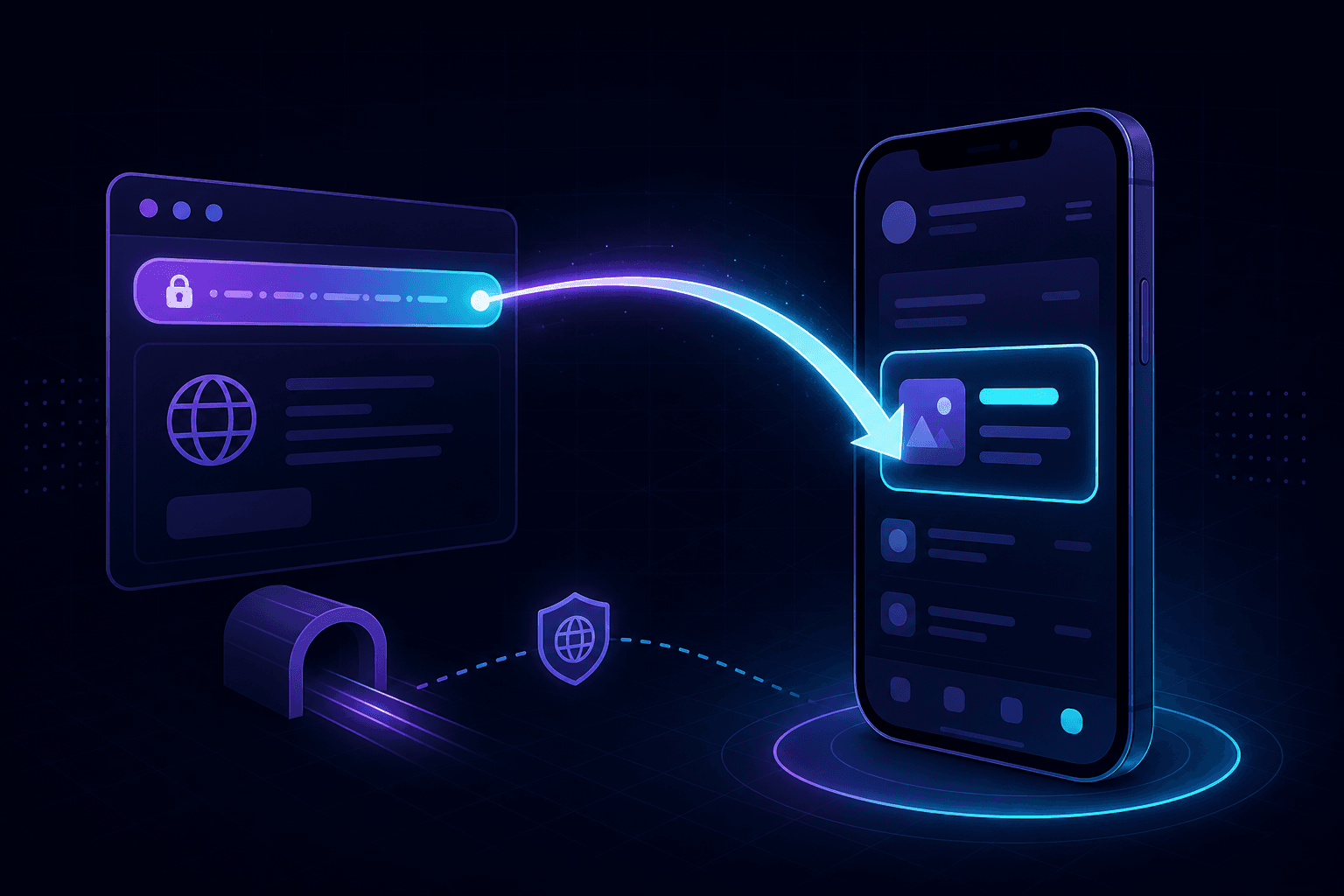
Universal Links on iOS and App Links on Android both require an HTTPS-served JSON file at the root of your domain. iOS wants /.well-known/apple-app-site-association. Android wants /.well-known/assetlinks.json. Localhost can't serve either over a hostname that an OS will associate with your app. So we tunnel.
The actual requirement on each platform
iOS Universal Links
The OS fetches https://your-domain.com/.well-known/apple-app-site-association (or /apple-app-site-association) when your app is installed. It checks the content against your app's associated domains entitlement. The fetch must succeed over real HTTPS. iOS won't trust self-signed certificates for this purpose, and it won't trust localhost.
Android App Links
Android verifies App Links by fetching https://your-domain.com/.well-known/assetlinks.json. The file must list your app's SHA-256 fingerprints. Verification happens at install time and on first launch. Same constraint: real HTTPS, real domain.
Why localhost can't do this directly
Even with mkcert giving you trusted HTTPS in your laptop's browser, the mobile OS doesn't trust your local CA. And the domain in your apple-app-site-association has to match the associated-domain in the app entitlement — which is a real DNS-resolvable domain, not localhost.
Some teams work around this with a dedicated staging domain. That works, but the iteration loop is slow. A localhost tunnel gives you a real HTTPS URL on a real subdomain that mobile devices reach without complaint.
How to wire it up
- Serve your
apple-app-site-associationandassetlinks.jsonfrom your local dev server at/.well-known/. Both files. Both routes. - Run
npx portpreview 3000(or whatever port your dev server uses). - Note the tunnel hostname — something like
abc123.portpreview.dev. - In your iOS app's associated domains entitlement, add
applinks:abc123.portpreview.dev. In Android's intent filter, add the same host. - Build and install the app on a real device (simulators have weird Universal Link behavior).
- Open the URL from another app — Notes, Mail, a QR code — and watch it route to your installed app instead of the browser.
The catch with tunneling for deep links: the tunnel hostname changes between sessions unless you have a reserved subdomain. Each rotation means rebuilding the app with the new associated-domain entry. If you're iterating on deep-link behavior frequently, get a reserved subdomain.
Content-type matters for apple-app-site-association
iOS expects the file with no extension and either application/json content-type (newer iOS) or application/pkcs7-mime (older, signed format). Almost all modern apps use the plain JSON variant. Make sure your dev server returns the right content-type or iOS silently rejects the file with no useful error.
Test from a desktop browser first: open https://your-tunnel.portpreview.dev/.well-known/apple-app-site-association and confirm the JSON renders and the content-type header in dev tools is right. If that's wrong, fix it before chasing Universal Link bugs in the simulator.
The other deep-link debugging traps
App entitlement mismatch
If your associated-domains entitlement says applinks:abc.portpreview.dev but your apple-app-site-association lists def.portpreview.dev, iOS doesn't fetch. The hostname must be consistent.
Universal Link from inside Safari
Tapping a Universal Link inside Safari (the same app the tab is in) sometimes opens in Safari instead of the app. This is by design — iOS prevents the trick of "open app whenever the user clicks a link". Test from Notes or Mail instead.
Android App Links and digital asset links
Android also supports custom URL schemes (yourapp://path), which don't need HTTPS or assetlinks.json. These are easier to test but less secure — any app can register the same scheme. For production-quality deep linking, App Links is the answer.
Mobile testing flow we use
For a project shipping both iOS and Android with deep links:
- Start the backend serving
.well-knownfiles. - Tunnel it with
npx portpreview 3000. - Once the tunnel URL is stable for the session (or use a reserved subdomain), update the app's associated-domain entries and build.
- QA on physical devices — both fresh installs and updates.
- For OAuth-and-deep-link combos (sign-in providers that redirect back into the app), pair this with OAuth callback testing.
The setup is annoying the first time. After that, the tunnel URL is just another env var in the Xcode and Gradle scheme.
For broader mobile testing patterns, see mobile testing with a localhost tunnel. Start PortPreview free.