
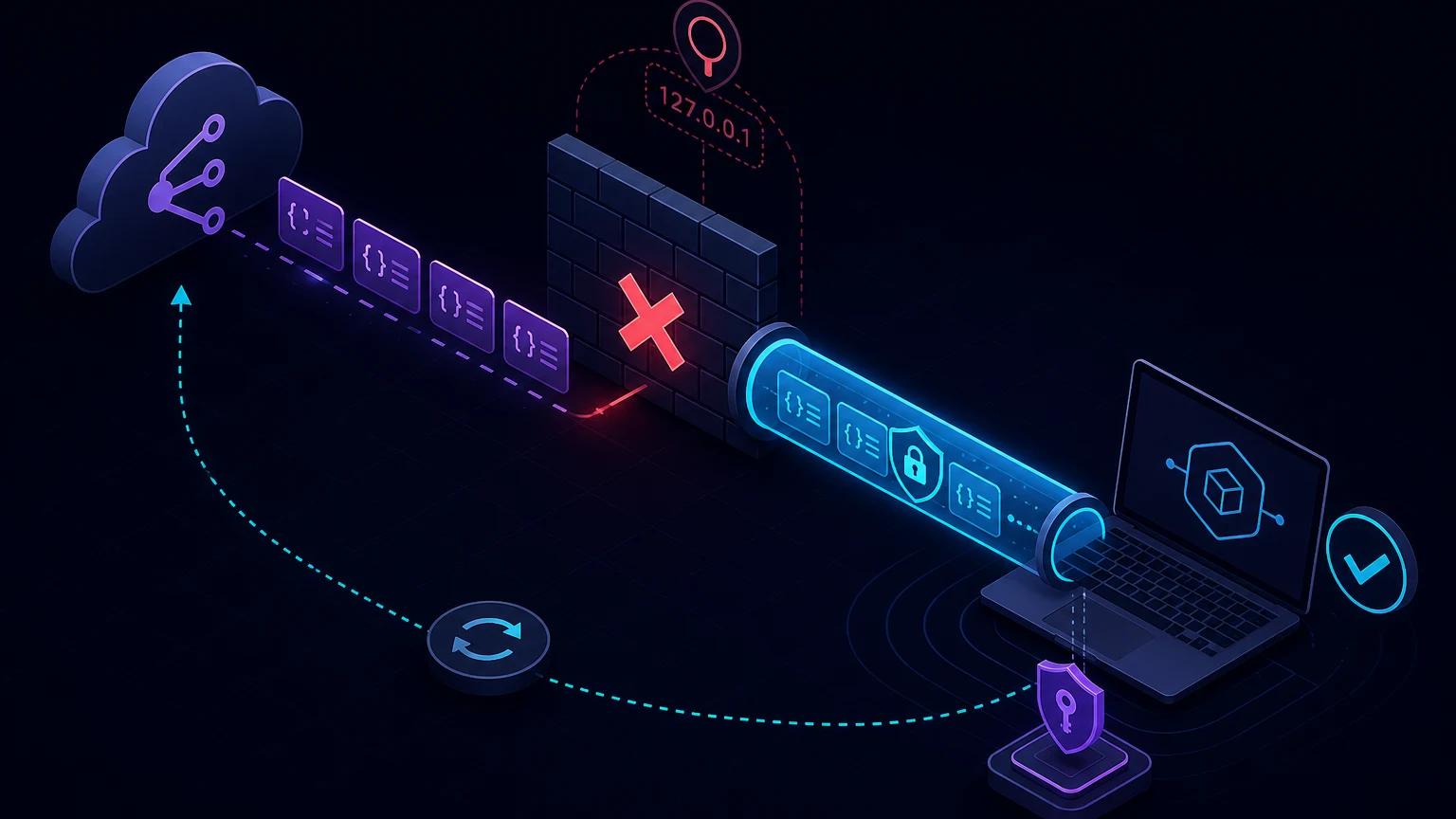
To test a GitLab webhook on localhost, expose your local handler through an HTTPS tunnel, add that URL under Settings → Webhooks, generate a signing token, and verify GitLab's Standard Webhooks signature before parsing the payload. Trigger a push or merge request, inspect the delivery, and iterate locally without deploying your integration after every change.
Use GitLab signing tokens, not a new plain-text secret token
GitLab supports two mechanisms that are easy to confuse. The older secret token is copied into the X-Gitlab-Token request header. It proves knowledge of a shared value but does not protect the integrity of the body. GitLab now recommends a signing token for new webhooks. It produces an HMAC-SHA256 signature and follows the Standard Webhooks message format.
The official GitLab webhook documentation says a signed request contains webhook-id, webhook-timestamp, and webhook-signature. The signature covers the message ID, timestamp, and exact raw JSON body. This protects both origin and payload integrity.
Implement Standard Webhooks verification in Node.js
GitLab signing tokens are displayed once and use a whsec_ prefix. Remove that prefix and Base64-decode the remainder to obtain the HMAC key. Each received signature has the form v1,<base64 signature>; the header may contain several space-separated signatures.
import crypto from 'node:crypto';

function safeEqual(a, b) {
  const left = Buffer.from(a);
  const right = Buffer.from(b);
  return left.length === right.length &&
    crypto.timingSafeEqual(left, right);
}

function verifyGitLabWebhook({ token, id, timestamp, body, signatures }) {
  if (!token?.startsWith('whsec_') || !id || !timestamp || !signatures) {
    return false;
  }

  const age = Math.abs(Date.now() / 1000 - Number(timestamp));
  if (!Number.isFinite(age) || age > 300) return false;

  const key = Buffer.from(token.slice(6), 'base64');
  const message = `${id}.${timestamp}.${body}`;
  const digest = crypto.createHmac('sha256', key).update(message).digest('base64');
  const expected = `v1,${digest}`;
  return signatures.split(' ').some((value) => safeEqual(value, expected));
}
The five-minute timestamp window shown here is an application policy, not a value to copy blindly. Pick a tolerance that accommodates clock skew but blocks useful replay. Synchronize the receiving machine's clock. Store each accepted webhook-id under a unique constraint because a fresh timestamp check alone cannot prevent two immediate deliveries of the same message.
Build the Express webhook route
Capture the raw body on this route. A global express.json() call before verification destroys the byte-for-byte representation GitLab signed.
import express from 'express';

const app = express();
app.post(
  '/webhooks/gitlab',
  express.raw({ type: 'application/json', limit: '2mb' }),
  async (req, res) => {
    const body = req.body.toString('utf8');
    const valid = verifyGitLabWebhook({
      token: process.env.GITLAB_WEBHOOK_SIGNING_TOKEN,
      id: req.get('webhook-id'),
      timestamp: req.get('webhook-timestamp'),
      signatures: req.get('webhook-signature'),
      body,
    });
    if (!valid) return res.sendStatus(401);

    await inbox.insertOnce(req.get('webhook-id'), JSON.parse(body));
    return res.sendStatus(202);
  },
);
app.use(express.json());
app.listen(3000);
Mount the normal JSON parser after the webhook route or use its verify callback to preserve a raw buffer. Never disable signature checks just because the endpoint forwards to localhost; the tunnel URL is still reachable from the public internet.
Create a public HTTPS endpoint
- Start the integration locally and test its route with a deliberately unsigned request. It should return 401, proving authentication is active.
- Run
npx portpreview 3000in another terminal. - Copy the HTTPS origin and append
/webhooks/gitlab. - Keep the tunnel open throughout configuration and event testing.
GitLab's SSL verification should remain enabled. A tunnel with publicly trusted TLS avoids self-signed certificate errors. If GitLab runs in a private self-managed network, it must also have outbound access to the public tunnel URL.
Configure the project webhook
- Open the GitLab project and choose Settings → Webhooks.
- Select Add new webhook and paste the complete tunnel delivery URL.
- Select Generate signing token, copy the token immediately, and save it in
GITLAB_WEBHOOK_SIGNING_TOKEN. - Select only required triggers—for example Push events, Merge request events, Tag push events, or Pipeline events.
- Leave SSL verification enabled and save the webhook.
- Use GitLab's test action or produce a real event, then inspect the local request and GitLab delivery history.
Restart the local process after setting the environment variable. If you are migrating an existing integration, GitLab allows a signing token and legacy secret token together. Verify webhook-signature when present, temporarily fall back to X-Gitlab-Token, then remove the weaker secret after all receivers support signatures.
Dispatch GitLab events by header and payload
X-Gitlab-Event gives a readable event name such as Push Hook or Merge Request Hook. Use it for routing, but validate the payload's object_kind too. This makes unexpected combinations visible.
switch (req.get('x-gitlab-event')) {
  case 'Push Hook':
    await handlePush(payload);
    break;
  case 'Merge Request Hook':
    await handleMergeRequest(payload);
    break;
  case 'Pipeline Hook':
    await handlePipeline(payload);
    break;
  default:
    await recordUnsupportedGitLabEvent(payload.object_kind);
}
Push events
Test branch creation, ordinary commits, force pushes, and branch deletion. A zero SHA can represent a missing side of a ref transition. Large pushes can differ from a one-commit fixture, so do not assume every changed commit appears in an unlimited array. Use project and ref identifiers rather than parsing a display string.
Merge request events
Actions such as open, update, approval, merge, and close may share the same broad event type. Route by documented object attributes and make repeated updates idempotent. Never merge code or approve a deployment merely because a mutable title or username matches.
Pipeline and job events
These can be frequent. Filter at GitLab and again in your handler by project, branch, status, and environment. Queue slow artifact or deployment work and acknowledge the webhook first.
Design for retries and recursive triggers
GitLab includes webhook-id, which remains consistent across retries and equals the legacy Idempotency-Key. Use it as the delivery idempotency key. X-Gitlab-Webhook-UUID identifies a webhook execution, while X-Gitlab-Event-UUID can help trace events; recursive webhooks may share the event UUID.
If the handler modifies GitLab through the API, it may create another webhook. Add explicit loop prevention: tag actions with your integration identity, ignore changes that do not alter desired state, and cap workflow transitions. The retry and idempotency guide covers transactional inbox patterns.
Troubleshoot failed GitLab webhook tests
GitLab cannot connect to the URL
Confirm the tunnel process is alive, the full path is correct, and your local server listens on the forwarded port. For self-managed GitLab, inspect outbound network policy and DNS. Do not clear SSL verification to hide an unrelated routing failure.
The signature never matches
Use the signing token, not the old secret token. Strip whsec_, Base64-decode the remaining token, and sign {webhook-id}.{webhook-timestamp}.{raw body}. Base64-encode the binary HMAC digest and prefix it with v1,. Compare against every space-separated signature.
The timestamp is rejected
Check system time and timezone handling; the header is a Unix timestamp in seconds. Do not compare it to JavaScript milliseconds without dividing by 1000. If debugging a captured old request, timestamp rejection is correct replay protection.
GitLab disables or backs off the webhook
Inspect recent delivery status and your route's response. Return 2xx quickly after durable acceptance. Repeated 401 means token configuration is wrong; repeated 5xx means handler failures; timeouts indicate too much synchronous work.
Only some events arrive
Review selected triggers and branch filters. Group and project webhooks have different scope. Confirm the event occurred in the exact project where this webhook is configured.
Keep local GitLab webhook data secure
- Store signing tokens only in ignored environment files and rotate any leaked token.
- Validate signatures, timestamps, project IDs, and allowed event types before side effects.
- Redact commit messages, private repository URLs, user emails, and CI variables from captures.
- Give the integration API token only the scopes needed for its downstream action.
- Delete local payload history when testing ends.
For provider-independent diagnostics, use the local webhook debugging guide. GitHub uses a different signature format, so consult the separate GitHub webhook guide rather than reusing its verifier.