
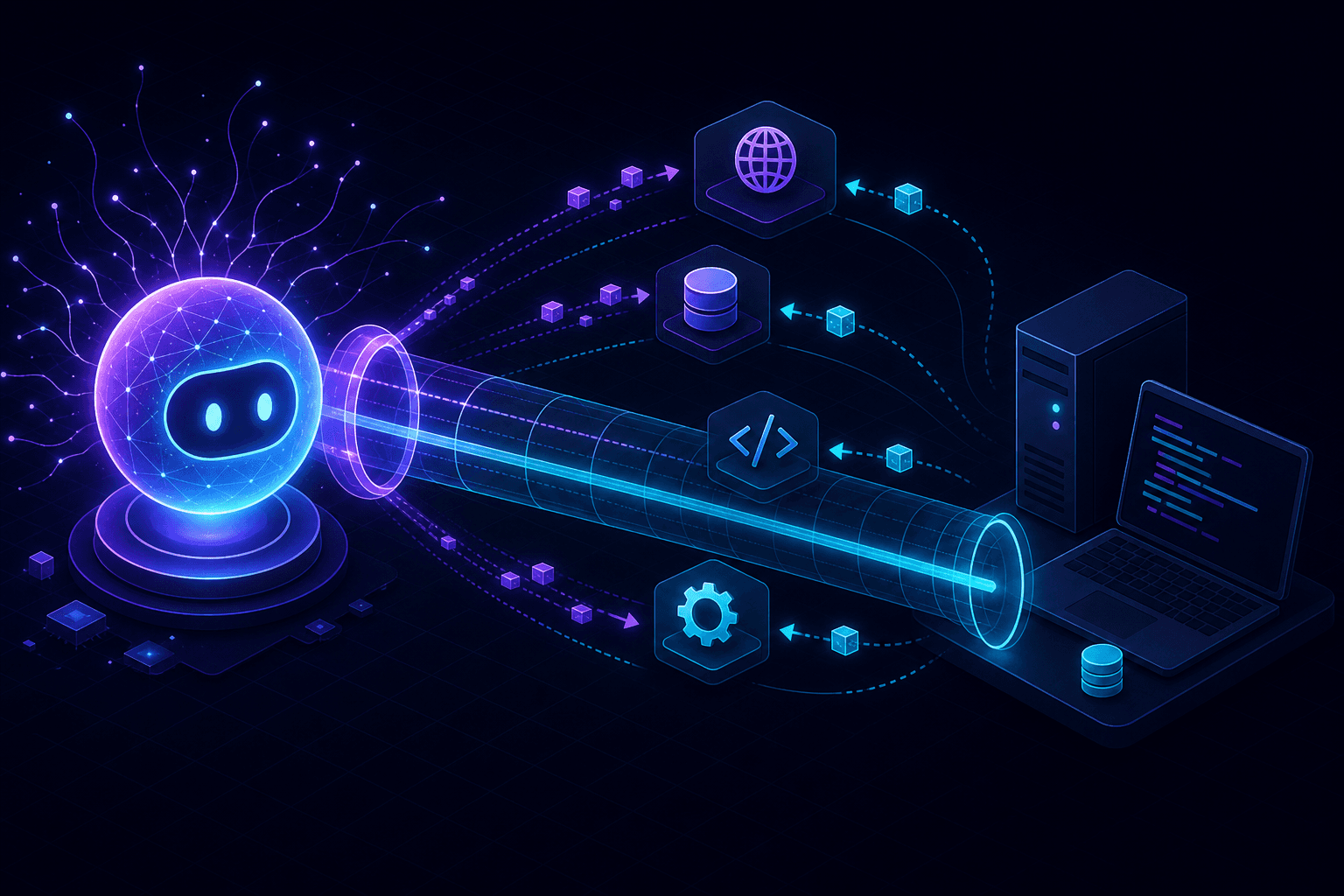
Claude's tool use isn't a webhook. Your backend sends a message, Claude responds, optionally with a request to call a tool, your code runs the tool and sends the result back. The whole thing happens over outbound HTTPS from your machine. So why is this article about tunnels?
Because the moment you build anything real with Claude — a coding agent, a customer-service automation, an MCP server, a long-running workflow — you start needing inbound connectivity. For browser clients. For MCP servers exposed to other apps. For webhooks from third-party tools that the model calls.
Where a tunnel actually helps
Browser frontends for Claude apps
Same shape as the OpenAI Realtime setup. Your frontend can't hold your Anthropic API key, so it talks to your backend, which talks to Anthropic. The frontend needs HTTPS for streaming responses to render cleanly (some browsers degrade SSE handling on plain HTTP), and your backend needs HTTPS if the frontend is HTTPS. Tunnel handles both.
MCP servers running locally
The Model Context Protocol lets Claude (and other clients) connect to tools you expose as MCP servers. For HTTP-transport MCP servers — as opposed to stdio — the client needs to reach your server. If you're prototyping an MCP server and want to test it with Claude Desktop or another remote client, exposing your local MCP server through a tunnel is the path of least resistance.
Computer use callbacks
If you're using Claude's computer use beta and the model interacts with a service that fires webhooks back to your machine, you're in webhook territory. Same patterns as any other provider: capture, replay, verify (if applicable).
What a tunnel doesn't do
You don't need a tunnel just to call Claude from a local script. curl https://api.anthropic.com/v1/messages works fine from any machine. The Python and TypeScript SDKs work fine. Tool use itself is an outbound interaction — Claude doesn't call your machine when it wants to use a tool, your code does the calling based on Claude's response.
This trips up some people the first time. The pattern is:
- Your code sends a user message to Claude with a list of available tools.
- Claude responds, possibly with a
tool_useblock describing a tool to call. - Your code executes the tool against your local system.
- Your code sends the tool result back to Claude as a follow-up message.
- Loop until done.
All five steps happen in one Python or TypeScript process. No inbound traffic. No tunnel.
The real reason tunneling helps Claude workflows
The reason we end up running a tunnel during Claude development isn't the model itself. It's everything around it: the dashboard for showing the agent's progress, the frontend that streams tool outputs, the MCP server exposed for testing, the webhook from a third-party tool that the agent invoked ("send a Slack message", "create a Linear issue"). The agent triggers a chain reaction, and somewhere in that chain, an external service eventually wants to hit your machine.
Setup for an MCP-server dev loop
- Implement your MCP server with HTTP transport.
- Run it locally on whatever port you pick.
npx portpreview 3000(or your port).- In Claude Desktop or your other MCP client, configure the remote server URL pointing at your tunnel.
- Issue commands. Watch the request capture in the tunnel and the responses your server returns.
If your MCP server is stdio-transport, this doesn't apply — stdio servers communicate through process pipes and stay local by design.
Streaming responses and tunnels
Claude streams responses via SSE. Tunnels need to handle the long-lived streaming response correctly — most do, but some older HTTP proxies buffer the response and only flush at the end, which defeats the point of streaming. PortPreview, Cloudflare, and ngrok handle SSE without buffering. If you see your frontend get the whole response in one chunk after a long wait, your tunnel is buffering. That's a tunnel problem, not a Claude problem.
Debugging the agent loop
The toughest part of Claude tool-use development isn't the API. It's understanding what the model decided to do at each step. Log every tool_use block before executing it. Log every tool result before returning to Claude. If you've got a tunnel between your frontend and backend, the request capture also gives you a record of the user messages — useful for replaying agent runs without re-typing prompts.
Where this is heading
Anthropic's tool use ecosystem is moving fast — MCP, computer use, longer context windows, lower latency. The webhook patterns from debugging webhooks locally and the general signature math from the signature verification guide apply when any external tool the agent calls fires a callback to your machine.
Start PortPreview free for a tunnel with capture, replay, and SSE-safe forwarding built in.