
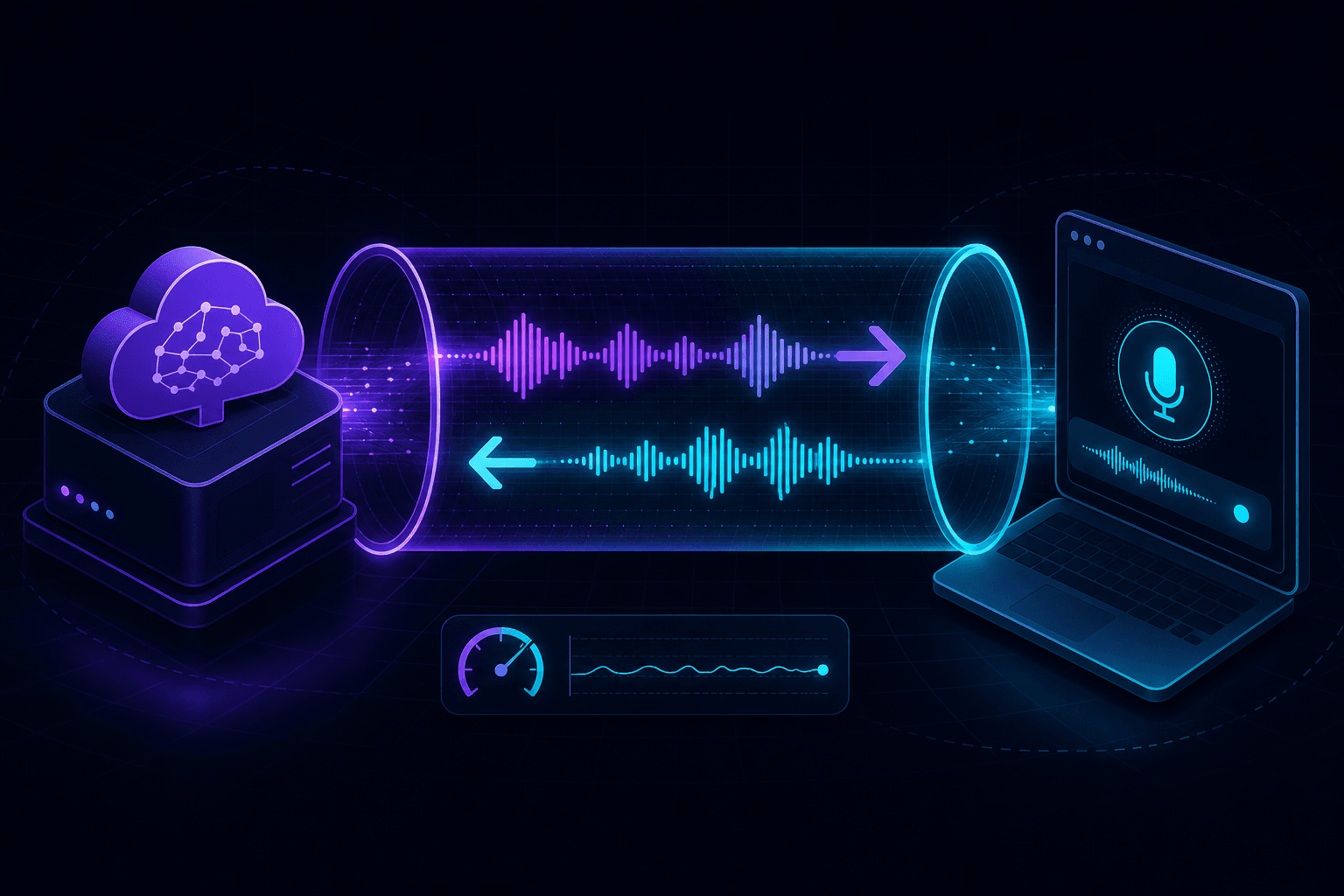
The OpenAI Realtime API connects clients over WebSocket or WebRTC. For server-side connections, you can hit OpenAI directly from any machine with internet. For client-side connections — which is most of what you'd actually want to build with this thing — the browser needs a secure origin and your backend needs to mint ephemeral tokens. Both work over a tunnel. Some details to know.
Two ways to connect, two reasons to tunnel
The Realtime API supports server-side connections (your backend opens a WebSocket to OpenAI) and client-side connections (a browser opens a WebRTC peer connection or WebSocket using an ephemeral token your backend mints). The server-side path doesn't need a tunnel. The client-side path almost always does.
Why the client side needs HTTPS:
- Browser microphone permissions require a secure origin.
- WebRTC's
getUserMediaand ICE handling work best on HTTPS. - Service workers (if you have any) need it.
- If you're calling your backend's
/sessionendpoint to get an ephemeral token, that backend has to be HTTPS too if your frontend is.
You can hack around the first one with browser flags. Don't. Use a tunnel and live in the real world.
The shape of a Realtime app in dev
A minimal realtime app has three parts:
- A frontend that captures mic input and renders audio output.
- A backend route that mints an ephemeral token by hitting OpenAI's
/v1/realtime/sessionsendpoint with your real API key. - A direct WebRTC or WebSocket connection from the browser to OpenAI, using the ephemeral token.
Your tunnel exposes the frontend + backend (same domain in most setups). The actual realtime traffic goes browser-to-OpenAI, not through your tunnel — that connection is direct over HTTPS/WSS.
Quick setup with PortPreview
- Start your dev server (Next.js, Vite, whatever) on port 3000 or 5173.
- Run
npx portpreview 3000. - Open the HTTPS URL in a browser. Mic permission prompts work normally.
- Hit your token-minting endpoint, get an ephemeral token, open the realtime connection.
- Speak, get a streaming response.
If you're using Vite, you'll need the allowedHosts and HMR config from Vite + tunnel. If you're on Next.js with edge runtime anywhere, watch out for the runtime config on routes that need Node crypto.
WebSocket upgrades through tunnels
Realtime connections are WebSocket (or WebRTC, which mostly bypasses the tunnel). Any tunnel you use needs to forward the HTTP Upgrade request properly. Most do — PortPreview, Cloudflare quick tunnels, ngrok all handle WebSocket upgrades. If your tunnel doesn't, the connection fails silently in the browser with a generic WebSocket closed before connected message and no useful detail.
Test the upgrade with wscat if you're unsure. Connect to wss://your-tunnel.portpreview.dev/anything and watch the handshake.
The dev tricks that help
Inspect the token-mint request
Your frontend calls a backend route that calls OpenAI. The most common dev bug here is a misconfigured request to /v1/realtime/sessions — wrong model name, wrong voice, wrong modalities. Your tunnel captures the request from frontend to backend, but not the backend-to-OpenAI hop. Log that request server-side, or proxy it through your tunnel by running both layers locally.
Audio format mismatches
The Realtime API uses PCM16 by default with a configurable sample rate. If you're piping in audio from a different format, the model will either reject or hallucinate. Browser MediaRecorder usually gives you Opus or WebM — you'll need to handle the conversion or use the WebRTC path that handles it for you.
Token expiry during long sessions
Ephemeral tokens are short-lived. If you're testing a session that's longer than the token TTL, refresh on schedule. The Realtime SDK has helpers for this; rolling your own means watching for the session.expired event and minting a new token before the old one dies.
What this looks like in production
The only real change from dev to prod is the URL: replace the tunnel hostname with your real domain. The token-minting endpoint stays on your backend. The WebRTC/WebSocket connection from browser to OpenAI is the same code path. We've seen teams overthink this and try to proxy realtime traffic through their backend — don't, it adds latency and breaks the model that OpenAI's SDK assumes.
For Anthropic's parallel offering (which is closer to a tool-use loop than a streaming WebSocket), see Anthropic tool use and webhooks locally. Start PortPreview free for a tunnel that handles WebSocket upgrades by default.