
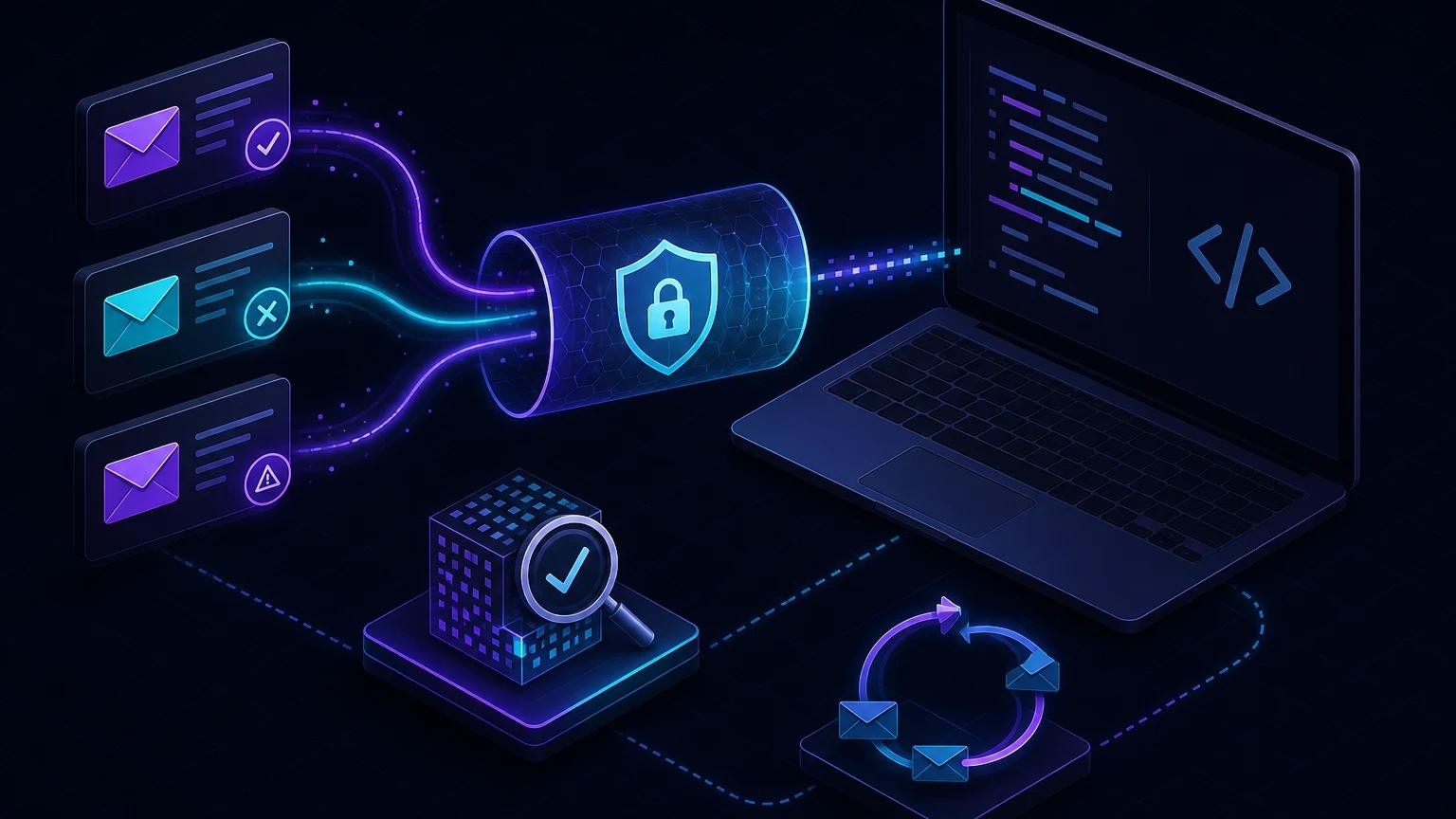
To test Resend webhooks locally in Next.js, create an App Router POST route that reads the raw body, verify its Svix headers with your Resend signing secret, and register an HTTPS tunnel URL in the Resend dashboard. Send an email through Resend, then handle real email.sent, email.delivered, email.bounced, or email.complained events on localhost.
What a Resend webhook tells your application
An API response saying an email was accepted is not proof that it reached the recipient. Delivery happens asynchronously. Resend webhooks let your application update message state, suppress bad addresses, report bounces, and react to complaints after the original send request has finished. The official Resend webhook documentation lists event types and dashboard setup.
A local webhook test should cover the entire state machine, not only whether a POST reaches your route. Correlate each event's email ID with the record created when sending. Treat states as transitions: accepted, sent, delivered, delayed, bounced, complained, opened, or clicked where applicable. A later duplicate must not overwrite a more useful state or trigger the same alert twice.
Create the Next.js App Router route
Install the verifier maintained for the signing format:
npm install svixThen create a Node-runtime route. Resend signs the original body, so use request.text() exactly once before parsing.
// app/api/webhooks/resend/route.ts
import { Webhook } from 'svix';

export const runtime = 'nodejs';

export async function POST(request: Request) {
  const payload = await request.text();
  const headers = {
    'svix-id': request.headers.get('svix-id') ?? '',
    'svix-timestamp': request.headers.get('svix-timestamp') ?? '',
    'svix-signature': request.headers.get('svix-signature') ?? '',
  };

  let event: ResendEvent;
  try {
    const webhook = new Webhook(process.env.RESEND_WEBHOOK_SECRET!);
    event = webhook.verify(payload, headers) as ResendEvent;
  } catch {
    return Response.json({ error: 'Invalid webhook signature' }, { status: 400 });
  }

  await enqueueResendEvent({
    deliveryId: headers['svix-id'],
    event,
  });
  return Response.json({ received: true });
}
The signing secret belongs to this webhook endpoint and normally begins with a provider-specific prefix. Copy it from the Resend webhook settings into an ignored local environment file such as .env.local. It is not the Resend API key used to send email.
Why the three Svix headers matter
svix-iduniquely identifies a delivery and is the best idempotency key.svix-timestampbinds the signature to a time, allowing the verifier to reject stale requests outside its tolerance.svix-signaturecan contain one or more versioned signatures used to authenticate the body.
Do not implement this protocol by splitting header strings unless you have a compelling reason. The SDK handles encoding, multiple signatures, and timestamp checks. Resend explicitly recommends using the signing secret and these headers for verification. The deeper signature verification guide explains why raw bytes and timing-safe checks matter.
Expose Next.js and register the endpoint
- Run
npm run devand confirm the application listens on port 3000. - Start
npx portpreview 3000in another terminal. - In Resend, create a webhook whose endpoint is
https://YOUR-TUNNEL.portpreview.dev/api/webhooks/resend. - Select only the email events your application processes.
- Copy the endpoint's signing secret into
RESEND_WEBHOOK_SECRETand restart Next.js so it loads the variable. - Send a message using a verified domain and inspect the events that reach the local route.
Keep the public URL stable for the session. If the tunnel origin changes, edit the Resend endpoint before testing again. An endpoint configured with an old URL cannot reach your new process, even if localhost itself is healthy.
Use a typed event dispatcher
Webhook payloads should enter one narrow dispatcher. Validate required fields and make unrecognized event types observable without treating them as server failures.
async function processEvent(event: ResendEvent) {
  switch (event.type) {
    case 'email.delivered':
      await markDelivered(event.data.email_id, event.created_at);
      break;
    case 'email.bounced':
      await markBounced(event.data.email_id, event.data.bounce?.message);
      await suppressIfPermanent(event.data);
      break;
    case 'email.complained':
      await suppressRecipients(event.data.to);
      await alertCompliance(event.data.email_id);
      break;
    default:
      await recordUnhandledEvent(event);
  }
}
Keep payload types aligned with the current Resend schema rather than assuming every event has identical data. For example, bounce details and recipient lists may be relevant only on certain events. Save the event type, provider email ID, event timestamp, and a minimal redacted payload for support investigations.
Make handling idempotent before testing retries
Webhook systems provide at-least-once delivery behavior in practice. A timeout can occur after your database commit but before the provider receives your 200 response. The provider then retries a request you already applied. Use svix-id as a unique delivery key and insert it in the same transaction as the state change.
await db.transaction(async (tx) => {
  const inserted = await tx.webhookDelivery.insertOnce({
    provider: 'resend',
    deliveryId,
  });
  if (!inserted) return;
  await applyEmailEvent(tx, event);
});
Do not deduplicate solely by email ID because one email legitimately receives multiple event types. Depending on your data model, keep both a delivery-level unique key and state-transition rules. Read webhook retry and idempotency patterns before connecting events to billing, suppression, or customer notifications.
Return quickly without losing the event
Signature verification is appropriate in the request path; slow business work is not. Persist or enqueue the verified event, then return 2xx. If you return before any durable write, a process crash can lose the event. If you wait for several remote APIs, your endpoint can time out and invite retries. A database inbox table is often the simplest local and production design.
Generate useful test events
Sent and delivered
Send to an address you control from a verified domain. Record the email ID returned by the send API and confirm incoming events update the same row. Delivery timing varies by recipient server, so do not assume events arrive immediately or in a simplistic sequence.
Bounces
Use Resend's documented test addresses or testing features rather than inventing traffic to unrelated domains. Verify that permanent failures suppress future mail while temporary conditions follow your retry policy. Do not automatically suppress on every delayed event.
Complaints
Complaint handling is both deliverability and compliance logic. Ensure a repeated webhook does not create repeated alerts, and ensure the affected recipient is excluded from later campaigns according to your policy.
Troubleshoot Resend webhook failures
Signature verification always fails
Confirm the endpoint's signing secret—not the API key—is loaded. Use await request.text(), do not parse and re-stringify JSON, and pass all three Svix headers with their exact values. Restart the development server after changing .env.local.
The route returns 404 or 405
App Router route files must be named route.ts beneath the intended URL segments and export POST. Check whether middleware rewrites the tunnel request to a locale or login page. Test the public URL with curl and inspect the actual response.
Resend shows retries despite successful processing
Check that every successful branch returns 2xx promptly. Errors thrown after a database update can produce a 500 and a duplicate retry. Make processing transactional and idempotent, then inspect response latency.
Events arrive but cannot be linked to an email
Persist the provider email ID from the original Resend send response. Do not rely on subject lines or recipient addresses as identifiers. Those fields are neither unique nor stable enough for correlation.
Replayed captures fail timestamp verification
That is expected when replaying an old signed request through the normal verifier: its timestamp may be outside the permitted tolerance. Prefer provider redelivery where available. For isolated business-logic tests, verify once, save a sanitized event fixture, and test the dispatcher separately. The replay guide explains this boundary.
Security and privacy for email event testing
- Never expose
RESEND_API_KEYor the endpoint signing secret in source, browser bundles, screenshots, or request logs. - Verify before parsing or persisting the event.
- Redact recipients, subjects, headers, and message metadata from shared tunnel captures.
- Apply retention limits to raw webhook payloads; store only what support and compliance require.
- Use a separate local endpoint secret from production and rotate it when the test endpoint is deleted.
The final design should work identically after deployment: public HTTPS endpoint, raw-body verification, durable idempotency, fast acknowledgement, and asynchronous state handling. For App Router-specific raw-body details, see the Next.js webhook localhost guide.