
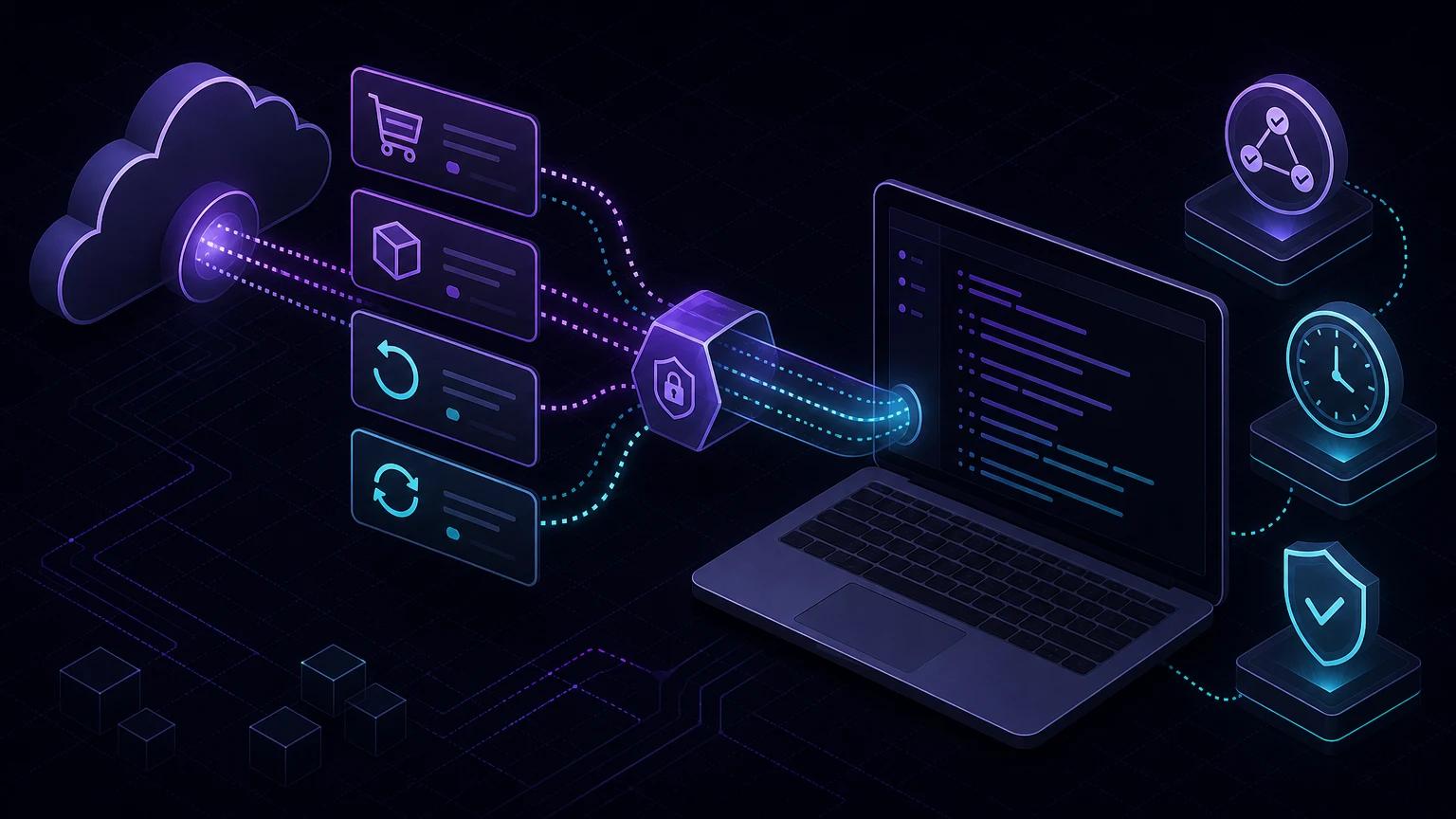
To test Polar webhooks locally, run your webhook handler, install and authenticate the Polar CLI, then use polar listen http://localhost:3000/api/webhooks/polar to relay signed events directly to your machine. Copy the temporary secret printed by the listener into POLAR_WEBHOOK_SECRET, verify the raw body before processing it, and trigger a sandbox checkout, order, refund, or subscription event.
Why the Polar CLI is the simplest local workflow
A normal production webhook endpoint must be publicly reachable over HTTPS. Polar offers a purpose-built local listener, so you do not have to create a permanent endpoint or repeatedly paste temporary callback URLs into a dashboard. The CLI connects to your organization, displays a session signing secret, receives events, and forwards them to the local URL you provide.
Polar's official local webhook documentation uses polar listen http://localhost:3000/. Point it at the complete path when your application handles webhooks below a route such as /api/webhooks/polar. This catches path mistakes before production and keeps the same application handler you intend to deploy.
Install the CLI and start listening
- Start your application and confirm its POST route is available locally.
- Install the Polar CLI using the command from the official documentation.
- Run
polar loginand authorize the correct account. - Start
polar listen http://localhost:3000/api/webhooks/polar. - Select the organization that owns your sandbox products.
- Copy the displayed session secret into
POLAR_WEBHOOK_SECRETand restart your app if its environment is loaded only at startup. - Trigger a sandbox action and compare the CLI delivery status with your local logs.
The listener secret is part of the local session. Do not assume it equals a dashboard endpoint secret or reuse a production value. If you reconnect and receive a different secret, update the local environment before testing again.
Create a Next.js App Router handler
Polar follows the Standard Webhooks specification. A delivery includes webhook-id, webhook-timestamp, and webhook-signature. Verification must use the exact raw request body; calling request.json() first and serializing the object again can change the signed bytes.
// app/api/webhooks/polar/route.ts
import { Webhook } from 'standardwebhooks';

export const runtime = 'nodejs';

export async function POST(request: Request) {
  const rawBody = await request.text();
  const secret = process.env.POLAR_WEBHOOK_SECRET;
  if (!secret) {
    return new Response('Webhook secret is not configured', { status: 500 });
  }

  const headers = {
    'webhook-id': request.headers.get('webhook-id') ?? '',
    'webhook-timestamp': request.headers.get('webhook-timestamp') ?? '',
    'webhook-signature': request.headers.get('webhook-signature') ?? '',
  };

  try {
    const encodedSecret = Buffer.from(secret.trim(), 'utf8').toString('base64');
    const payload = new Webhook(encodedSecret).verify(rawBody, headers);
    await acceptPolarEvent(headers['webhook-id'], payload);
    return Response.json({ received: true });
  } catch {
    return new Response('Invalid signature', { status: 403 });
  }
}
Polar's delivery documentation calls out a common custom-verification trap: Standard Webhooks libraries expect a Base64-encoded secret, while Polar provides a normal secret string. Polar SDK helpers handle this conversion automatically. When using standardwebhooks directly, Base64-encode the complete Polar secret as shown above.
Prefer an official framework adapter when available
Polar publishes adapters that combine signature verification with typed payload handlers. The official Express adapter documentation provides granular callbacks for checkout, order, refund, benefit, and subscription events. An adapter reduces the chance of implementing header parsing or secret encoding incorrectly.
import express from 'express';
import { Webhooks } from '@polar-sh/express';

const app = express();
app.use(express.json());
app.post('/webhooks/polar', Webhooks({
  webhookSecret: process.env.POLAR_WEBHOOK_SECRET,
  onOrderPaid: async (event) => {
    await queueOrderPaid(event.data);
  },
  onSubscriptionActive: async (event) => {
    await queueSubscriptionActive(event.data);
  },
}));
app.listen(3000);
Follow the adapter's documented middleware order for the version you install. If you use a generic verifier instead, preserve the raw body explicitly. Do not mix an adapter that reads the stream with middleware that consumes it first.
Which Polar events should you test?
Checkout events
Checkout events help track a session before it becomes a paid order. Test successful completion and abandoned or updated states without granting access merely because a checkout was created. The paid order or active subscription should remain the authoritative entitlement signal.
Order paid and refunded
For an order-paid event, map the Polar customer and product to your internal account, then grant the purchased benefit exactly once. Refund events should reverse only the affected entitlement according to your refund policy. Store provider IDs so support can reconcile the event with Polar.
Subscription lifecycle events
Test creation, activation, updates, cancellation, revocation, and any past-due behavior your product supports. A cancellation request may not mean access ends immediately. Store status and effective dates instead of reducing the lifecycle to one is_active flag.
Benefit grants
If your integration uses Polar benefits, test grant creation, update, and revocation independently from billing events. Make handlers converge on desired state so receiving the same grant twice does not provision duplicate resources.
Make every event idempotent
Network delivery is not an exactly-once transaction. A handler can commit its database work and lose the response, causing the sender to retry. Use webhook-id as a unique delivery key and claim it in the same transaction that updates your application state.
await db.transaction(async (tx) => {
  const firstDelivery = await tx.webhookReceipts.insertIfAbsent({
    provider: 'polar',
    deliveryId: webhookId,
  });
  if (!firstDelivery) return;

  await applyPolarEvent(tx, payload);
  await tx.outbox.enqueue('polar-event-accepted', { webhookId });
});
Return a 2xx response for a duplicate that was already completed. Do not deduplicate only by customer or subscription ID because many legitimate events target the same resource. The webhook retry and idempotency guide covers inbox and outbox patterns in more detail.
Keep acknowledgement work short
Verify the request, persist it or enqueue a durable job, and return success. Email, license generation, repository access, analytics, and third-party API calls should run asynchronously. Fast acknowledgement reduces retries while a durable write prevents events from disappearing if the process exits after returning.
Unknown event types should be recorded and acknowledged after valid signature verification. Polar can add event types over time; throwing on every unfamiliar value converts a harmless schema addition into repeated delivery failures.
Troubleshoot Polar webhook localhost failures
The CLI connects but the route returns 404
Pass the full local route to polar listen, not only the port. In Next.js App Router, ensure the file is named route.ts and exports POST. A browser GET returning 404 does not prove the POST route is missing, so test with curl -X POST.
Every request returns 403
Confirm the app loaded the secret printed by the current CLI session. Preserve the raw body and all three Standard Webhooks headers. If you use the generic library, Base64-encode the Polar secret exactly once; if you use a Polar SDK helper, pass the original secret and let the SDK handle encoding.
No event appears after a checkout
Verify the CLI is connected to the same organization and environment where the action occurred. Keep the listener terminal open, use sandbox resources, and confirm your action actually reaches the event state you subscribed to.
Events are processed twice
Add a unique constraint for webhook-id and return success for duplicates. Check whether an exception occurs after your state update but before the response. Move slow side effects into an outbox-backed worker.
An old captured request fails verification
Standard Webhooks verification includes a timestamp to limit replay attacks. An old capture should fail the normal verification window. For business-logic tests, verify a fresh delivery once and save a sanitized payload fixture behind the authentication boundary.
Security checklist before production
- Use separate local, sandbox, and production endpoint secrets.
- Verify the raw body, timestamp, delivery ID, and signature before processing.
- Keep API tokens and webhook secrets in server-only environment variables.
- Deduplicate by
webhook-idand validate product, organization, and customer identifiers. - Redact customer email, billing data, metadata, and full payloads from shared logs.
- Apply request-size limits and monitor repeated invalid signatures.
- Replace the local listener with a stable HTTPS endpoint and test a fresh sandbox flow before enabling live products.
The Polar CLI removes the deployment loop, but it should not remove production controls. Keep signature verification, idempotency, event filtering, and durable processing enabled locally so the code you test is the code you ship. For framework-independent verification details, read the webhook signature verification guide and the general local debugging workflow.