
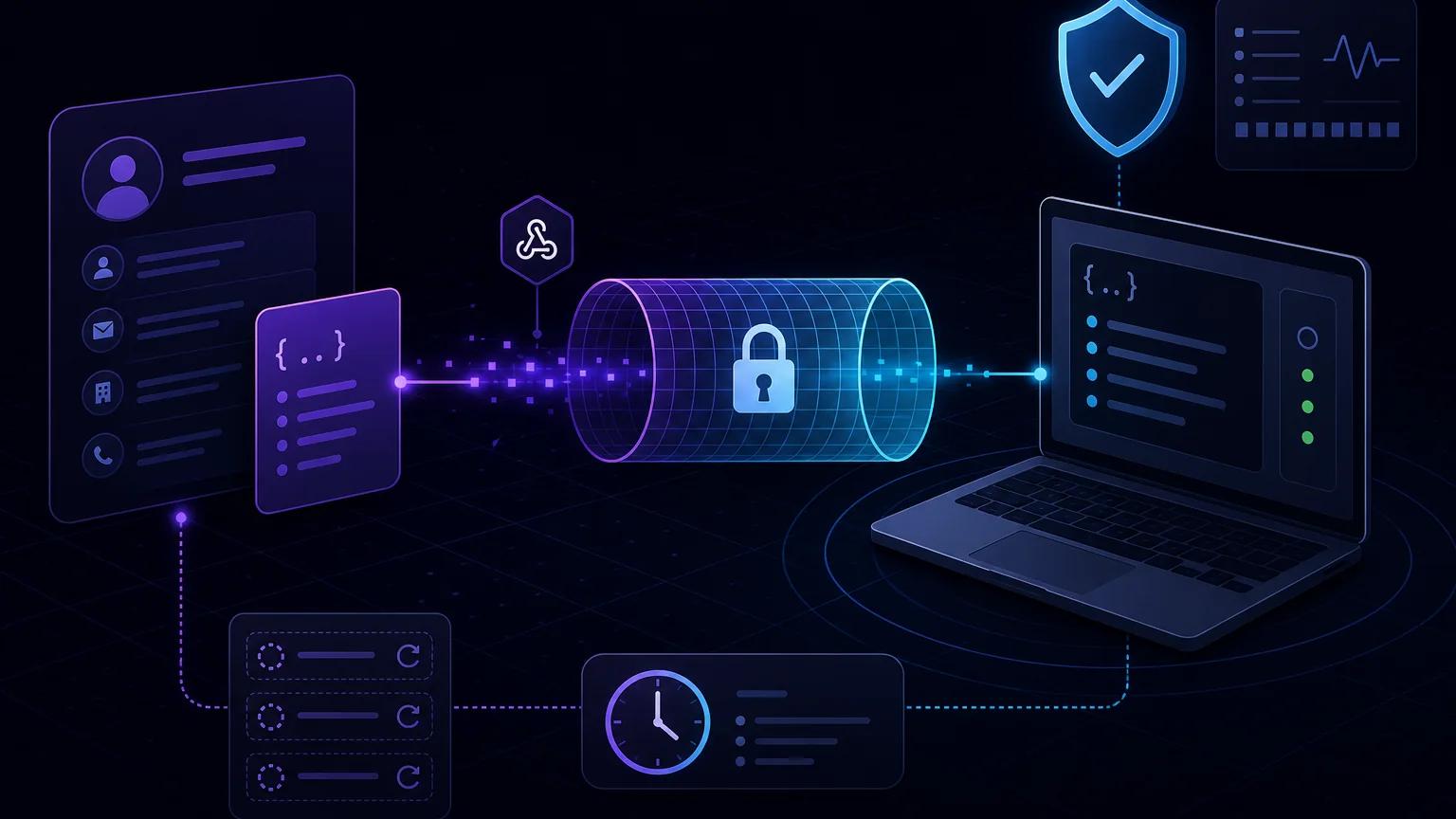
To test HubSpot webhooks on localhost, expose your local POST handler with npx portpreview PORT, set the resulting HTTPS endpoint as your app's webhook target, and validate every request with HubSpot's v3 signature before processing its event batch. Keep the exact body, public request URI, method, and timestamp intact for verification, then acknowledge quickly and process each notification idempotently.
How HubSpot webhooks reach a local application
HubSpot cannot call localhost on your computer: that address points back to HubSpot's own infrastructure. It needs a publicly reachable HTTPS URL. A tunnel accepts that public request and forwards it to the port where your local server is listening. This lets you exercise the real sender, headers, batching, retries, and payloads instead of relying only on a hand-written fixture.
For CRM object subscriptions, HubSpot sends JSON POST requests to the target URL configured for your app. A request can contain a batch of notifications rather than one object. According to the official HubSpot Webhooks API guide, batches contain fewer than 100 notifications, delivery order is not guaranteed, and the same notification can occasionally arrive more than once. Those properties should shape the receiver from the first local test.
1. Create a local webhook route
The example below uses Express on port 3000. It deliberately mounts express.raw() on the webhook route before any JSON parser. The raw bytes are needed for reliable signature verification. Parse the body only after the signature passes.
import express from "express";
import crypto from "node:crypto";

const app = express();
const secret = process.env.HUBSPOT_CLIENT_SECRET;
const publicBase = process.env.WEBHOOK_PUBLIC_BASE_URL;

app.post(
  "/webhooks/hubspot",
  express.raw({ type: "application/json", limit: "1mb" }),
  async (req, res) => {
    const signature = req.get("x-hubspot-signature-v3");
    const timestamp = req.get("x-hubspot-request-timestamp");
    const rawBody = req.body.toString("utf8");

    if (!verifyHubSpotV3({
      signature,
      timestamp,
      method: req.method,
      publicUri: `${publicBase}${req.originalUrl}`,
      rawBody,
      secret,
    })) {
      return res.sendStatus(401);
    }

    let events;
    try {
      events = JSON.parse(rawBody);
      if (!Array.isArray(events)) throw new Error("Expected a batch");
      await enqueueBatchIdempotently(events);
    } catch (error) {
      console.error("HubSpot webhook rejected", error);
      return res.sendStatus(500);
    }

    return res.sendStatus(200);
  }
);

app.use(express.json());
app.listen(3000);
Set HUBSPOT_CLIENT_SECRET from your HubSpot app credentials, never from request data. WEBHOOK_PUBLIC_BASE_URL must be the exact tunnel origin, such as https://example.portpreview.dev, with no trailing slash. Using a configured public origin avoids a common reverse-proxy error: Express may see an internal host or protocol even though HubSpot signed the external HTTPS URI.
2. Start the HTTPS tunnel
Run the local server, then open a second terminal:
npx portpreview 3000Copy the HTTPS URL printed by PortPreview and append the route:
https://example.portpreview.dev/webhooks/hubspotKeep the tunnel process running while testing. If a later session gives you a different hostname, update both HubSpot's target URL and WEBHOOK_PUBLIC_BASE_URL. Before involving HubSpot, make a local POST request to the route and confirm it reaches the process. A 401 response is expected without valid HubSpot headers; a 404 or connection error means routing is not ready.
3. Configure subscriptions in HubSpot
Open your HubSpot developer app and configure its webhook target URL, then create and activate only the subscriptions needed by the integration. Current app tooling and available event types can vary by app platform and version, so use the controls shown for your app and confirm names against the current subscription guide. The current Webhooks API also exposes subscription endpoints for supported apps. Property-change subscriptions require a valid propertyName.
Use a narrowly scoped test subscription, such as a contact creation or a specific property change, and perform that action in a non-production HubSpot account. Record the app ID, subscription ID, object ID, subscription type, occurrence time, and attempt number from received notifications. Do not assume every webhook product has the same payload or signature version: workflow webhook actions and older integrations can use different request-validation rules.
Verify the HubSpot v3 signature correctly
For v3, HubSpot sends X-HubSpot-Signature-v3 and X-HubSpot-Request-Timestamp. The official request-validation documentation defines the signed source as requestMethod + requestUri + requestBody + timestamp. Compute HMAC-SHA256 with the app client secret, Base64-encode the binary digest, and compare it to the signature in constant time. Reject stale timestamps; HubSpot's documented window is five minutes.
function decodeHubSpotQuery(uri) {
  const [base, query] = uri.split("?", 2);
  if (query === undefined) return base;
  const map = {
    "%3A": ":", "%2F": "/", "%3F": "?", "%40": "@",
    "%21": "!", "%24": "$", "%27": "'", "%28": "(",
    "%29": ")", "%2A": "*", "%2C": ",", "%3B": ";",
  };
  const decoded = query.replace(
    /%3A|%2F|%3F|%40|%21|%24|%27|%28|%29|%2A|%2C|%3B/g,
    value => map[value]
  );
  return `${base}?${decoded}`;
}

function verifyHubSpotV3(input) {
  if (!input.secret || !input.signature || !input.timestamp) return false;

  const sentAt = Number(input.timestamp);
  if (!Number.isFinite(sentAt) || Math.abs(Date.now() - sentAt) > 300_000) {
    return false;
  }

  const uri = decodeHubSpotQuery(input.publicUri.split("#")[0]);
  const source = `${input.method}${uri}${input.rawBody}${input.timestamp}`;
  const expected = crypto
    .createHmac("sha256", input.secret)
    .update(source, "utf8")
    .digest("base64");

  const actualBuffer = Buffer.from(input.signature, "utf8");
  const expectedBuffer = Buffer.from(expected, "utf8");
  return actualBuffer.length === expectedBuffer.length &&
    crypto.timingSafeEqual(actualBuffer, expectedBuffer);
}
HubSpot specifies a limited set of percent-encoded characters to decode in the query portion of the URI for v3 validation; the helper mirrors that list. Query order and the exact public protocol, host, path, and query still matter. If your endpoint has no query string, URI reconstruction is simpler. Never log the client secret, full signature source, or sensitive CRM payload merely to diagnose a mismatch.
Do not automatically apply this v3 algorithm to every HubSpot-originated request. The validation documentation says some workflow webhook actions and app-card requests use v2, while legacy formats can use v1. Inspect the documented headers and product-specific contract, and implement only the versions your integration actually receives. For a broader comparison, see the webhook signature verification guide.
Design for batches, duplicates, and retries
Verify the complete request first, then treat every array member as an independent unit of work. HubSpot says eventId is not guaranteed to be unique, so it is a poor idempotency key by itself. Use a durable uniqueness rule based on the stable fields appropriate to your subscription—for example app, portal, subscription, object, event type, occurrence time, and relevant change data—or store a deterministic digest of that normalized event. Insert the receipt and enqueue work in one database transaction.
Return success only after the event is durably recorded, but keep that acknowledgement path short. HubSpot considers a delivery failed if it cannot connect, receives a 4xx or 5xx response, or waits more than five seconds. Failed notifications can be retried up to ten times across the following 24 hours with varying delays. attemptNumber starts at zero and helps debugging, but it should not alter your idempotency key.
A worker can then update your CRM mirror, trigger automation, or call another service. If a duplicate arrives, the database uniqueness constraint should turn it into a harmless no-op and the endpoint should still return 200. If durable storage is unavailable, return an error so HubSpot retries rather than acknowledging data you will lose. The retry and idempotency guide covers this boundary in more detail.
Troubleshoot local HubSpot deliveries
- No request arrives: confirm the tunnel is running, the target includes
/webhooks/hubspot, the subscription is active, and your test action matches its event type and property. - 404 or 405: verify the route path and ensure it accepts POST. Test the public URL, not only
localhost. - Signature always fails: preserve the body before parsing, use the app client secret, reconstruct the exact public HTTPS URI, retain query order, apply HubSpot's limited query decoding, and use the timestamp string exactly as received.
- Requests repeat: inspect
attemptNumber, response status, and handler duration. Repetition can also be normal duplicate delivery, so enforce idempotency. - Events look missing or out of order: process the entire array and order business decisions by
occurredAtwhere needed; arrival order is not guaranteed.
Use the checklist in debugging webhooks locally to separate tunnel, route, application, and provider failures. For recurring authorization failures, follow the focused 401 and 403 troubleshooting guide.
Security checklist before production
- Verify the signature and timestamp before parsing or acting on CRM data.
- Keep the client secret in environment-backed secret storage and rotate it if exposed.
- Use HTTPS and a narrow, unguessable route; do not treat the URL itself as authentication.
- Limit request size, accepted content type, and method.
- Redact contact properties and credentials from logs, traces, and error reports.
- Use a durable queue and database uniqueness constraint rather than in-memory deduplication.
- Separate test and production HubSpot apps, secrets, accounts, and endpoints.
- Remove or disable the temporary tunnel URL after local testing.
With the real HTTPS delivery path, exact v3 verification, and durable idempotency in place, local tests exercise the same trust boundary and failure modes your production HubSpot integration must handle.