
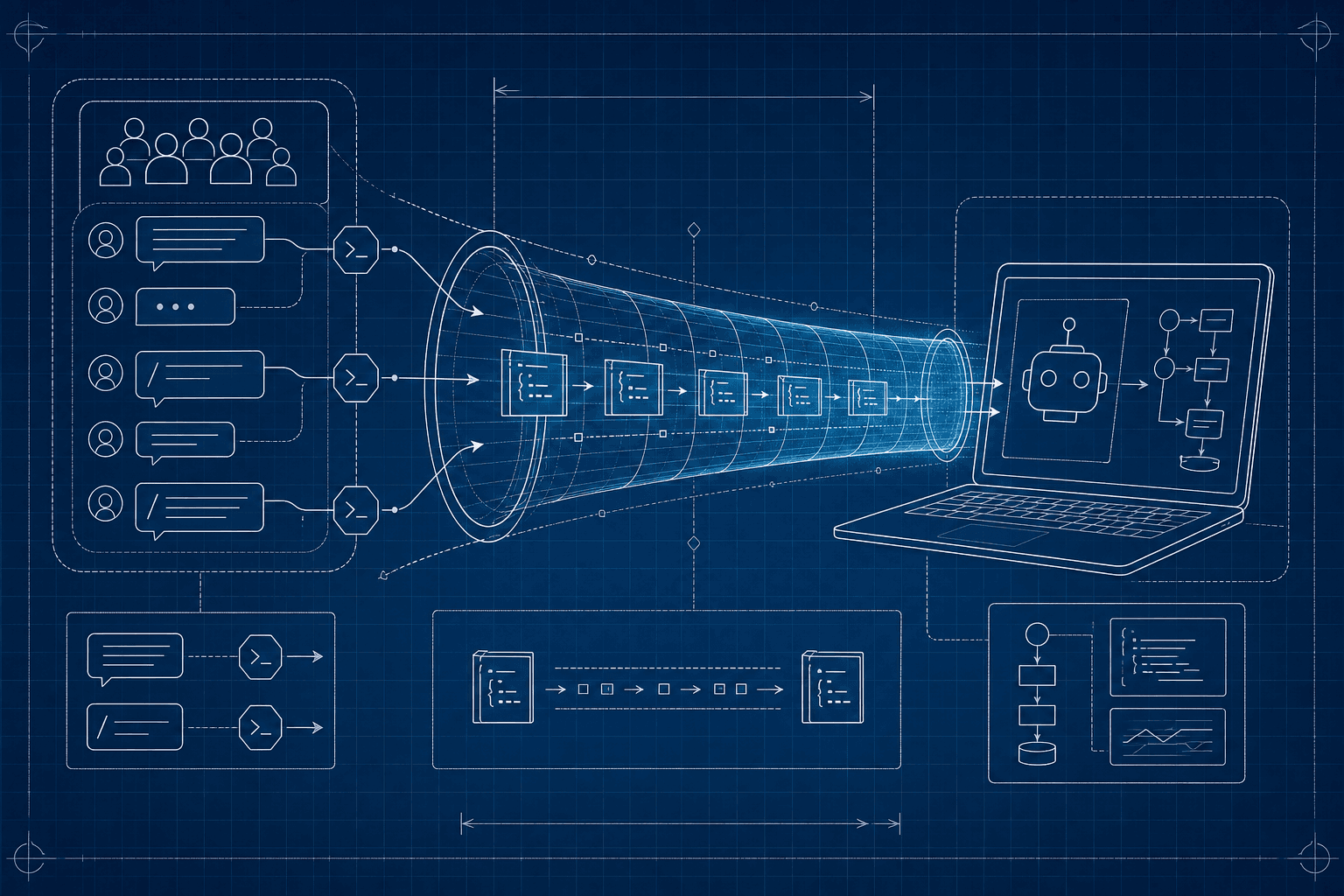
Discord has two things people call "webhooks" and they behave nothing alike. One is a fire-and-forget URL for posting messages. The other is an interaction endpoint that receives signed POSTs every time a user runs a slash command. The first works on localhost. The second never does. This guide is about the second one — because that's the one that needs a tunnel.
The two Discord webhook flavors
Outgoing webhooks are URLs you POST to. You send a JSON message, it appears in a channel. No tunnel needed because traffic flows from your machine outward.
Interaction endpoints are the opposite direction. You register a URL with Discord; Discord POSTs to it whenever a user runs /yourcommand. The endpoint must be HTTPS, must respond within three seconds, and must verify an Ed25519 signature on every request. Localhost cannot do any of that on its own.
Why interaction endpoints are stricter than most
Discord doesn't just want HTTPS — it requires you to prove you control the endpoint before it accepts the URL. The verification flow happens at registration: Discord sends a PING interaction, your server must respond with a signed PONG. If the Ed25519 verification fails even once, Discord refuses to save the URL.
You will not figure out the Ed25519 part on the first try. Almost nobody does.
Ed25519 verification, the part that bites
Discord uses Ed25519 (not HMAC SHA-256) and provides two headers on every interaction:
X-Signature-Ed25519— the signature in hexX-Signature-Timestamp— the timestamp in seconds
You sign timestamp + rawBody with the public key Discord shows you in the developer portal. Most languages have a library for this. In Node:
import nacl from 'tweetnacl';

const valid = nacl.sign.detached.verify(
  Buffer.from(timestamp + rawBody),
  Buffer.from(signature, 'hex'),
  Buffer.from(PUBLIC_KEY, 'hex'),
);
The number-one cause of failed verification is — again — middleware that parses the body before this code runs. You need the raw string Discord sent, not a re-stringified version of the parsed object.
Step-by-step: interaction endpoint on localhost
- Start your bot's HTTP server locally (any port).
- Run
npx portpreview 3000to get a public HTTPS URL. - In the Discord developer portal, open your application and paste the tunnel URL plus your interactions path into Interactions Endpoint URL.
- Hit Save. Discord will immediately fire a
PING. If your Ed25519 verification works, the URL saves. If not, the field shows an error. - Once saved, run a slash command in any server where your bot lives. The request lands in your handler.
If save fails repeatedly, inspect the captured request — the headers, the body, and your server's response. Nine times out of ten the body has been silently mutated by a JSON middleware before verification.
Three-second deadline
Discord requires a response in under three seconds or it counts the interaction as failed. For anything that takes longer than that, send an initial type-5 response (deferred) and then PATCH the original interaction with the real reply later. Local testing makes it obvious which handlers are too slow — the request capture shows you the exact latency.
Outgoing webhooks are still useful for testing
If you just want to send messages to a channel from local code, the outgoing webhook URL works without any tunnel. POST JSON, message appears. We use this for shipping log alerts from local dev runs.
When you outgrow this setup
For a single bot with a handful of commands, local testing with a tunnel is plenty. If you're maintaining a public bot serving millions of users, you'll eventually want a staging deployment with a stable URL so Discord doesn't have to re-verify every time the tunnel session rotates.
Discord's three-second timeout is the same family of problem as GitHub's ten-second window. Read our take on webhook retries and idempotency for the long version. Start PortPreview free to get tunnel + capture in one CLI.