
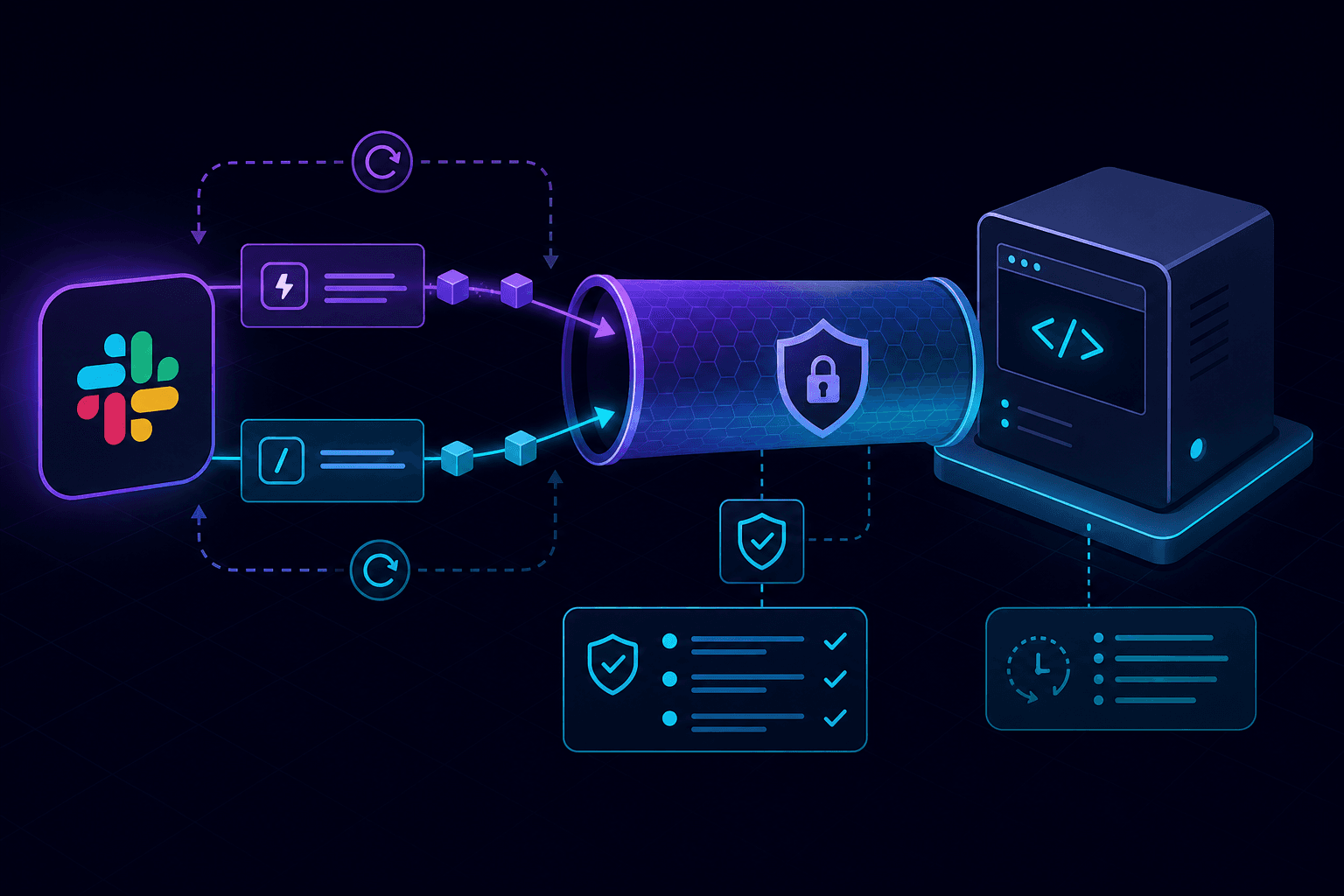
Slack has two patterns teams mix up all the time: outgoing webhooks that your app sends to Slack, and inbound webhook-style calls from Slack (Events API and slash commands) that hit your server. The second category is where local development breaks unless you expose localhost over HTTPS and verify signatures correctly.
Outgoing webhooks vs Events API vs slash commands
Outgoing webhook style: your code POSTs to a Slack URL. Localhost works because traffic goes out from your machine.
Events API and slash commands: Slack POSTs to your endpoint. Slack requires a publicly reachable HTTPS URL, a fast response, and valid request signature checks on every request.
Why tunnels are mandatory for local testing
Slack cannot call http://localhost. Use a tunnel so Slack gets a stable HTTPS target while your app still runs locally. This gives you realistic payloads from real workspaces without deploying a full staging app for every endpoint tweak.
Signing secret verification without body corruption
Slack sends X-Slack-Signature and X-Slack-Request-Timestamp. Build v0:timestamp:rawBody, sign it with your signing secret using HMAC SHA-256, then compare with a timing-safe method. The key detail is rawBody: parse too early and verification fails.
const base = `v0:${timestamp}:${rawBody}`;
const expected = 'v0=' + crypto.createHmac('sha256', signingSecret).update(base).digest('hex');
const valid = crypto.timingSafeEqual(Buffer.from(expected), Buffer.from(signature));
Step-by-step local workflow
- Run your Slack app server locally.
- Start PortPreview:
npx portpreview 3000. - Paste the generated HTTPS URL into Slack Request URL fields for Events API and slash commands.
- Trigger events from a test workspace and inspect request payloads and headers.
- Return 2xx quickly, queue long work, and make handlers idempotent.
Retries, duplicate deliveries, and safe processing
Slack can retry on timeouts or transient failures. Treat each delivery as potentially duplicated. Store provider event IDs (or composite keys) and skip already processed entries. This keeps billing, notifications, and state transitions from executing twice.
Useful references while implementing
Start with what localhost tunneling is, then follow how to debug webhooks locally. For verification details read the webhook signature verification guide, and for duplicate handling read webhook retry and idempotency. If you want tunnel + request capture in one flow, start PortPreview free.