
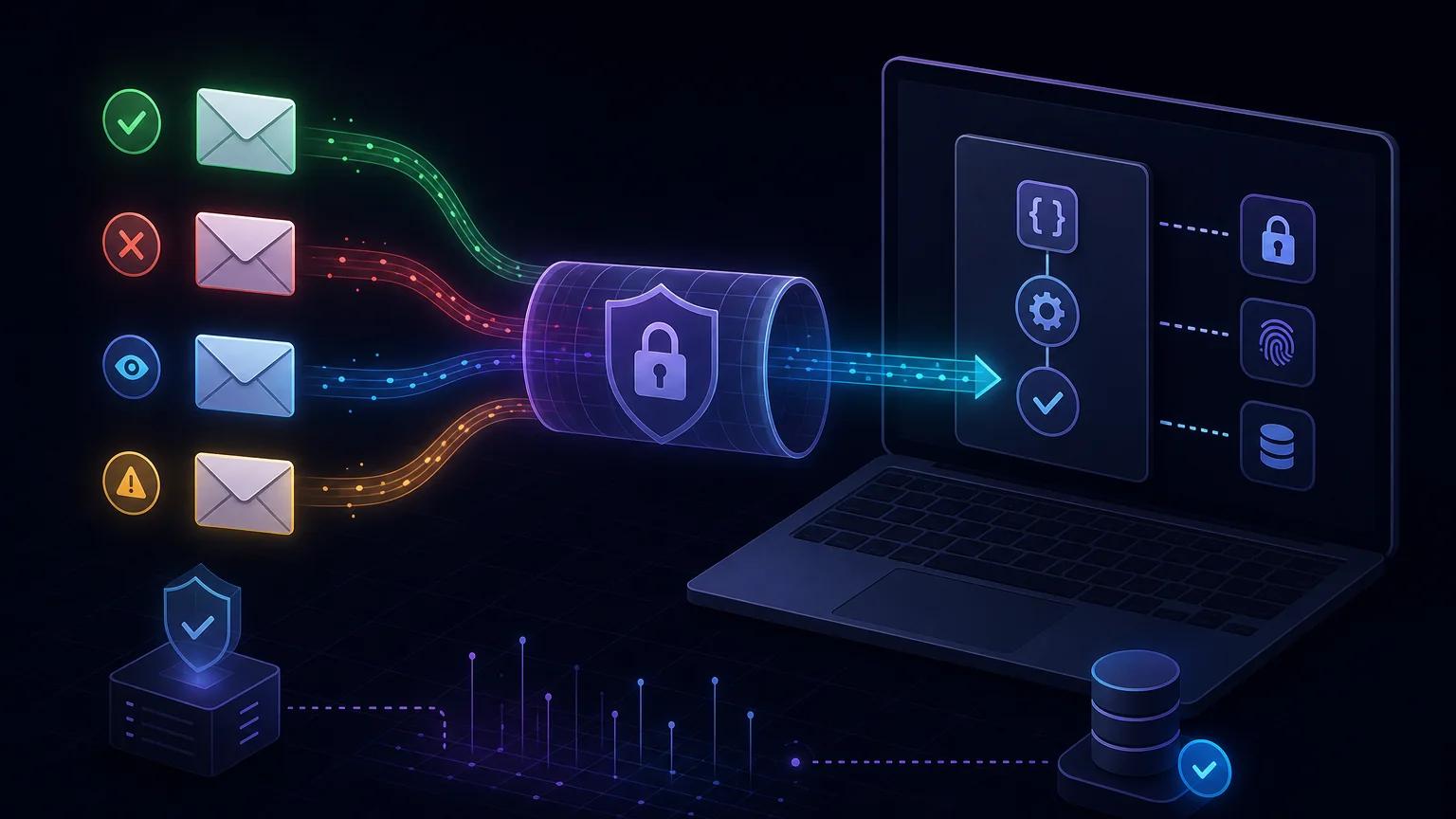
लोकल handler चलाएँ, npx portpreview PORT से port खोलें और बनी HTTPS route को सही Message Stream में दर्ज करें। Basic Authentication या secret header लगाएँ, JSON validate करें, idempotent तरीके से save करें और जल्दी HTTP 200 लौटाएँ।
Postmark Webhook में क्या भेजता है
Postmark Delivery, Bounce, Open, Click, Spam Complaint, Subscription Change और inbound mail पर HTTP POST भेजता है। RecordType से route करें। Delivery केवल destination server की स्वीकृति है; Bounce में Type, TypeCode, Inactive, CanActivate होते हैं। आधिकारिक Webhook overview Bounce Webhook reference
छोटा लोकल Express रिसीवर बनाएँ
Port 3000 वाला Express उदाहरण पहले Basic Auth, फिर minimum schema जाँचता और deduplication key को durable save करता है। अपने transaction या queue का उपयोग करें, size सीमित रखें और संवेदनशील inbound mail पूरा log न करें।
import crypto from 'node:crypto';
import express from 'express';

const app = express();
app.use('/webhooks/postmark', express.json({ limit: '2mb' }));

function safeEqual(actual, expected) {
  const a = Buffer.from(actual);
  const b = Buffer.from(expected);
  return a.length === b.length && crypto.timingSafeEqual(a, b);
}

function authorized(req) {
  const value = req.get('authorization') ?? '';
  if (!value.startsWith('Basic ')) return false;
  const decoded = Buffer.from(value.slice(6), 'base64').toString('utf8');
  const separator = decoded.indexOf(':');
  if (separator < 0) return false;
  return safeEqual(decoded.slice(0, separator), process.env.POSTMARK_WEBHOOK_USER ?? '') &&
    safeEqual(decoded.slice(separator + 1), process.env.POSTMARK_WEBHOOK_PASSWORD ?? '');
}

app.post('/webhooks/postmark', async (req, res) => {
  if (!authorized(req)) return res.sendStatus(401);

  const event = req.body;
  if (typeof event?.RecordType !== 'string' ||
      typeof event?.MessageID !== 'string') {
    return res.status(400).json({ error: 'Invalid Postmark event' });
  }

  const deliveryKey = `${event.RecordType}:${event.MessageID}:${event.ID ?? ''}`;
  await saveWebhookOnce({ provider: 'postmark', deliveryKey, event });
  res.sendStatus(200);
});

app.listen(3000);
localhost को सार्वजनिक HTTPS URL से खोलें
Port जाँचकर npx portpreview 3000 चलाएँ और https://YOUR-TUNNEL.portpreview.dev/webhooks/postmark route जोड़ें। Tunnel HTTPS देता है, Postmark को authenticate नहीं करता। localhost tunnel सुरक्षा गाइड
सही Postmark Webhook कॉन्फ़िगर करें
सही Server और Message Stream चुनकर केवल समर्थित triggers चालू करें; Inbound का अलग URL है। API में HttpAuth, HttpHeaders हैं; X-Postmark-Server-Token केवल API calls के लिए है। Webhooks API
Postmark authentication cryptographic signature नहीं है
Postmark HMAC webhook signature support नहीं करता: signing secret या X-Postmark-Signature नहीं है। Basic Authentication, IP allowlist या secret header body से cryptographically bound नहीं हैं। HTTPS, validation, मौजूदा IP और HttpAuth उपयोग करें; Server API token दोबारा न उपयोग करें।
Delivery और Bounce को type के अनुसार संभालें
Business logic idempotent worker में रखें। मौजूदा Bounce classification अपनाएँ; Spam Complaint और Subscription Change अलग type हैं, Open और Click दोहर सकते हैं।
async function processPostmarkEvent(event) {
  switch (event.RecordType) {
    case 'Delivery':
      await markAcceptedByRecipientServer({
        messageId: event.MessageID,
        deliveredAt: event.DeliveredAt
      });
      break;
    case 'Bounce':
      await recordBounce({
        bounceId: String(event.ID),
        messageId: event.MessageID,
        type: event.Type,
        inactive: event.Inactive,
        canActivate: event.CanActivate
      });
      break;
    default:
      await recordUnhandledPostmarkType(event.RecordType);
  }
}
Retry और duplicate delivery के लिए डिज़ाइन करें
HTTP 200 न मिलने पर retry होता है; 403 retry रोकता है। MessageID से unique key बनाएँ, जरूरत पर RecordType और ID जोड़ें। Durable handoff के बाद 200 दें और external APIs async चलाएँ। Webhook retry और idempotency
असली events को सुरक्षित ढंग से टेस्ट करें
पहले curl POST, फिर अपने address पर Delivery और उपलब्ध होने पर black-hole test domain से Bounce जाँचें। MessageID रखें और sanitized fixture दो बार भेजकर idempotency जाँचें।
आम Postmark Webhook समस्याएँ सुलझाएँ
Request endpoint तक नहीं पहुँचता
Tunnel, route और port जाँचें। 401 पर credentials और proxy द्वारा Authorization हटना जाँचें। Retry पर public status 200 और latency देखें। अलग payload पर RecordType, trigger और stream जाँचें।
हर request HTTP 401 देता है
Processing के बाद भी retry होता है
Tunnel, route और port जाँचें। 401 पर credentials और proxy द्वारा Authorization हटना जाँचें। Retry पर public status 200 और latency देखें। अलग payload पर RecordType, trigger और stream जाँचें।
Payload sample से मेल नहीं खाता
Tunnel, route और port जाँचें। 401 पर credentials और proxy द्वारा Authorization हटना जाँचें। Retry पर public status 200 और latency देखें। अलग payload पर RecordType, trigger और stream जाँचें।
Production security checklist
HTTPS और अलग मजबूत credentials रखें; API token अलग रखें; test के बाद rotate करें; पुराने URL हटाएँ; type, size और fields validate करें; logs redact करें; least privilege और monitoring अपनाएँ।