
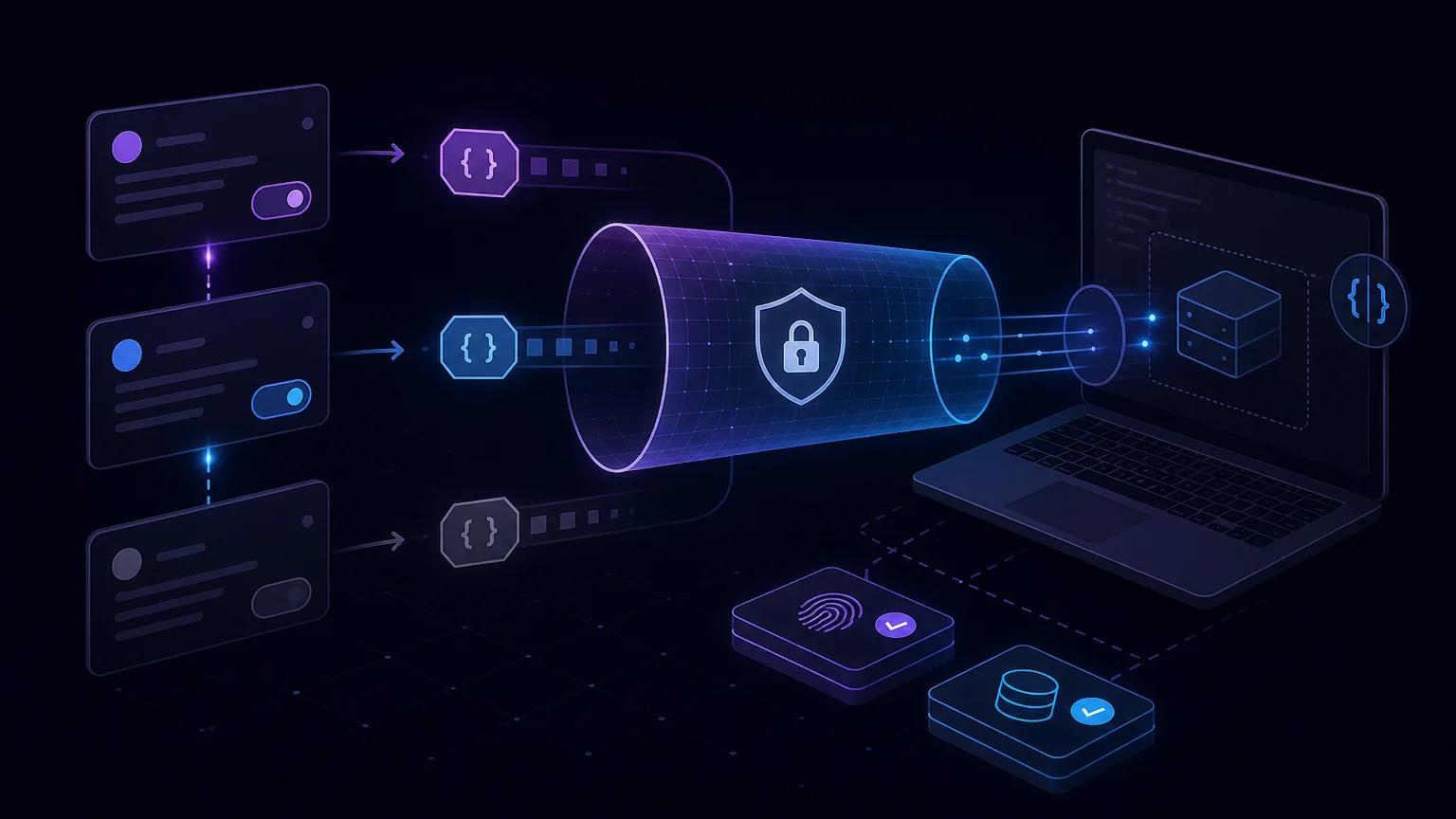
बाहरी service सीधे localhost तक नहीं पहुँच सकती। Tunnel public HTTPS URL देता है और असली headers तथा बिना बदला body लोकल server तक भेजता है। JSON parser से पहले raw body रखें। पहले signature और input जाँचें, delivery को durable storage में लिखें और उसके बाद business logic चलाएँ।
Linear webhook लोकल ऐप तक कैसे पहुँचता है
बाहरी service सीधे localhost तक नहीं पहुँच सकती। Tunnel public HTTPS URL देता है और असली headers तथा बिना बदला body लोकल server तक भेजता है। >आधिकारिक दस्तावेज़
1. raw body सुरक्षित रखने वाला endpoint बनाएँ
JSON parser से पहले raw body रखें। पहले signature और input जाँचें, delivery को durable storage में लिखें और उसके बाद business logic चलाएँ।
import express from "express";
import crypto from "node:crypto";

const app = express();
const secret = process.env.LINEAR_WEBHOOK_SECRET;

app.post(
  "/webhooks/linear",
  express.raw({ type: "application/json", limit: "1mb" }),
  async (req, res) => {
    const rawBody = req.body;
    const signature = req.get("linear-signature");

    if (!verifyLinearSignature(signature, rawBody, secret)) {
      return res.sendStatus(401);
    }

    let payload;
    try {
      payload = JSON.parse(rawBody.toString("utf8"));
    } catch {
      return res.sendStatus(400);
    }

    if (!Number.isFinite(payload.webhookTimestamp) ||
        Math.abs(Date.now() - payload.webhookTimestamp) > 60_000) {
      return res.sendStatus(401);
    }

    const deliveryId = req.get("linear-delivery") || payload.webhookId;
    if (!deliveryId) return res.sendStatus(400);

    try {
      await recordAndEnqueueOnce(deliveryId, payload);
      return res.sendStatus(200);
    } catch (error) {
      console.error("Linear webhook persistence failed", error);
      return res.sendStatus(500);
    }
  }
);

app.use(express.json());
app.listen(3000);
JSON parser से पहले raw body रखें। पहले signature और input जाँचें, delivery को durable storage में लिखें और उसके बाद business logic चलाएँ। >आधिकारिक दस्तावेज़
2. लोकल port को HTTPS पर उपलब्ध करें
Server शुरू करके दूसरे terminal में tunnel चालू रखें। बिना signature वाले request पर 401 मिलना सही routing और authentication rejection दिखाता है।
npx portpreview 3000https://example.portpreview.dev/webhooks/linearServer शुरू करके दूसरे terminal में tunnel चालू रखें। बिना signature वाले request पर 401 मिलना सही routing और authentication rejection दिखाता है।
3. Linear में webhook कॉन्फ़िगर करें
पूरा HTTPS URL जोड़ें, केवल ज़रूरी event चुनें और test environment में असली action चलाएँ। secret को repository से बाहर रखें।
पूरा HTTPS URL जोड़ें, केवल ज़रूरी event चुनें और test environment में असली action चलाएँ। secret को repository से बाहर रखें।
मूल bytes पर signature verify करें
Webhook secret और specification में दिए exact data से HMAC बनाएँ। constant-time comparison करें और secret को log न करें।
function verifyLinearSignature(signature, rawBody, secret) {
  if (!secret || typeof signature !== "string" ||
      !/^[0-9a-f]{64}$/i.test(signature)) {
    return false;
  }

  const expected = crypto
    .createHmac("sha256", secret)
    .update(rawBody)
    .digest();
  const actual = Buffer.from(signature, "hex");

  return actual.length === expected.length &&
    crypto.timingSafeEqual(actual, expected);
}
Webhook secret और specification में दिए exact data से HMAC बनाएँ। constant-time comparison करें और secret को log न करें। >व्यावहारिक गाइड
timestamp से replay रोकें
Signature सफल होने के बाद timestamp की freshness जाँचें और host clock sync रखें।
Signature सफल होने के बाद timestamp की freshness जाँचें और host clock sync रखें।
payload और delivery ID समझें
केवल ज्ञात type process करें, नए field स्वीकार करें और stable delivery ID से durable deduplication करें।
केवल ज्ञात type process करें, नए field स्वीकार करें और stable delivery ID से durable deduplication करें।
जल्दी जवाब दें और idempotent processing करें
200 भेजने से पहले delivery ID reserve करना और job बनाना एक transaction में करें। storage विफल हो तो retry के लिए error लौटाएँ।
200 भेजने से पहले delivery ID reserve करना और job बनाना एक transaction में करें। storage विफल हो तो retry के लिए error लौटाएँ। >व्यावहारिक गाइड
पूरा लोकल flow टेस्ट करें
- Server शुरू करके दूसरे terminal में tunnel चालू रखें। बिना signature वाले request पर 401 मिलना सही routing और authentication rejection दिखाता है।
- पूरा HTTPS URL जोड़ें, केवल ज़रूरी event चुनें और test environment में असली action चलाएँ। secret को repository से बाहर रखें।
- Webhook secret और specification में दिए exact data से HMAC बनाएँ। constant-time comparison करें और secret को log न करें।
- 200 भेजने से पहले delivery ID reserve करना और job बनाना एक transaction में करें। storage विफल हो तो retry के लिए error लौटाएँ।
Routing, headers, signature, response time और idempotency जाँचें। Synthetic request rejection path टेस्ट करने के लिए उपयोगी हैं।
Linear webhook की समस्याएँ हल करें
- Server शुरू करके दूसरे terminal में tunnel चालू रखें। बिना signature वाले request पर 401 मिलना सही routing और authentication rejection दिखाता है।
- Webhook secret और specification में दिए exact data से HMAC बनाएँ। constant-time comparison करें और secret को log न करें।
- Signature सफल होने के बाद timestamp की freshness जाँचें और host clock sync रखें।
- POST path, tunnel port, raw body, secret, system clock और database latency जाँचें।
लोकल और production सुरक्षा checklist
- HTTPS अनिवार्य करें, size और method सीमित करें, secrets व logs सुरक्षित रखें और पुराने test URL हटाएँ।
- JSON parser से पहले raw body रखें। पहले signature और input जाँचें, delivery को durable storage में लिखें और उसके बाद business logic चलाएँ।
- 200 भेजने से पहले delivery ID reserve करना और job बनाना एक transaction में करें। storage विफल हो तो retry के लिए error लौटाएँ।
HTTPS अनिवार्य करें, size और method सीमित करें, secrets व logs सुरक्षित रखें और पुराने test URL हटाएँ। >व्यावहारिक गाइड