
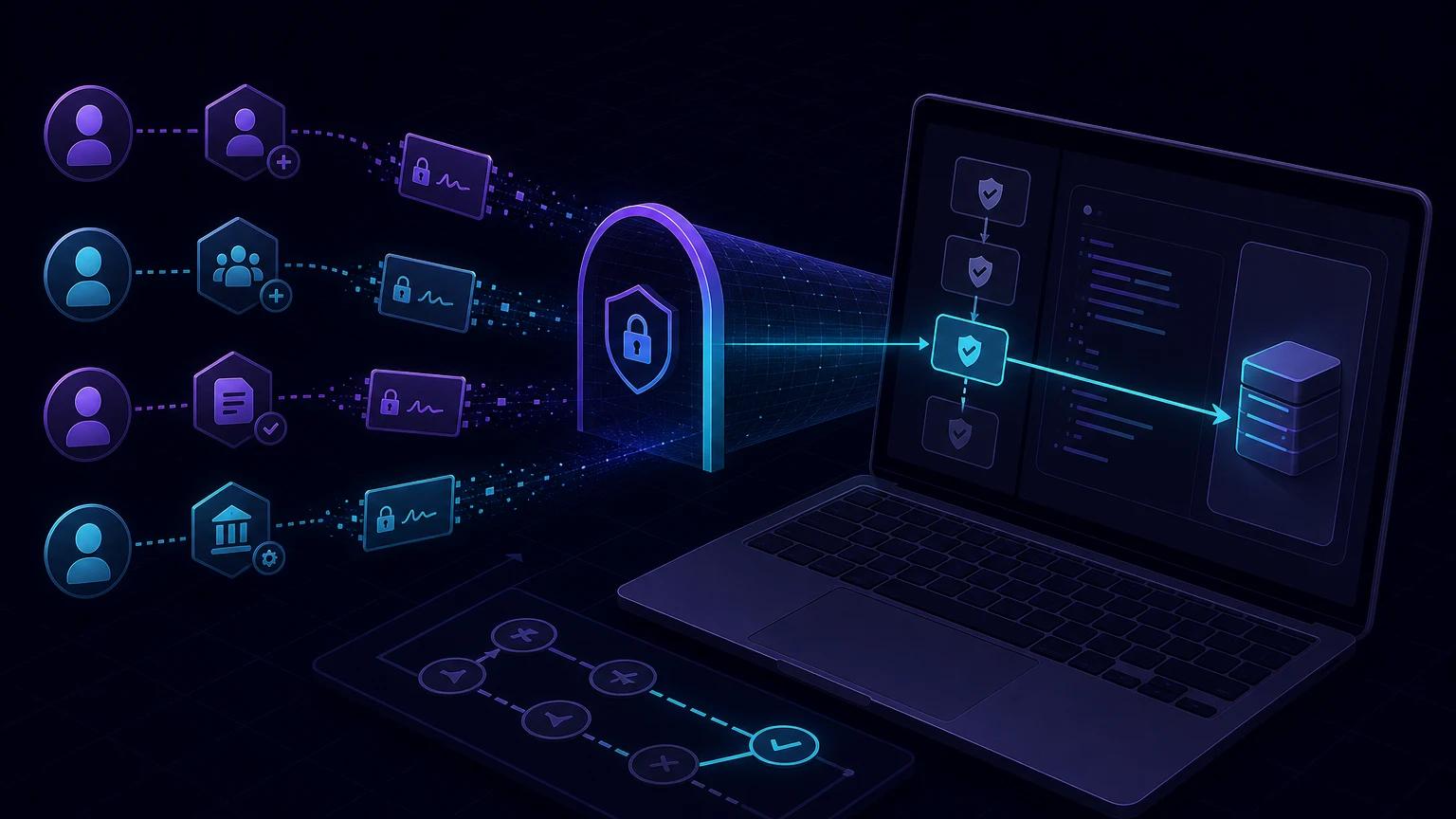
To test Clerk webhooks on localhost in Next.js, create an App Router POST route, expose port 3000 with an HTTPS tunnel, add the public URL as a Clerk webhook endpoint, and verify each request with verifyWebhook() before syncing user data. Keep the route public in Clerk middleware: the signing secret authenticates the machine-to-machine request, not a browser session.
When Clerk webhooks are the right sync tool
Clerk remains the identity source of truth. A webhook is useful when your application needs a local projection for joins, search, reporting, authorization metadata, or integrations that cannot query Clerk on demand. Typical events include user.created, user.updated, and user.deleted.
A webhook is asynchronous. The user may finish signup before your database projection exists, deliveries can be retried, and updates can arrive close together. Do not make the projection your only source for immediate post-signup identity checks. Design reads to tolerate a short delay or create the application row explicitly in the user flow and let webhooks reconcile it.
Create a public Next.js App Router endpoint
Add app/api/webhooks/clerk/route.ts. Clerk's current syncing guide uses verifyWebhook from @clerk/nextjs/webhooks. The helper consumes the Request, checks the Standard Webhooks signature, and returns typed event data.
// app/api/webhooks/clerk/route.ts
import { verifyWebhook } from '@clerk/nextjs/webhooks';
import { NextRequest } from 'next/server';

export const runtime = 'nodejs';

export async function POST(request: NextRequest) {
  try {
    const event = await verifyWebhook(request);

    await processOnce(event, async () => {
      switch (event.type) {
        case 'user.created':
        case 'user.updated':
          await upsertClerkUser(event.data);
          break;
        case 'user.deleted':
          if (event.data.id) await archiveClerkUser(event.data.id);
          break;
      }
    });

    return new Response('accepted', { status: 200 });
  } catch (error) {
    console.error('Clerk webhook rejected', safeError(error));
    return new Response('invalid webhook', { status: 400 });
  }
}
By default, the helper reads CLERK_WEBHOOK_SIGNING_SECRET. Clerk's verifyWebhook reference also permits an explicit signingSecret option, but environment configuration avoids embedding the secret in source.
Exclude the webhook route from session protection
Webhook requests do not carry your user's Clerk session. If middleware calls auth.protect() for every API path, Clerk's delivery receives a redirect, 401, or 404 before signature verification runs. Define protected application routes explicitly and leave /api/webhooks/clerk public.
// middleware.ts for Next.js 15 and earlier
import { clerkMiddleware, createRouteMatcher } from '@clerk/nextjs/server';

const isProtectedRoute = createRouteMatcher([
  '/dashboard(.*)',
  '/api/private(.*)',
]);

export default clerkMiddleware(async (auth, request) => {
  if (isProtectedRoute(request)) await auth.protect();
});

export const config = {
  matcher: [
    '/((?!_next|[^?]*\\.(?:html?|css|js(?!on)|jpe?g|webp|png|gif|svg|ttf|woff2?|ico)).*)',
    '/(api|trpc)(.*)',
  ],
};
Clerk's webhook debugging guide specifically calls out excluding webhook routes. In newer Next.js versions the convention may use proxy.ts; follow the Clerk version guide installed in your project. Public does not mean trusted: verifyWebhook() is mandatory before any action.
Connect Clerk to localhost
- Run
npm run devand verify the Next.js app is listening on port 3000. - Run
npx portpreview 3000. - In the Clerk Dashboard, create a webhook endpoint with
https://your-subdomain.portpreview.dev/api/webhooks/clerk. - Select only the required user, session, organization, or email events.
- Copy the endpoint Signing Secret to
CLERK_WEBHOOK_SIGNING_SECRETin your local environment and restart Next.js. - Open the endpoint's Testing tab, choose
user.created, and select Send Example. - Confirm the attempt says Succeeded, your local route returned 200, and the expected database row changed once.
The tunnel URL must stay active for subsequent examples. If it changes, update the endpoint. Do not reuse a production endpoint's signing secret for local tests; create environment-specific endpoints so rotation and audit history remain clear.
Model user synchronization carefully
Use the Clerk user ID as the external key
Store user_... in a unique clerk_user_id column. Upsert on that key so a retried user.created converges instead of failing. Keep your own internal primary key if other tables already reference it.
Choose the primary email deliberately
Clerk user data contains email address records and a primary email address ID. Resolve the primary record by ID instead of taking the first array element. Email can change; do not use it as the immutable foreign key.
Decide what deletion means
A user.deleted event may contain less data than create or update. Use the ID to anonymize, soft-delete, or start a retention workflow according to your policy. Blind cascading deletion can destroy billing or audit records that regulations require you to preserve.
Do not mirror everything
Persist only fields your application needs. Every copied profile field creates a privacy, retention, and staleness obligation. Fetch rarely used Clerk data on demand rather than duplicating an entire payload.
Make retries and ordering harmless
Clerk documents that a non-2xx response causes an event retry. Record the webhook message identifier from the signed webhook metadata or headers as a unique receipt before applying effects. If your SDK exposes Standard Webhooks IDs in headers, preserve them alongside the event type and timestamp. Return 200 for a completed duplicate.
For user updates, compare event timestamps or use last-write rules that prevent an older event from overwriting newer profile data. For high-value state, retrieve the current user from Clerk after verification and treat the webhook as a signal to reconcile. Keep the receipt insert, user update, and outbox job in one database transaction.
await db.transaction(async (tx) => {
  const inserted = await tx.webhookReceipt.insertIfAbsent(messageId);
  if (!inserted) return;

  await tx.user.upsert({
    clerkUserId: clerk.id,
    primaryEmail: findPrimaryEmail(clerk),
    sourceUpdatedAt: eventTimestamp,
  });
  await tx.outbox.enqueue('profile-synced', { clerkUserId: clerk.id });
});
This pattern prevents duplicate welcome emails and partial writes. See webhook retries and idempotency for schema options.
Troubleshoot local Clerk deliveries
404, redirect, or HTML instead of your handler
Verify the file path, POST export, and full tunnel URL. Check middleware and locale rewrites. A webhook should not pass through a login redirect or CSRF form check. Test the public URL with a basic POST; expect signature rejection from your route, not a framework 404.
verifyWebhook() always throws
Restart Next.js after setting the signing secret. Confirm the secret belongs to this endpoint and environment. Do not parse, clone incorrectly, or consume the Request body before passing it to the helper. Ensure the tunnel preserves the Standard Webhooks signature headers.
The Dashboard shows retries
Look at the exact attempt response. Return 2xx only after durable acceptance, but keep processing below the provider timeout. Database migrations, unique-constraint mistakes, and calling an unavailable service synchronously are common 500 causes.
Rows are duplicated or stale
Add unique constraints for the Clerk ID and webhook message ID. Make user.created and user.updated both safe upserts, then guard against older event timestamps. Replay the example after each fix to prove duplicate handling.
Security checklist
- Verify every request with Clerk's helper before logging payload fields or writing data.
- Keep the route unauthenticated by user-session middleware but protected by the webhook signature.
- Use separate endpoint secrets for local, preview, staging, and production environments.
- Deduplicate signed message IDs and constrain user IDs uniquely.
- Redact email, phone, tokens, secrets, and full payloads from normal logs.
- Optionally add Clerk/Svix documented IP controls as defense in depth, but never replace signature verification with IP filtering.
- Rate-limit invalid traffic, cap body size, and rotate the secret if it appears in logs or source control.
Clerk's webhooks overview explains signature verification and optional Svix IP restrictions. For Next.js raw-body fundamentals and route behavior, continue with the Next.js localhost webhook guide.